You shoot a good reel, clean audio, nice hook. Then you auto-caption it and get this back:
"Bhai ye pizza kaha se aaya" (you said paisa)
and half your Roman-script line shows up in Devanagari you never asked for.
If you make content in Hindi-English mix, this is a daily headache. It's not your mic. Most caption tools just aren't built for the way you actually talk. Here's why, and how to fix it.
The real reason it breaks
When you say "Yaar ye trick underrated hai, try karke dekho," you're switching between two languages inside one sentence. That's called code-switching, and Hinglish speakers do it constantly.
Most tools were built to expect one language at a time. So at every switch point, the tool guesses, and when it guesses wrong, you get "pizza" instead of "paisa." That's the root of almost every Hinglish caption problem. It shows up in three ways.
Problem 1: Wrong words at the switch points
The tool nails the pure-Hindi and pure-English bits but butchers the exact spot where you switch, and it's always the important word.
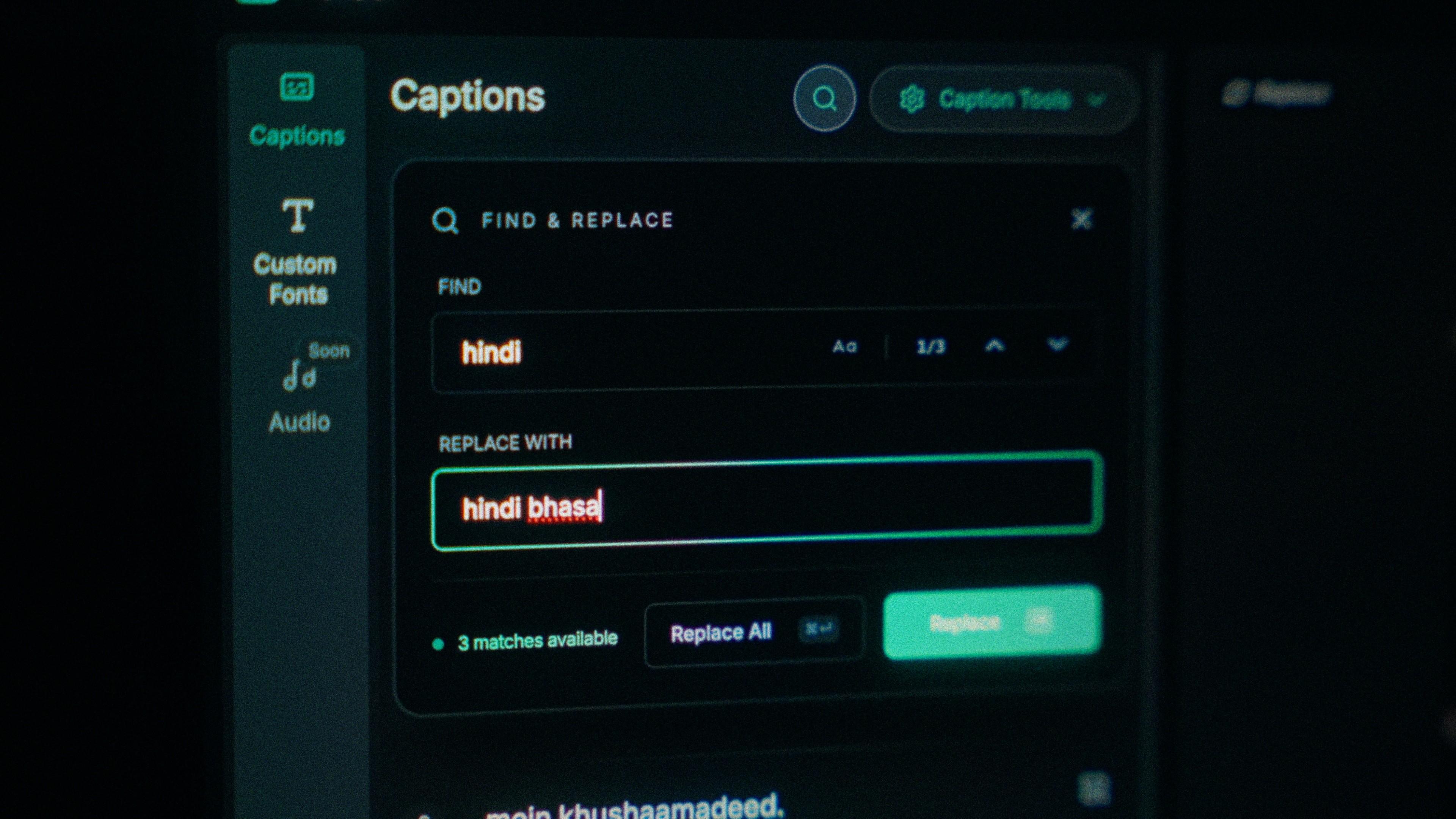
ix: Use a tool that transcribes Hindi-English in one pass instead of forcing a single language. Then edit at the word level, so you fix one wrong word in a tap instead of retyping the whole line.
Problem 2: The wrong script (Roman vs Devanagari)
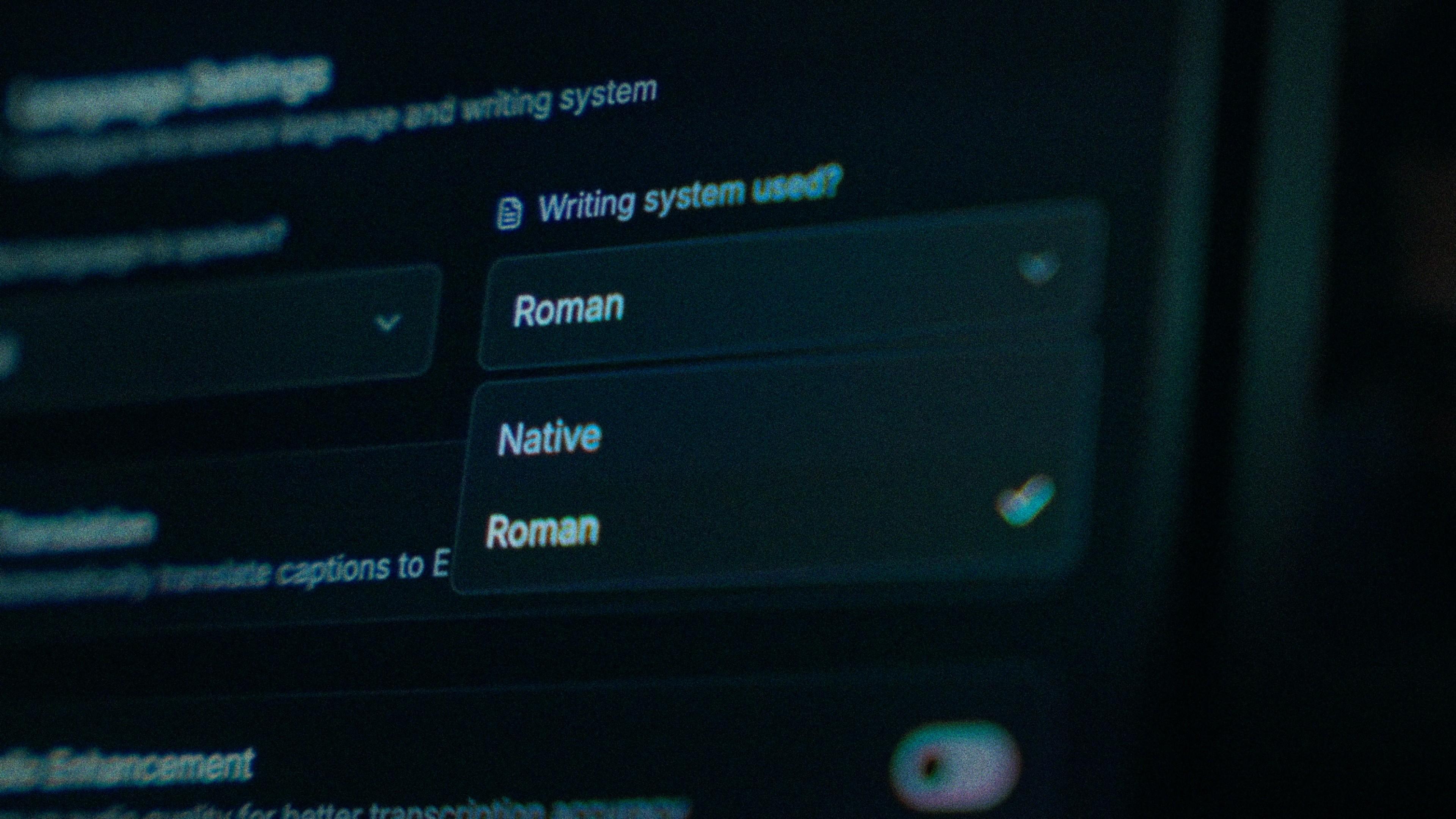
You wanted "kya scene hai" but got क्या सीन है, or a random mix of both. There's no single "correct" way to write Hindi: Roman is how people type on Instagram, Devanagari is how formal subtitles look. Both are fine. The mistake tools make is deciding for you.
Fix: Pick your script on purpose before exporting.
-
Roman Hinglish for reels and Shorts, matches how your audience types. Safe default.
-
Devanagari for formal content or native-script readers.
-
English translation when you want reach beyond Hindi speakers.
The point is you choose. Kalakar lets you set the script per project with timings staying intact.
Problem 3: Timing that fights how you speak
Captions dump a whole sentence at once, or flash by too fast, or highlight the wrong word late. A few rules that always hold:
-
Two lines max, ~25–30 characters each.
-
Break at natural pauses, where you'd take a breath.
-
At least ~1.5 seconds on screen per caption.
-
Word-level highlighting to keep sound-off viewers watching.
Quick checklist before you export
-
Did the tool transcribe your mix in one pass, or force one language?
-
Can you fix a single wrong word without retyping the line?
-
Did you choose the script (Roman / Devanagari / English)?
-
Two lines, ~25–30 characters, breaking at natural pauses?
-
Previewed on an actual phone before posting?
Where Kalakar fits
We built Kalakar because every other tool was made English-first, everything else an afterthought. As desi editors, we were losing the most time cleaning up exactly this.
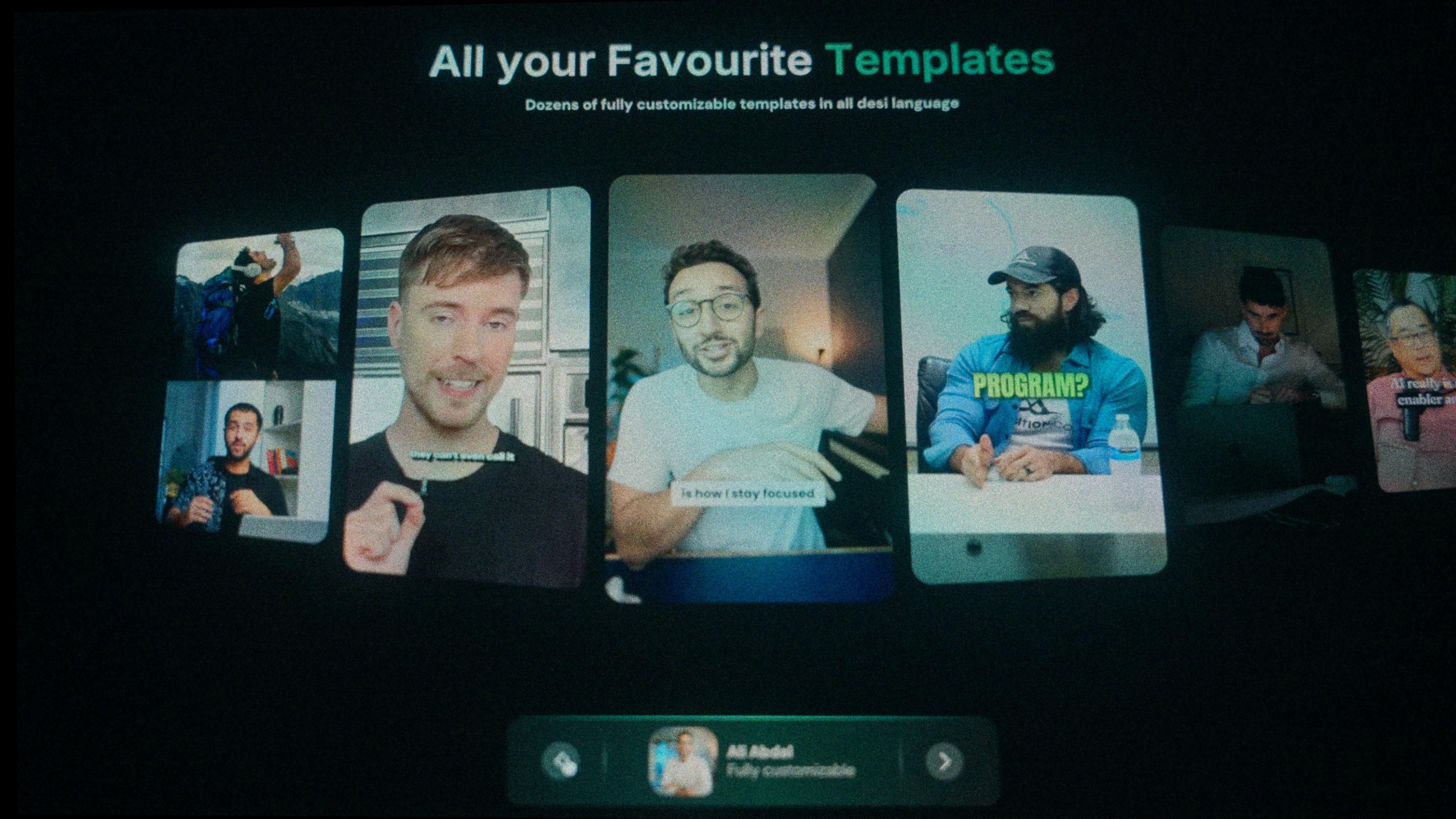
Kalakar transcribes Hindi, Urdu, Bengali, Tamil, Pashto and other South Asian languages the way they're actually spoken, mixed. You pick your script, edit every word, use ready-made styles, and it plugs into Premiere and DaVinci. Free to try, upload one clip and compare it against whatever you use now.
FAQ
What are Hinglish captions? Subtitles for videos where the speaker mixes Hindi and English in one sentence, like "Yeh tip try karo aur batao kaisa laga." Good ones transcribe both languages accurately and let you choose Roman or Devanagari script.
Why do auto-caption tools get Hinglish wrong? Most expect one language per clip. When your audio switches between Hindi and English, they guess at each switch and often pick the wrong word. Tools built for code-mixed South Asian speech avoid this.
Should I use Roman or Devanagari? Roman for casual reels and Shorts; Devanagari for formal content or native-script audiences. The right tool lets you pick.
Can I add Hinglish captions to Reels and Shorts? Yes. For Reels and TikTok, export a burned-in MP4. For YouTube Shorts, upload an SRT in YouTube Studio or burn them in.
Written by the Kalakar team, desi editors building the captioning tool we always wanted. Try Kalakar free →