Most captioning tools were built for English-speaking creators. They're great, until you feed them Urdu, Hindi, Punjabi or Bengali. Then the accuracy drops, the right-to-left text breaks, and you're back to cleaning up every line by hand.
If you make content in a South Asian language, you need a tool that actually understands your language. Here are the best options in 2026, what each one is good at, and where each one falls short.
Quick answer: which one should you use?
If you create in a desi language, Kalakar is the tool built specifically for you, 20+ South Asian languages, up to 97% accuracy, and popular caption styles ready to go. If you mostly work in English and only occasionally need another language, Descript or CapCut can do the job with more manual cleanup.
Below is the full breakdown.
1. Kalakar, best for desi-language creators
Best for: Creators and editors making content in Urdu, Hindi, Punjabi, Bengali, Tamil, Telugu and other South Asian languages.
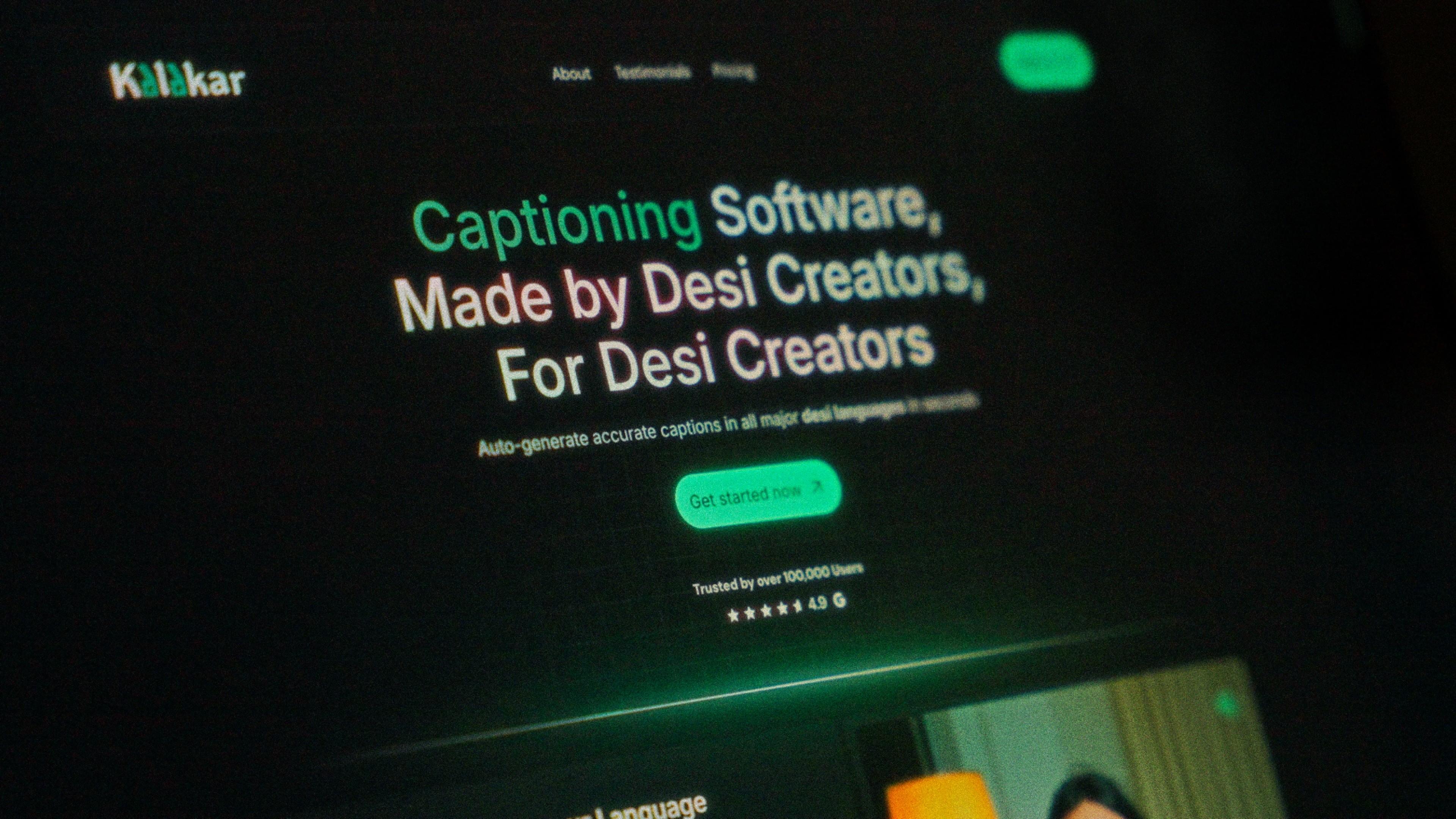
Kalakar is captioning software built by desi creators, for desi creators. That focus is the whole point, instead of being an English tool with other languages tacked on, South Asian languages are what it's designed around.
What stands out:
-
20+ desi languages, including Hindi, Urdu, Punjabi, Bengali, Tamil, Telugu, Malayalam, Gujarati, Marathi, Kannada, Sindhi, Pashto and Assamese.
-
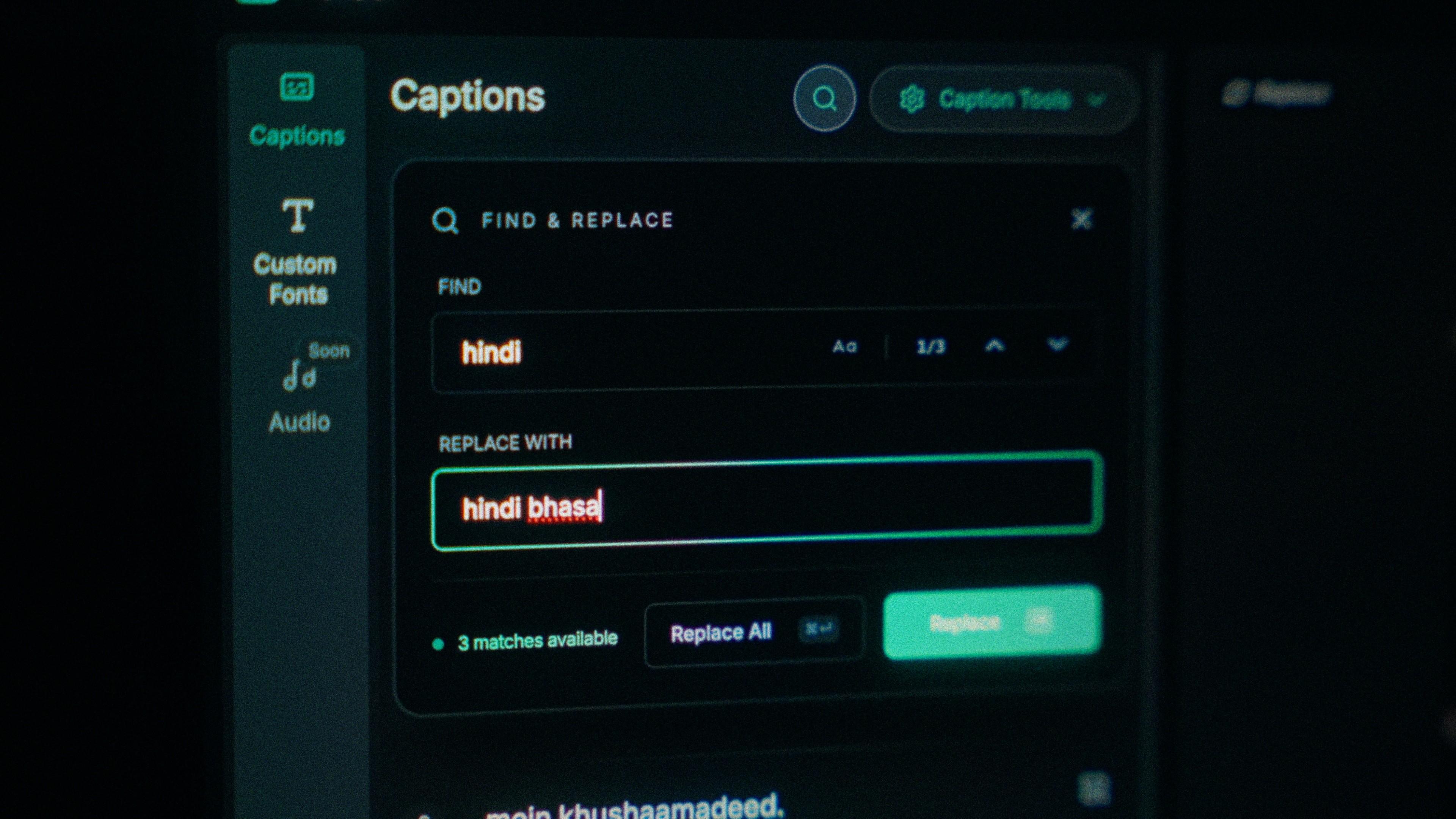
Up to 97% accuracy in the major desi languages, including right-to-left ones like Urdu formatted correctly.
-
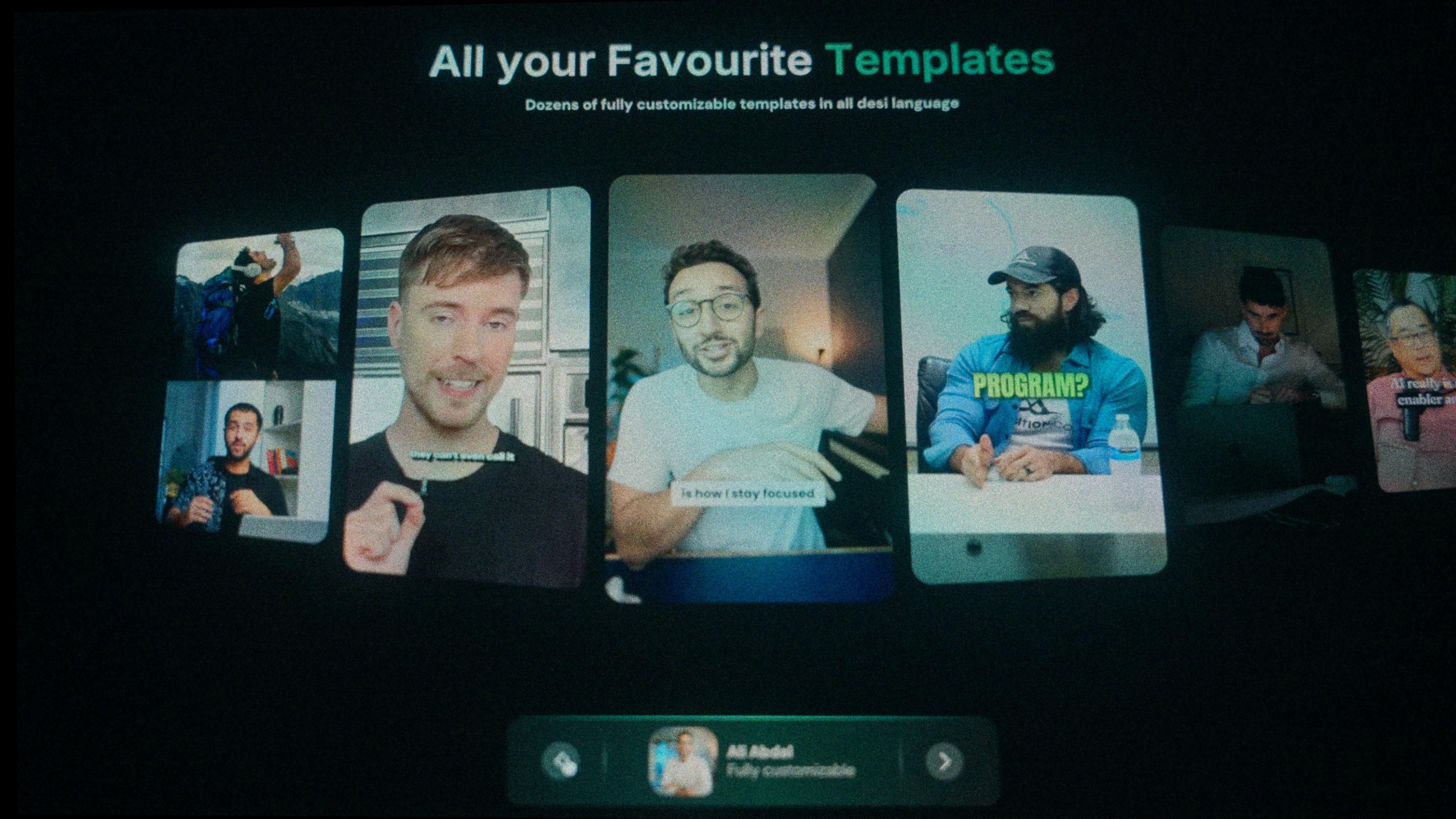
Ready-made caption templates in the popular creator styles, fully customisable, one click to apply.
-
Built-in audio enhancement that cleans up traffic noise, crowds and hiss so the captions come out more accurate.
-
Premiere Pro and DaVinci Resolve plugins (works in the free version of Resolve too), plus SRT and alpha-channel export for pro editors.
-
Pricing starts free, with paid plans from $6.99/month, cheaper than most Western tools.
Where it's limited: It's focused on South Asian languages, so if your main work is English content it may be more specialised than you need.
Bottom line: If you post regularly in a desi language, this is the tool that saves you the most time.
2. Descript, best all-in-one for English creators
Best for: English-language podcasters and video creators who want editing, transcription and captions in one place.
Descript is a genuinely excellent all-in-one editor. You edit video by editing text, the transcription is fast, and it's packed with AI tools.
What stands out:
-
Edit video like a text document, delete a word, delete the footage.
-
Strong English transcription and captions.
-
Good for long-form: podcasts, YouTube videos, screen recordings.
Where it's limited: It's built around English. Support for desi languages is far weaker, so accuracy and formatting in Urdu or Hindi won't match a tool built for those languages.
Bottom line: A great pick if you work in English. Not the one for desi-language captions.
3. CapCut, best free option (if you work in English)
Best for: Beginners and casual creators editing short videos, mainly in English.
CapCut is free, everyone has it, and its auto-captions are good for English. That's why it's the default for so many people.
What stands out:
-
Free and easy to start.
-
Solid auto-captions in English.
-
Loads of editing features in one app.
Where it's limited: For desi languages, the cracks show. Urdu word separation breaks, right-to-left editing is awkward, and accuracy drops enough that many creators end up exporting to a second app just to get the captions right. Some of its captioning features have also moved behind a paywall.
Bottom line: Fine for casual English editing. A frustrating choice for serious desi-language captioning.
4. Captions.ai, best for AI-styled short-form
Best for: Short-form creators who want trendy, animated caption styles.
Captions.ai focuses on eye-catching animated captions for Reels, Shorts and TikTok, with a growing set of language options.
What stands out:
-
Punchy, animated caption styles built for short-form.
-
Extra AI features like eye contact correction.
Where it's limited: It's a broad, English-first tool. Desi-language accuracy and formatting aren't its focus, so you may still spend time correcting captions.
Bottom line: Good for flashy short-form styling. Less reliable when your language is the priority.
How to choose the right one
Ask yourself two quick questions:
1. What language do you create in most? If it's a desi language, use a tool built for desi languages. A general English tool will always cost you time in corrections. If it's English, you have more options.
2. Do you edit elsewhere? If you finish your videos in Premiere Pro or DaVinci Resolve, make sure your captioning tool can export an SRT or alpha-channel file, or has a plugin. Kalakar covers both.