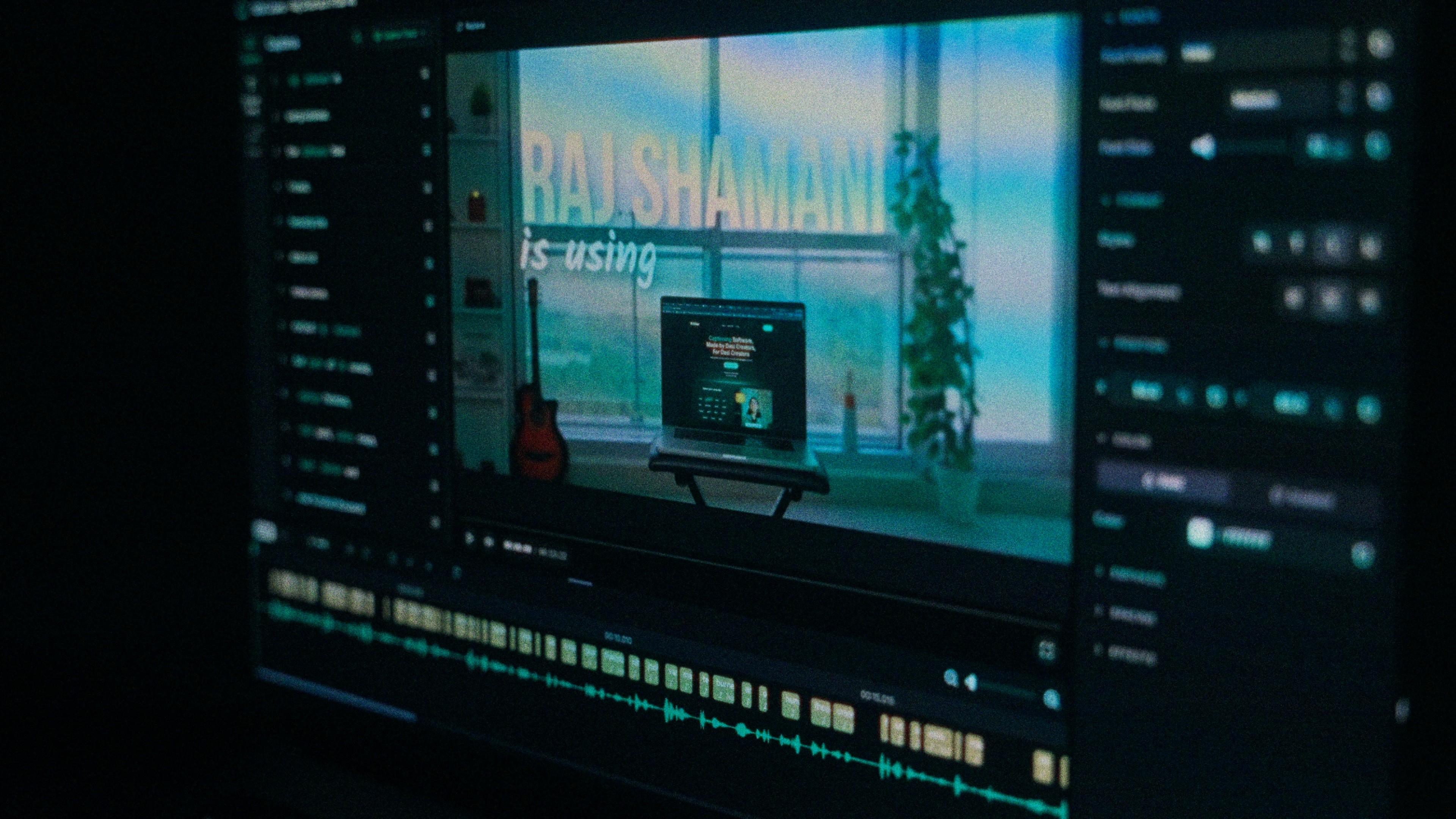
You don't need to caption a video to use this feature. If all you need is clean audio, Kalakar can do that on its own.
How to Clean Your Audio in Kalakar
-
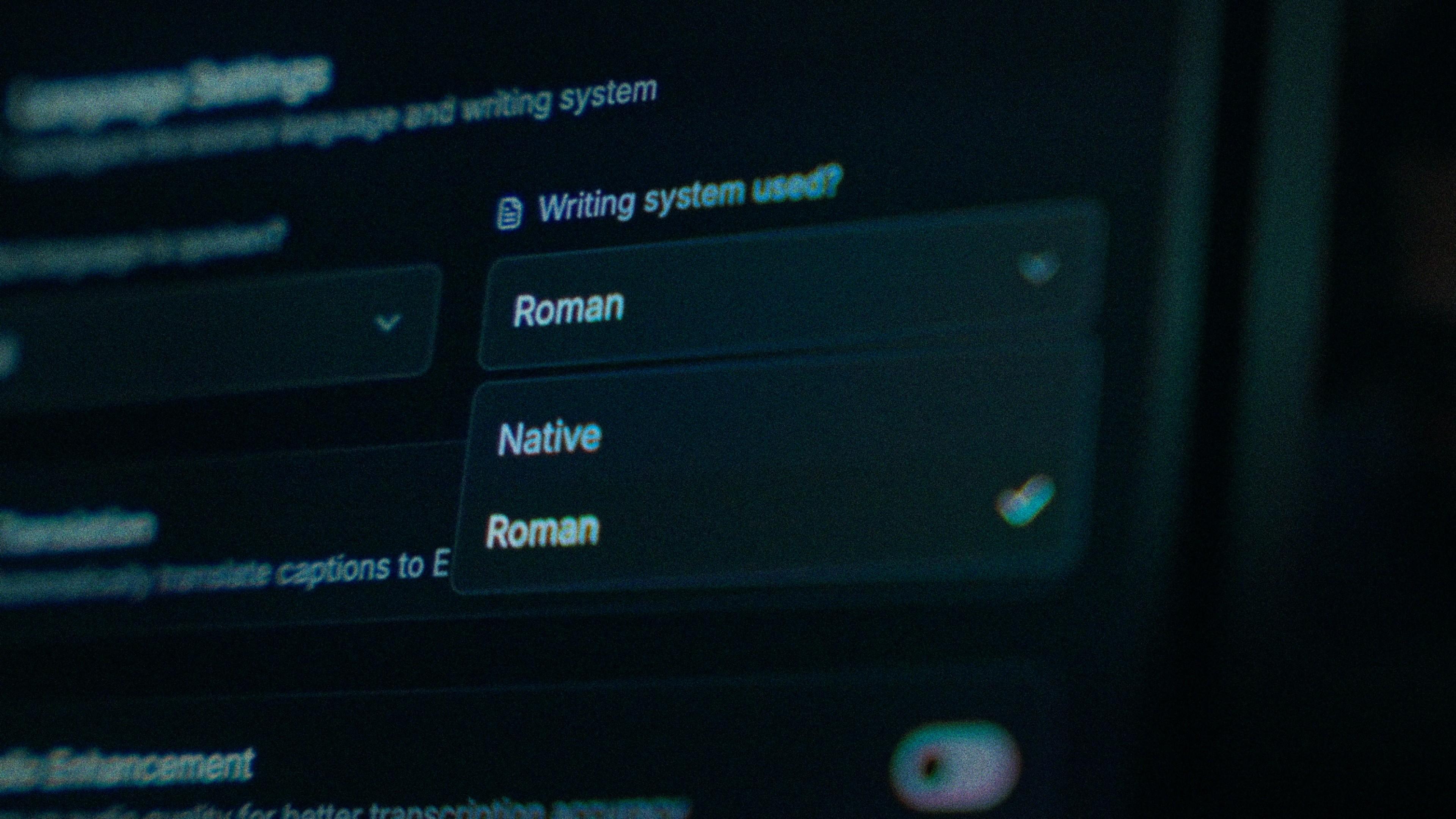
Upload your video and select your caption language as usual.
-
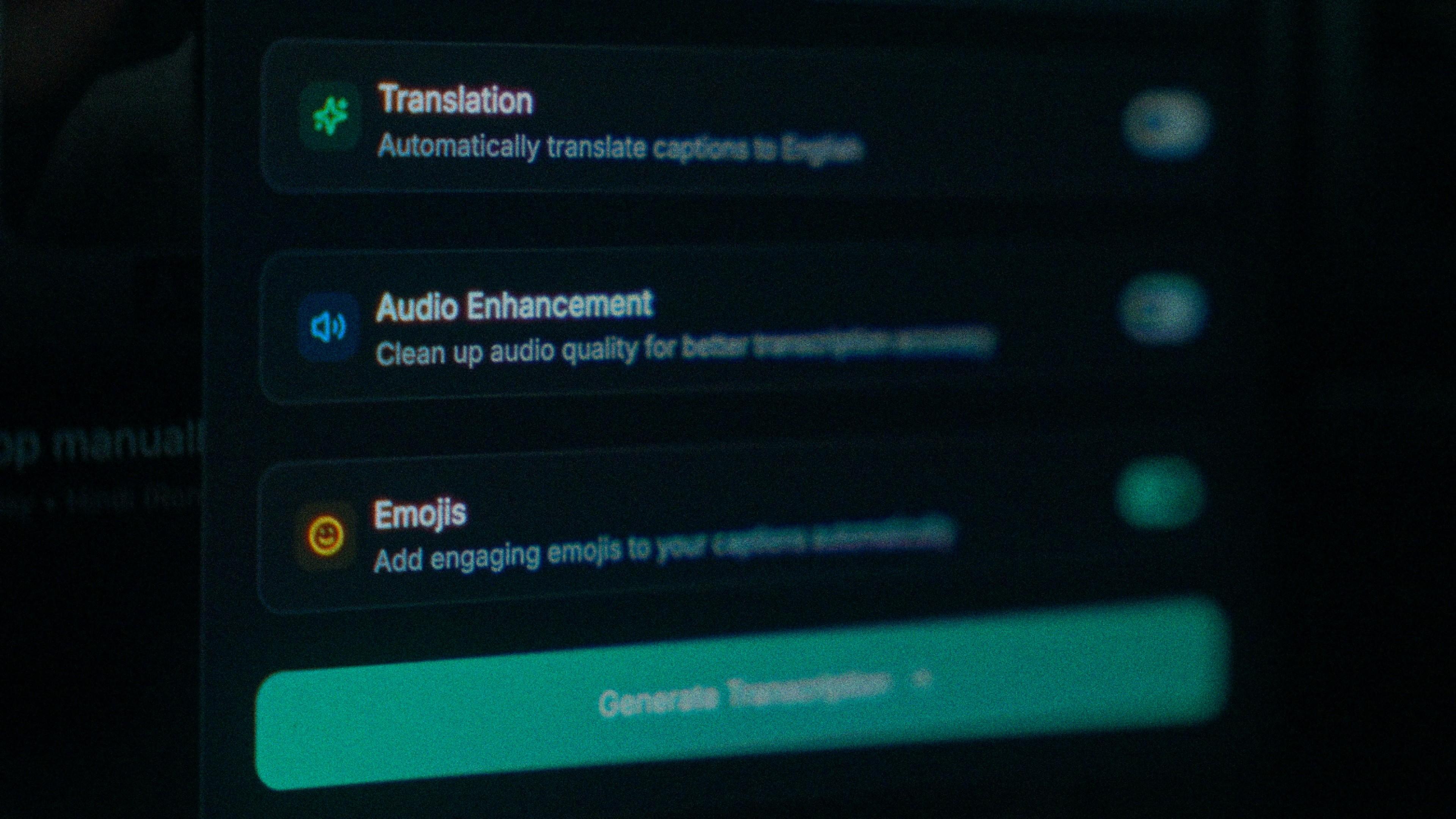
Look for the Clean Audio option and click it.
-
Click Generate. Kalakar processes your captions and audio cleanup together.
-
Once processing is done, your video will play with the enhanced, noise-free audio automatically.
Cleaning Audio on a Video You've Already Captioned
Forgot to turn on audio cleaning when you first uploaded? No problem, you don't have to start over.
-
Open your existing project.
-
Go to AI Audio.
-
Click Clean Audio.
Kalakar will clean the audio from within the project itself, without requiring a fresh upload.
Compare Before and After
Kalakar also gives you a way to hear the difference directly. Inside the AI Audio section, there's a toggle button that switches between your original raw audio and the enhanced version in real time, so you can confirm exactly how much cleaner your audio sounds before finalizing your export.
Plan Availability
AI audio cleaning is a paid-plan feature. Free-plan users get two videos with AI audio cleaning included, since the process requires significant computing power on Kalakar's end. For unlimited audio cleaning across all your projects, you'll need a paid plan.
FAQ
Can I clean audio without adding captions? Yes. Audio cleaning works independently of captioning, you can use it purely to fix a video's sound quality.
What kind of background noise does it remove? It's built to handle common issues like rain, room echo, white noise, and ambient traffic sound.
Is AI audio cleaning free? Free-plan users get two videos with AI audio cleaning. Unlimited use requires a paid plan.