Arabic Captioning,
Made by Desi Creators,
For Desi Creators

Accurate Arabic captions, native script or Roman, in seconds

Accurate Arabic captions, native script or Roman, in seconds

Trusted by over 200,000+ Users

4.9

Select your Language

Select your Language

Select your Language

Select your Language

Select your Language

Say it in Arabic. Read it back, word for word.

شارك هذا الفيديو

Share this video

Gulf, Levantine or Egyptian. Your dialect, not the news.

كيف حالكم يا جماعةyou said شلونكم

Arabic is written in one form and spoken in many. A model trained on news and print hears your Gulf, Levantine or Egyptian and returns Modern Standard Arabic, because that's all it has ever read, and on a comedy sketch the register is the joke. Kalakar transcribes what you said, and the English brand name, the Urdu aside and the Malayalam word for the dish ride along as spoken.
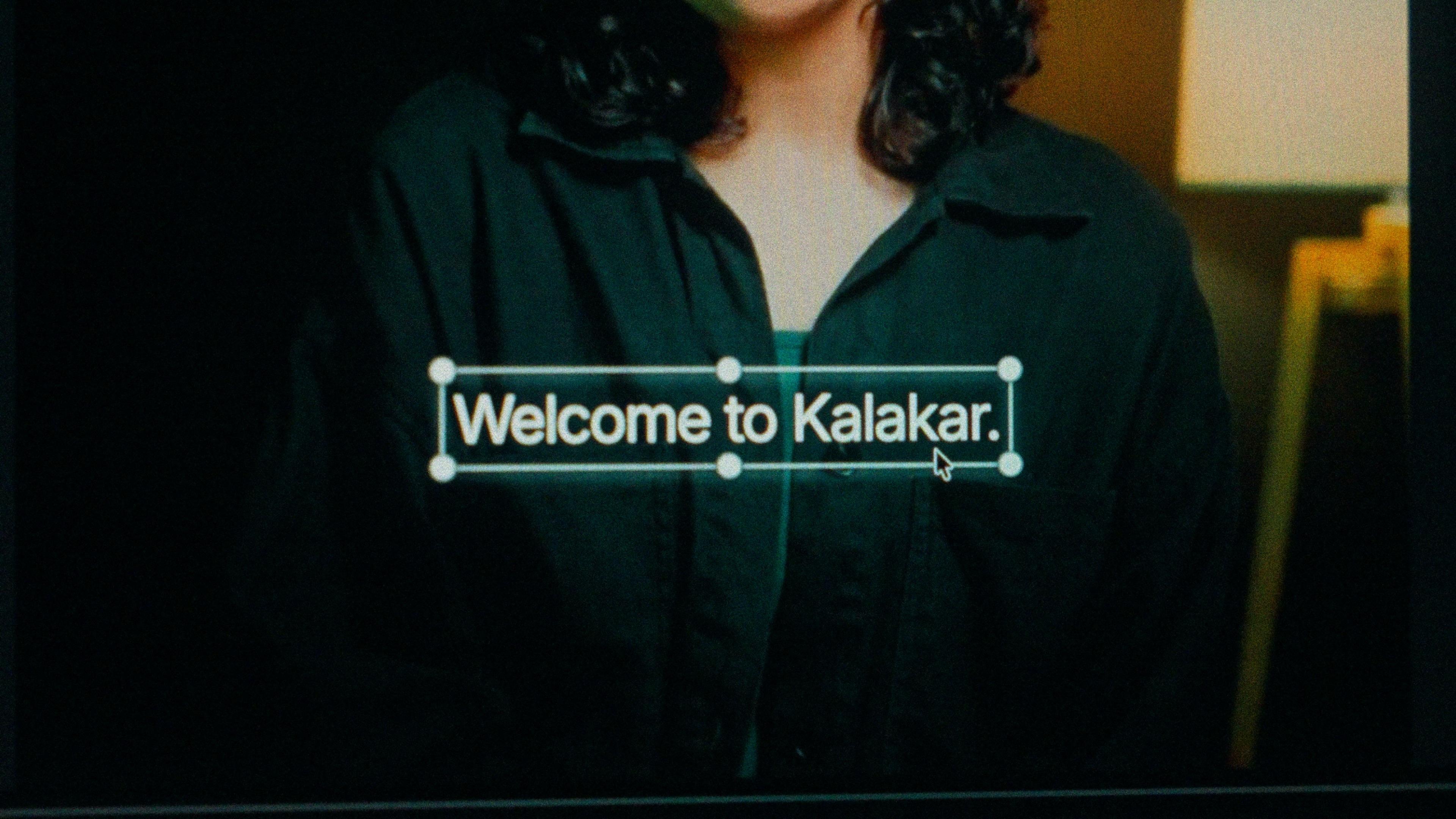
A finished caption selected on the video canvas in Kalakar

Arabic script or Arabizi, from one transcription.

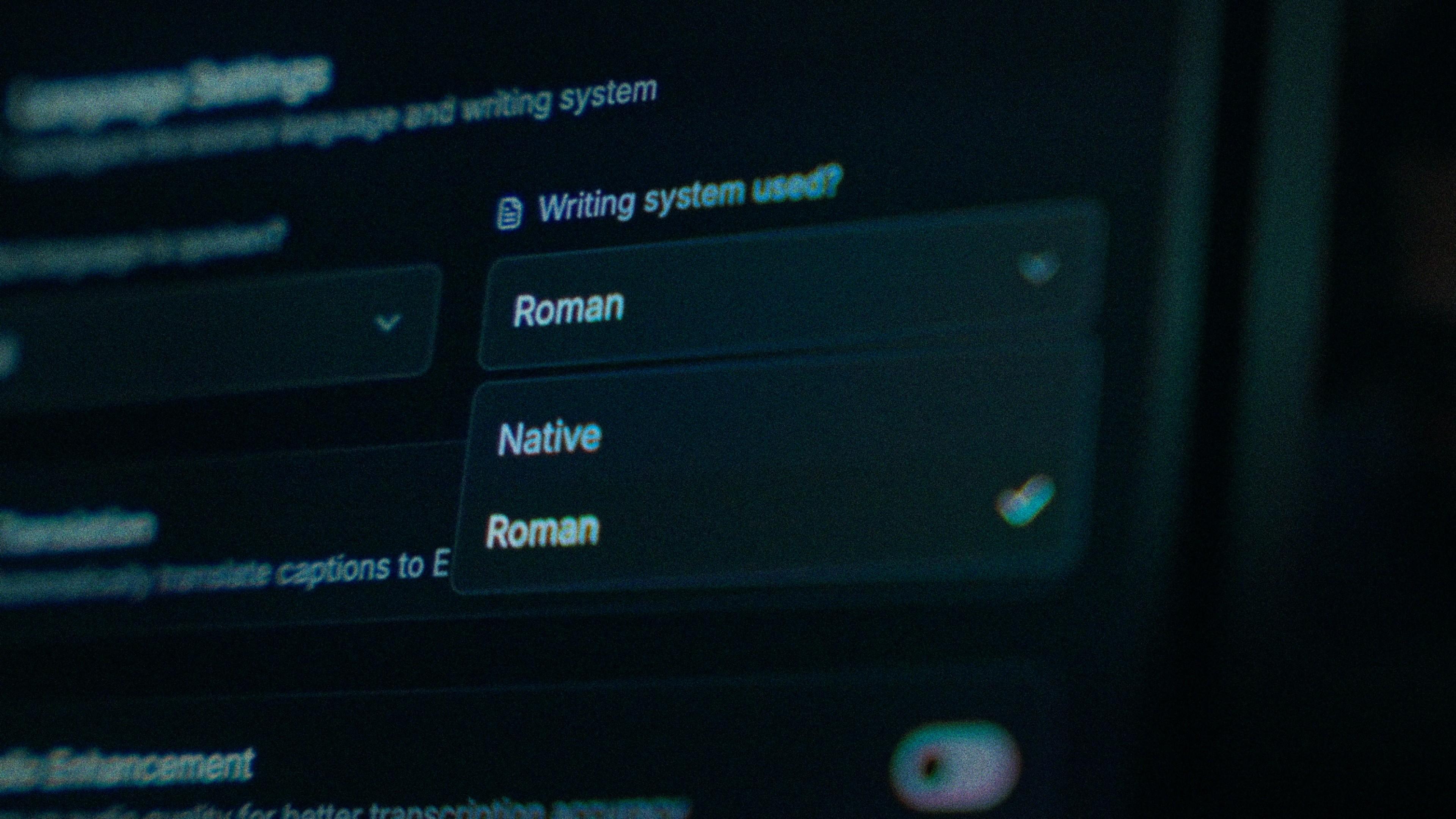
Arabic script for business, food, religious and educational content, and for clips shared across dialect regions. Roman for fast, casual clips aimed at younger Gulf and Levantine viewers and mixed desi and Arab friend groups who type in English letters. Native output starts on the right and keeps its joins at the wrap. One honest note: Roman here is a plain transliteration without Arabizi's numerals, so add those at the word level. Timings are identical in both.

The Writing System setting, offering Native and Roman

Promoted to newsreader? Demote one word.

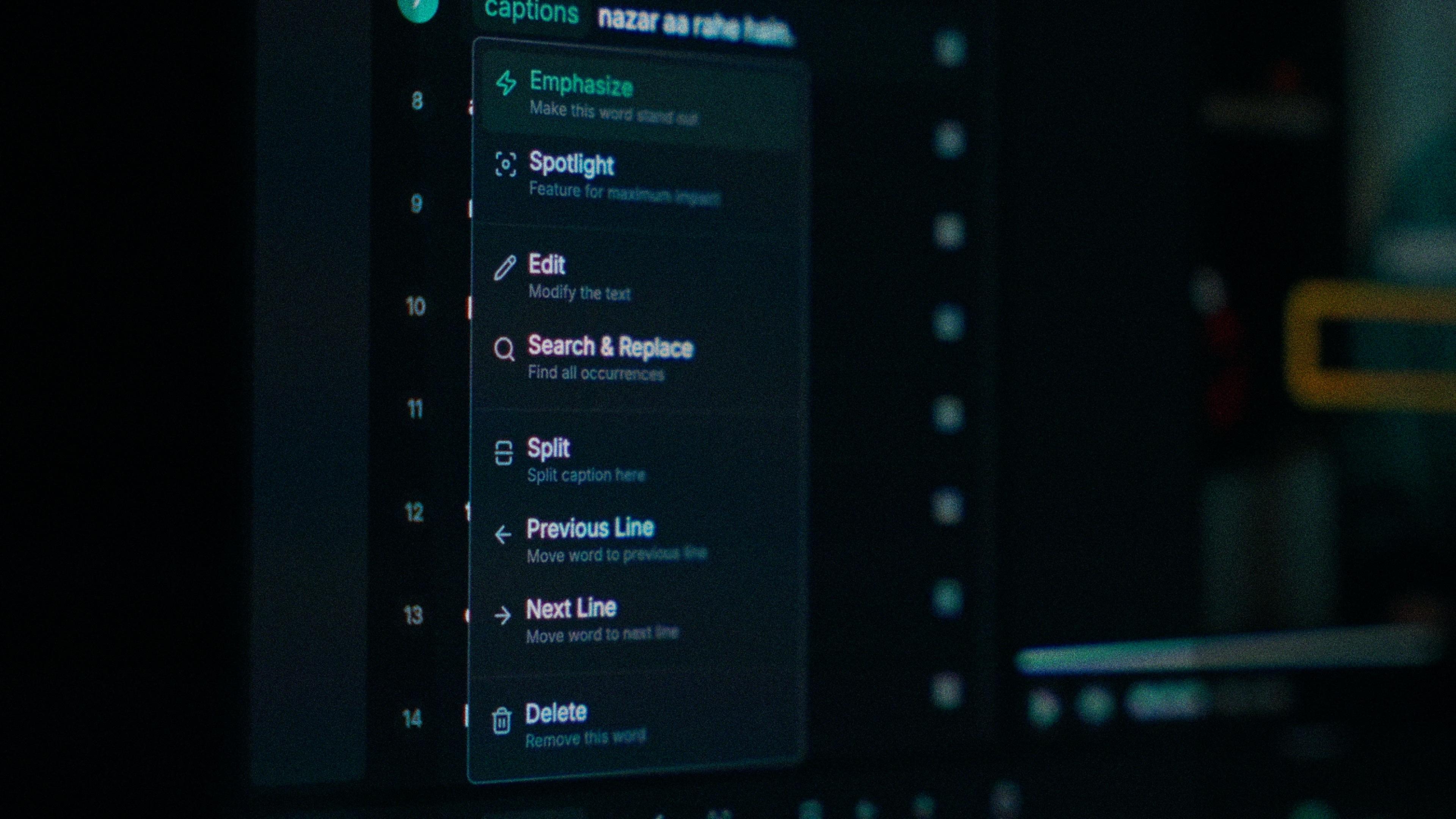
The Arabic slip is a standard-form word where you said a dialect one, or an Arabic sound-alike where you said an English or Urdu word. Each word in Kalakar has its own timing, so you tap the wrong one, type what you said, and nothing else on the line moves. Find and replace fixes a name you say across the whole sketch in one go, and a wrapped line stays joined when you do.

One word of a caption with its menu open: Emphasize, Spotlight, Edit, Search and Replace, Split, move to the previous or next line, Delete

Two friends, one phone. Clean it before you generate.

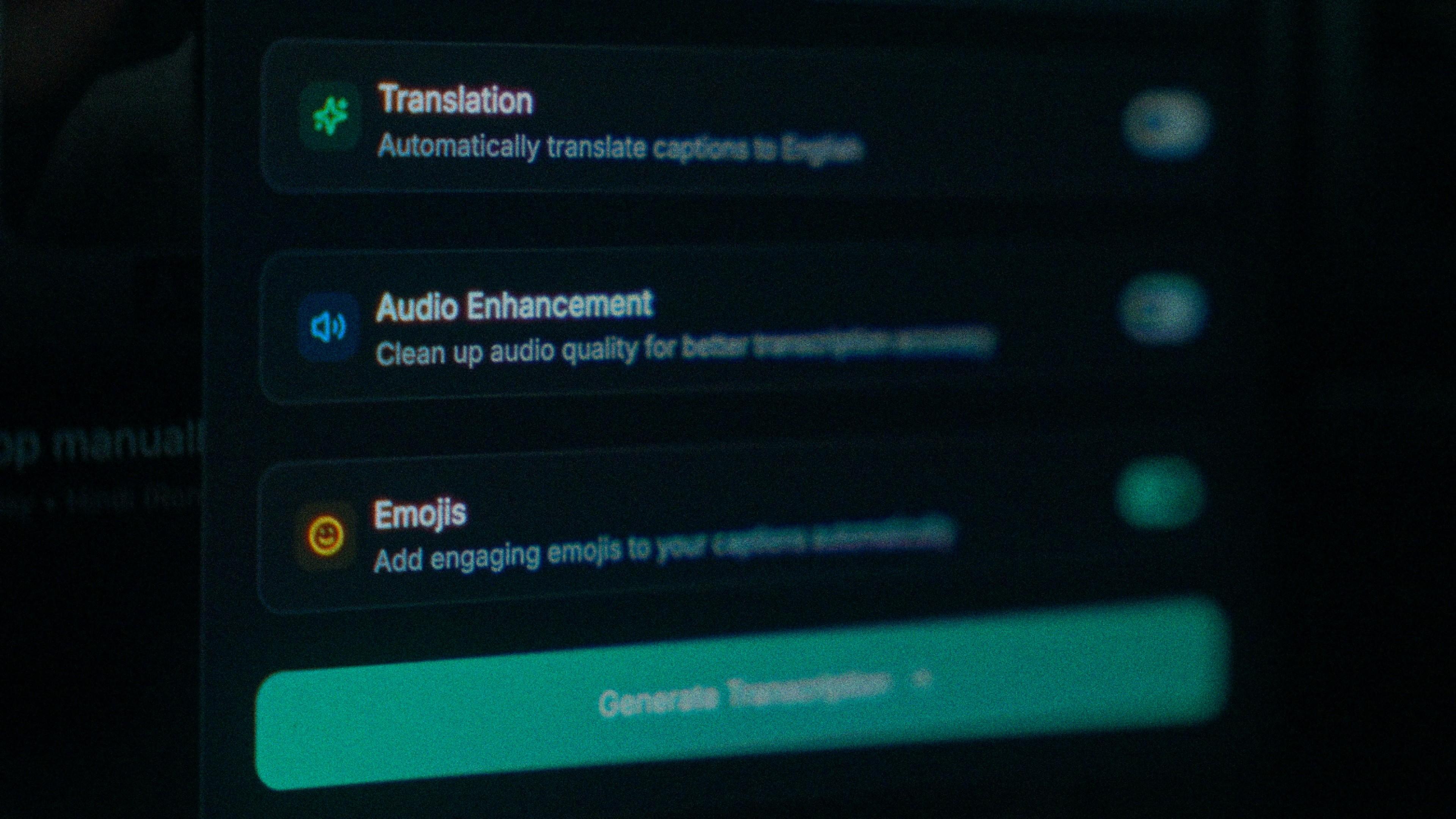
A Riyadh sketch or a Dubai food reel gets shot on one phone with two people on it, plus whatever the street or the restaurant adds. That noise costs accuracy before transcription starts. Turn on audio enhancement and the pass runs on cleaned audio. On clear audio Kalakar transcribes at up to 97%, and cleaning a phone recording is the cheapest way to move a noisy clip closer to that.

The Translation, Audio Enhancement and Emojis switches

How to caption Arabic in Kalakar

Pick Arabic, choose script or Roman, generate, then look at the first wrapped line of the export, because that's where any problem lives. Arabic shares the same templates and export path as Urdu, Malayalam and English, so a channel that posts in all four exports every clip the same way, as MP4, SRT, VTT or alpha.

  1. Upload your video. Drag an MP4 or MOV into app.kalakar.io. Vertical 9:16 for Reels, Shorts and TikTok, or 16:9 for YouTube; both are supported.
  2. Select Arabic as the spoken language. Pick Arabic from the language menu. Turn on audio enhancement first if the recording is noisy.
  3. Choose Roman or Native script. Roman gives you Arabic in English letters. Native gives you Arabic script. Timings are the same either way.
  4. Edit, style and export. Fix any word in a tap, apply a caption template, then export a burned-in MP4, an SRT or VTT file, or an alpha-channel render for Premiere Pro or DaVinci Resolve.
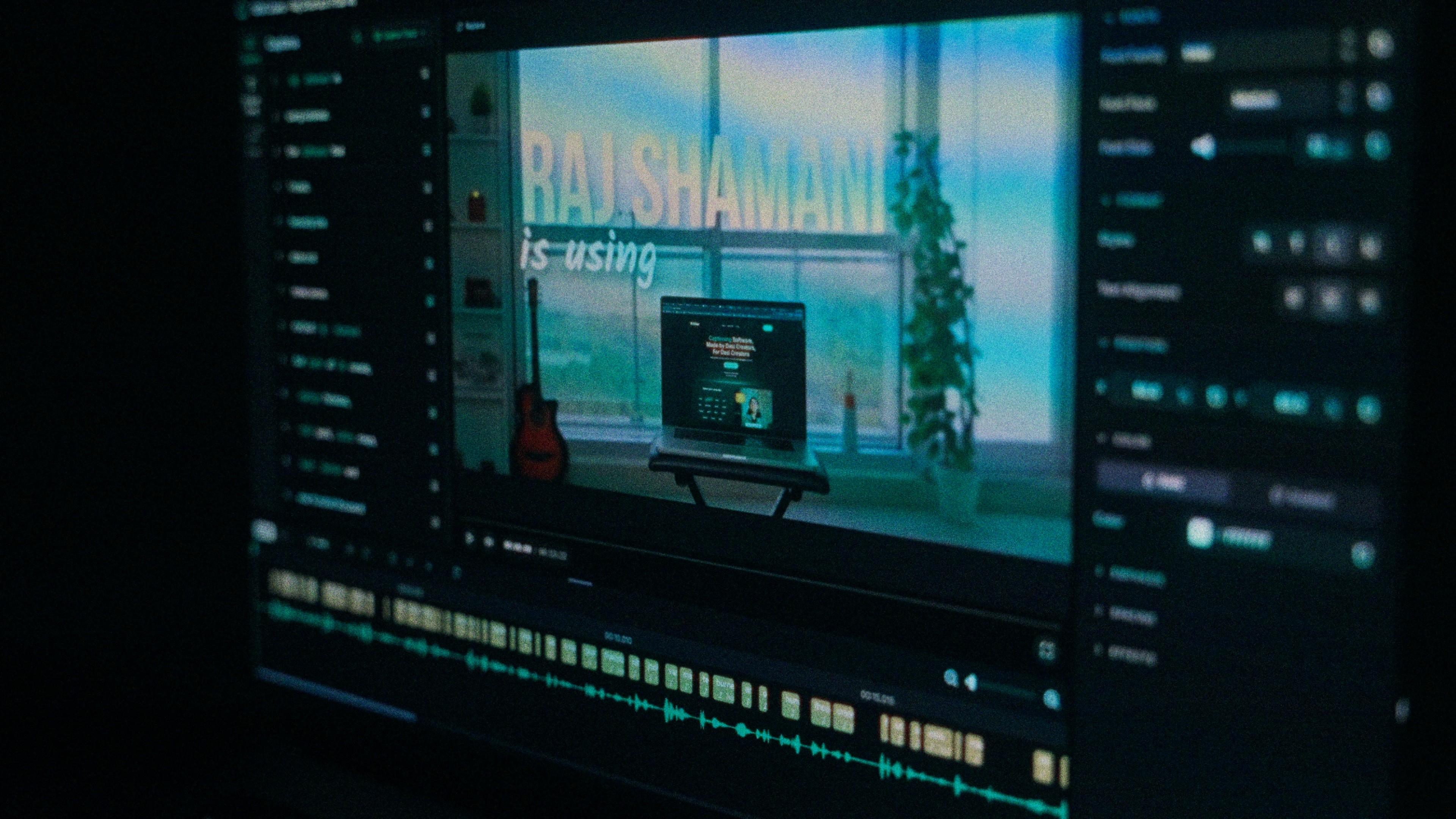
A Kalakar caption render on a Premiere Pro timeline

Arabic captions, answered.

See it done once, then do it yourself.

The team's own walkthrough: upload, language, script, templates and export, in one sitting.

Then upload one Arabic clip and judge the transcript yourself. Free plan, every language, no watermark on the basic templates.

Also captionedUrduMalayalamPersianEnglishAll 21