English Captioning,
Made by Desi Creators,
For Desi Creators

Accurate English captions, tuned for desi accents, in seconds

Accurate English captions, tuned for desi accents, in seconds

Trusted by over 200,000+ Users

4.9

Select your Language

Select your Language

Select your Language

Select your Language

Select your Language

Say it in English. Read it back, word for word.

Share this video with a friend who needs it

Lajpat Nagar comes back as Lajpat Nagar

Meet me at lodge pat nagger marketyou said Lajpat Nagar

Most caption tools learned English from American and British speech, so the retroflex consonants and syllable-timed rhythm of Mumbai or Lahore English read as noise, and the model guesses more to compensate. Desi names, foods, places and honorifics aren't in its dictionary at all, which is how a neighbourhood becomes "lodge pat nagger". Kalakar's English setting was built with those words in it and is tuned for the way English is spoken across South Asia.
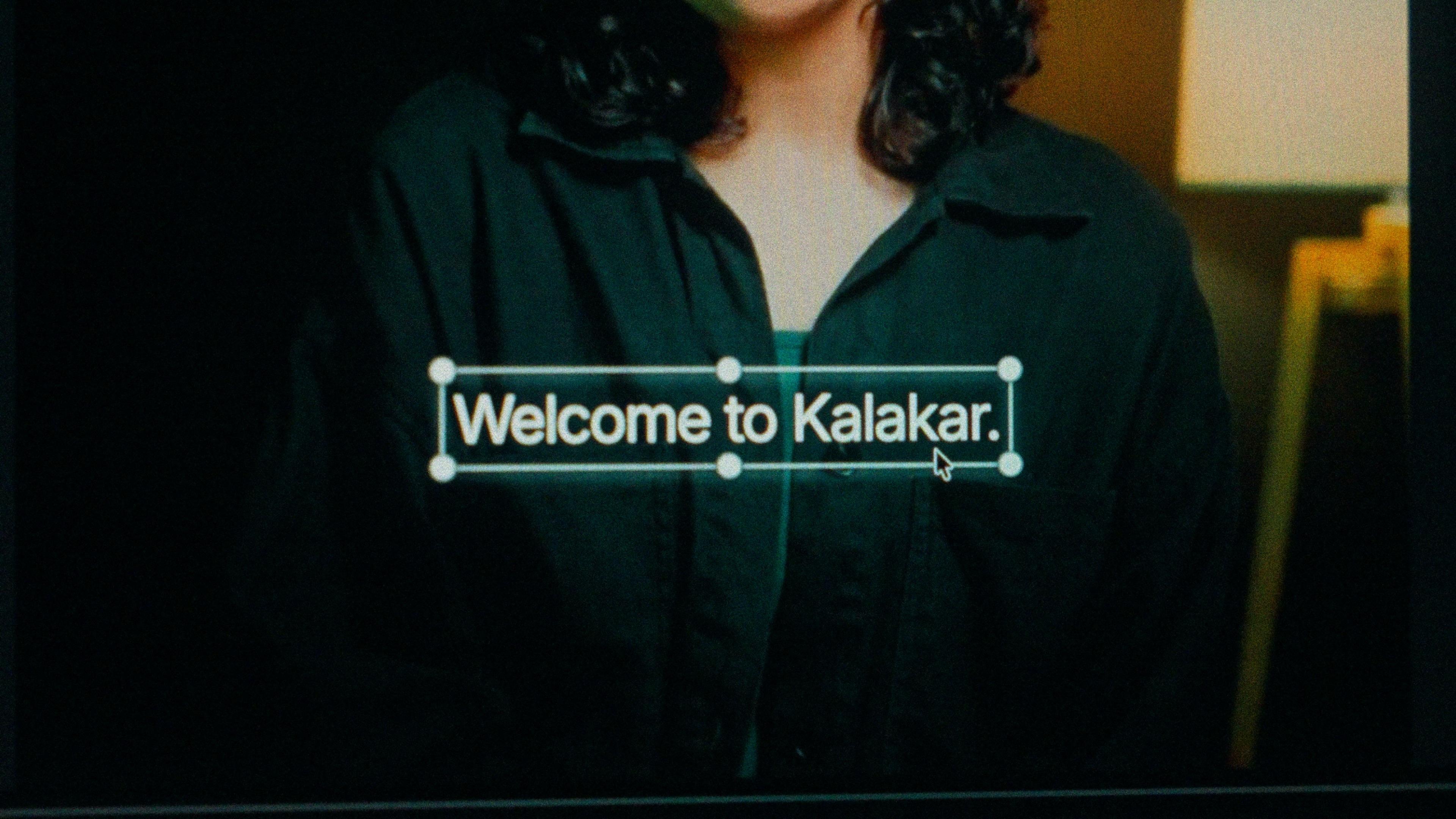
A finished caption selected on the video canvas in Kalakar

One setting. English, whatever the accent.

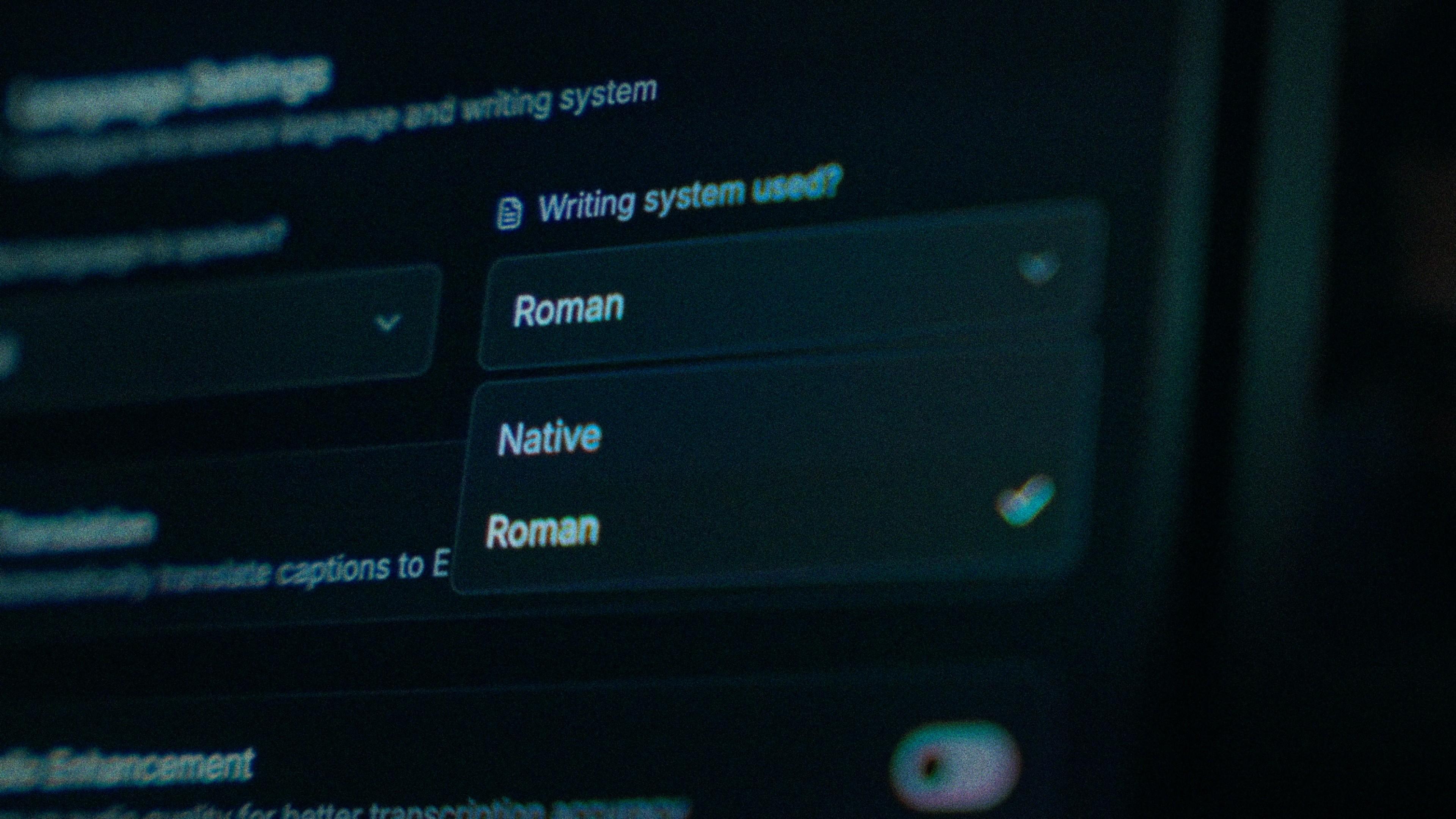
There's no script choice for English. What you're choosing is what the model expects to hear. Pick English when the speech is English, with an Indian, Pakistani or Bangladeshi accent, and when it flips into Hindi at any word and back; Hinglish lives under this setting. Pick Hindi with Roman script when the speech is Hindi with the occasional English word, and Urdu, Tamil or another desi language when that's what the clip is in.

The Writing System setting, offering Native and Roman

A mangled surname is one tap, not a retype.

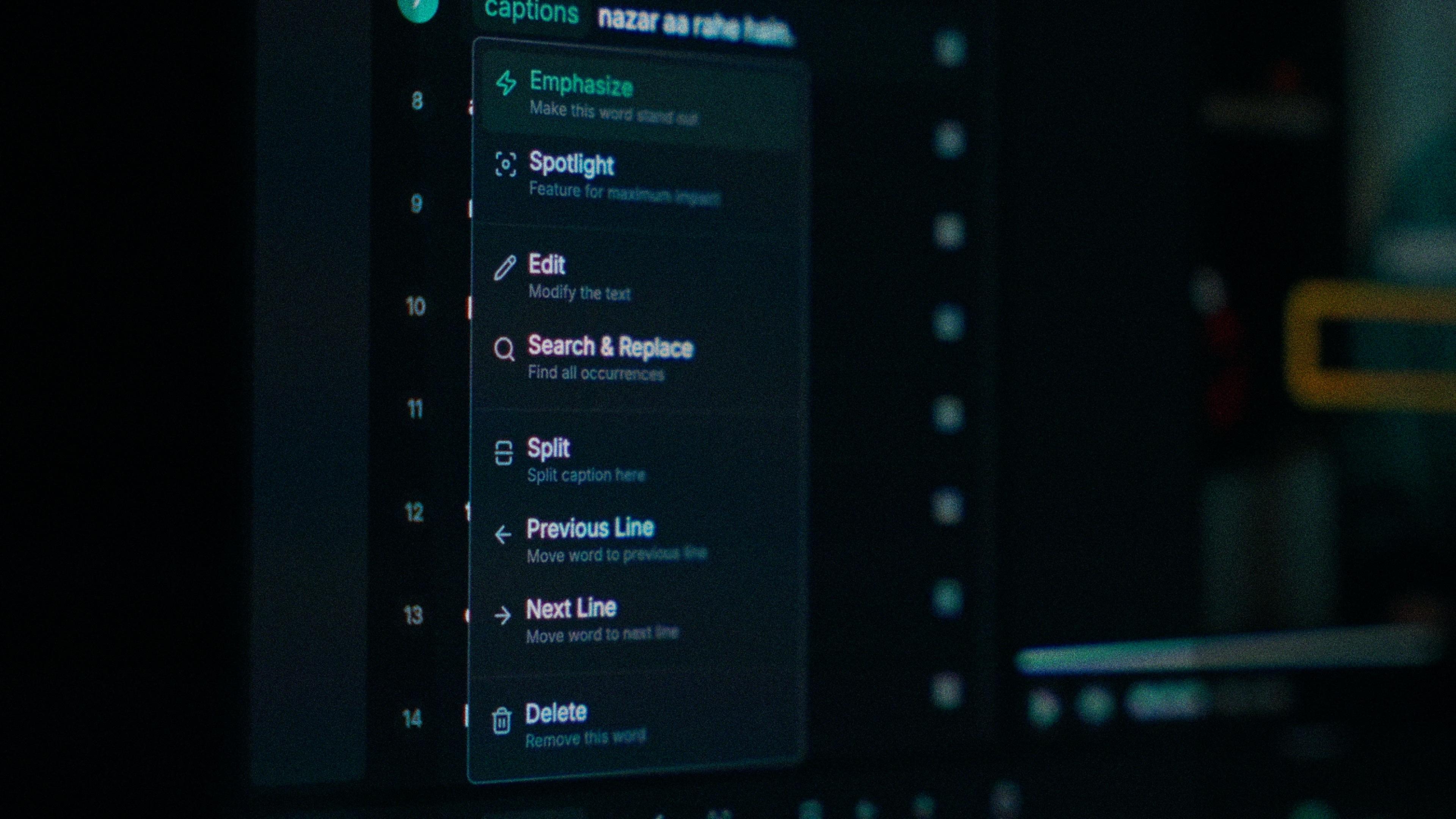
The English slip is a desi name or dish rendered as the nearest English words, or an honorific split into two unrelated ones. Every word in Kalakar carries its own timing, so you tap the mangled one and type it the way you'd spell it yourself. Find and replace fixes a guest's name across the whole explainer in one pass, and the rest of the line never moves.

One word of a caption with its menu open: Emphasize, Spotlight, Edit, Search and Replace, Split, move to the previous or next line, Delete

The biggest single gain before you press generate

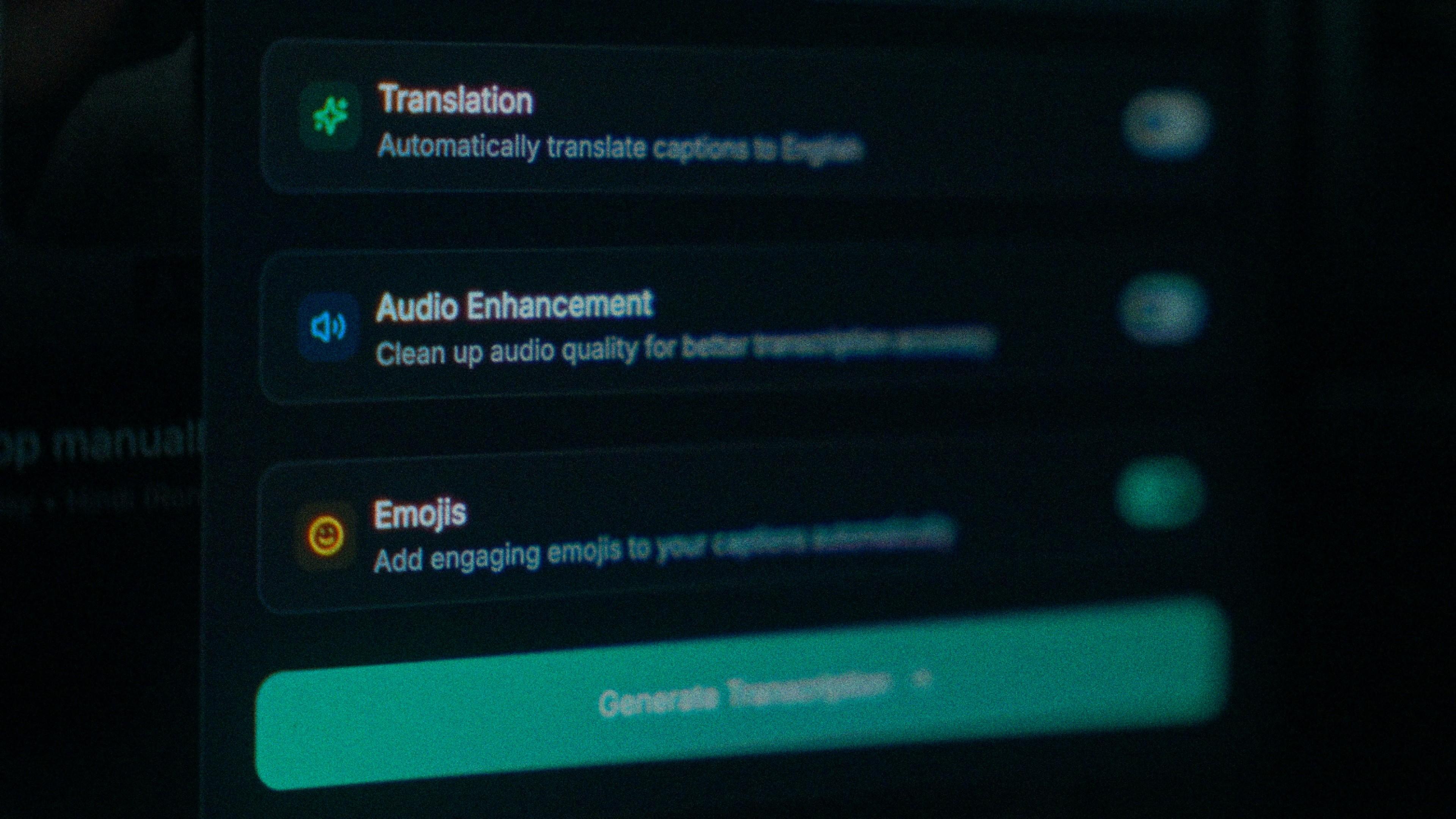
A finance explainer gets a clean room and a tight script. Comedy, tech and education channels don't always; plenty of English-language content is recorded outdoors, and an untuned model already unsure of the accent gets worse with street noise underneath it. Run audio enhancement before you generate and the pass works on cleaned audio. On clear audio Kalakar transcribes at up to 97%, and that's the number a clean recording gets you closer to.

The Translation, Audio Enhancement and Emojis switches

How to caption English in Kalakar

Pick English, not Hindi, if the video mixes the two, generate, and check the names, dishes and places first, since they're the words your audience notices. Export a burned-in MP4 for Reels and Shorts, an SRT or VTT for YouTube Studio, or an alpha render for Premiere Pro and DaVinci Resolve.

  1. Upload your video. Drag an MP4 or MOV into app.kalakar.io. Vertical 9:16 for Reels, Shorts and TikTok, or 16:9 for YouTube; both are supported.
  2. Select English as the spoken language. Pick English from the language menu. Turn on audio enhancement first if the recording is noisy.
  3. Edit, style and export. Fix any word in a tap, apply a caption template, then export a burned-in MP4, an SRT or VTT file, or an alpha-channel render for Premiere Pro or DaVinci Resolve.
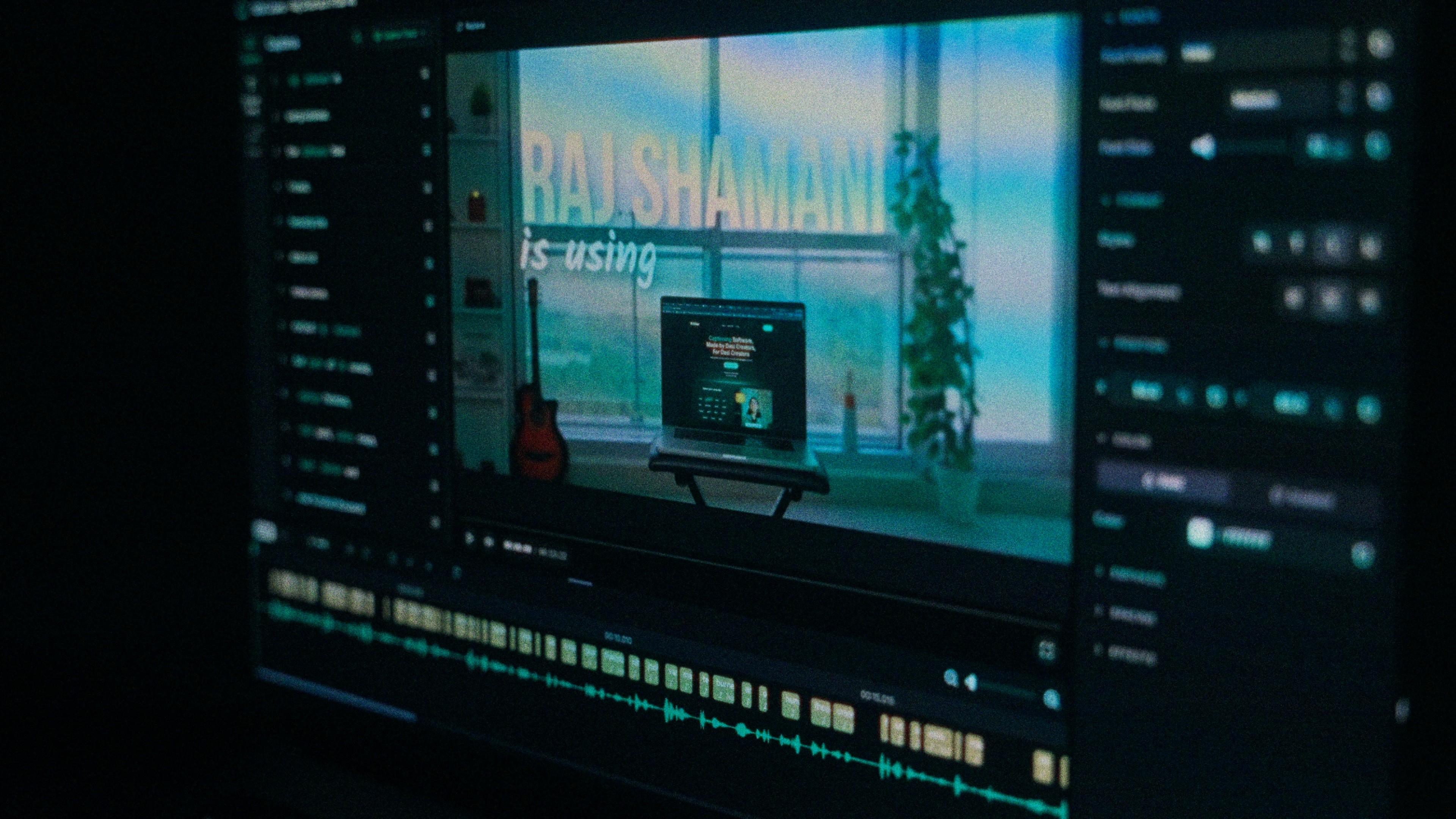
A Kalakar caption render on a Premiere Pro timeline

English captions, answered.

See it done once, then do it yourself.

The team's own walkthrough: upload, language, script, templates and export, in one sitting.

Then upload one English clip and judge the transcript yourself. Free plan, every language, no watermark on the basic templates.

Also captionedHinglishHindiUrduTamilAll 21