







Hindi Captioning,
Made by Desi Creators,
For Desi Creators

Accurate Hindi captions, native script or Roman, in seconds

Accurate Hindi captions, native script or Roman, in seconds

Trusted by over 200,000+ Users

4.9

Select your Language

Select your Language

Select your Language

Select your Language

Select your Language

Powering teams of your Favourite Creators

Powering teams of your Favourite Creators

scoop woop is using kalakar for hinglish captions
Tech Burner is using kalakar for hinglish captions
our favourite kk creates is using kalakar for hinglish captions
Nitin Joshi is is using kalakar for hinglish captions
Pink villa for all their papparazi videos is using kalakar for hinglish captions
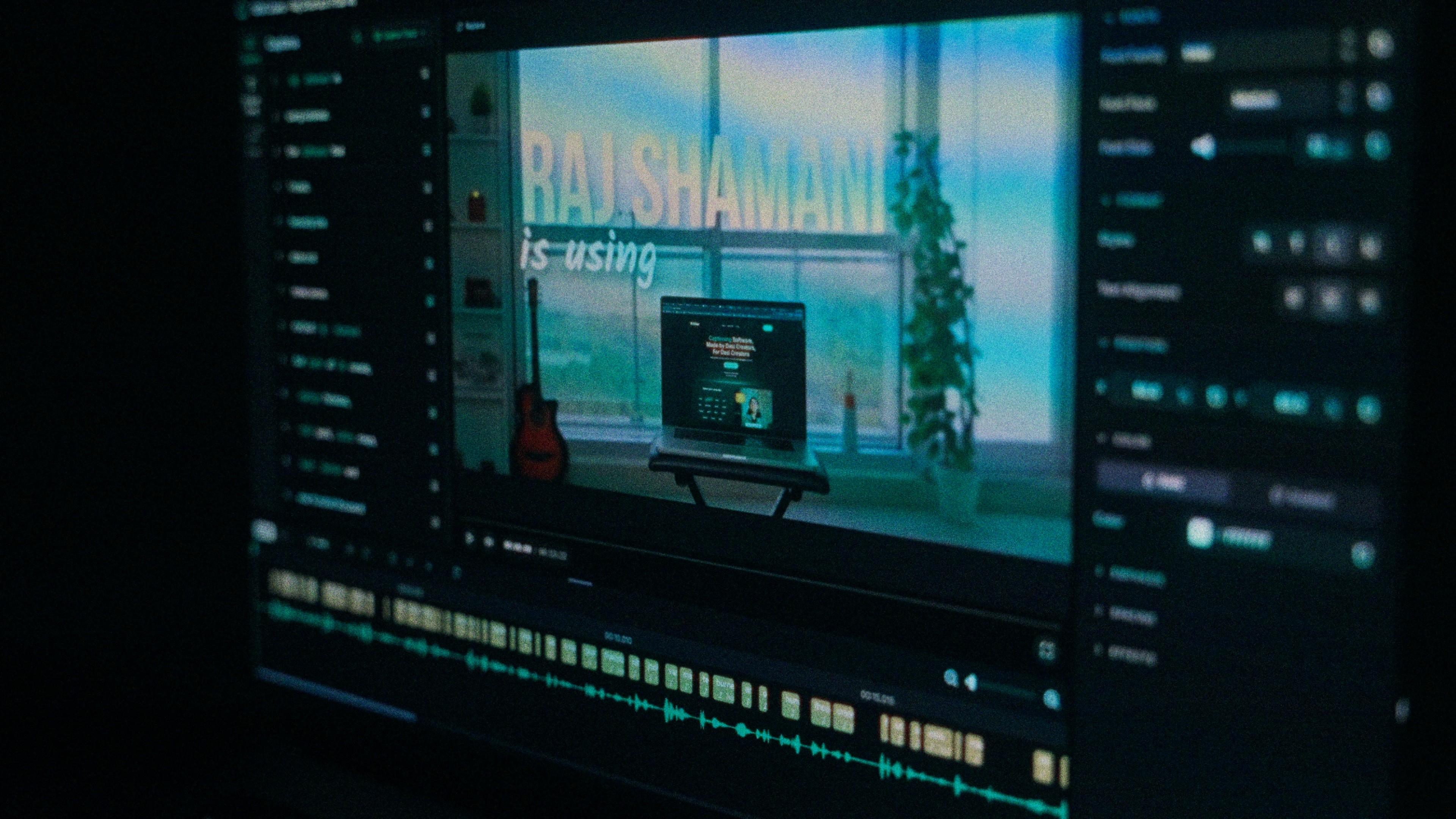
Raj Shamani is using Kalakar for hinglish captions
Varun Maya is using kalakar for hinglish captions
Prakhar Gupta is using kalakar for hinglish captions
Beer Biceps is also using kalakar for hinglish captions
scoop woop is using kalakar for hinglish captions
Tech Burner is using kalakar for hinglish captions
our favourite kk creates is using kalakar for hinglish captions
Nitin Joshi is is using kalakar for hinglish captions
Pink villa for all their papparazi videos is using kalakar for hinglish captions
Raj Shamani is using Kalakar for hinglish captions
Varun Maya is using kalakar for hinglish captions
Prakhar Gupta is using kalakar for hinglish captions
Beer Biceps is also using kalakar for hinglish captions
scoop woop is using kalakar for hinglish captions
Tech Burner is using kalakar for hinglish captions
our favourite kk creates is using kalakar for hinglish captions
Nitin Joshi is is using kalakar for hinglish captions
Pink villa for all their papparazi videos is using kalakar for hinglish captions
Raj Shamani is using Kalakar for hinglish captions
Varun Maya is using kalakar for hinglish captions
Prakhar Gupta is using kalakar for hinglish captions
Beer Biceps is also using kalakar for hinglish captions

Say it in Hindi. Read it back, word for word.

आज का वीडियो थोड़ा स्पेशल है

Today's video is a little special

Hindi the way you actually speak it

Aaj ka video thoda spatial haiyou said special

Your Hindi has English sitting inside it. "Ye trick underrated hai." "Is product ka price kya hai." A model that expects one language per clip has to guess at every switch, and one bad guess turns paisa into pizza. Kalakar's Hindi setting hears both languages in a single pass, so the seams come back the way you said them.
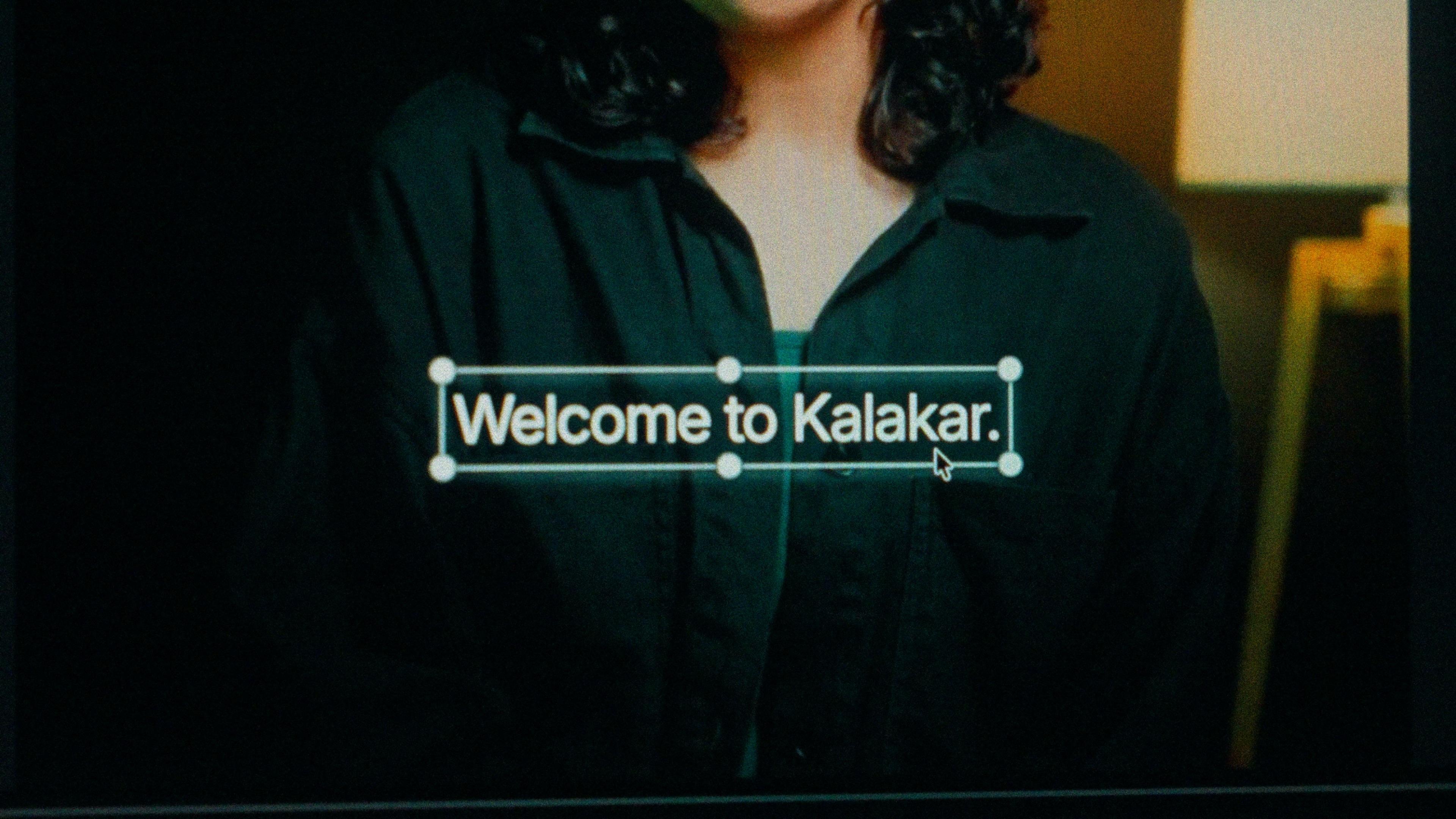
A finished caption selected on the video canvas in Kalakar

Devanagari or Roman Hindi. Decide once.

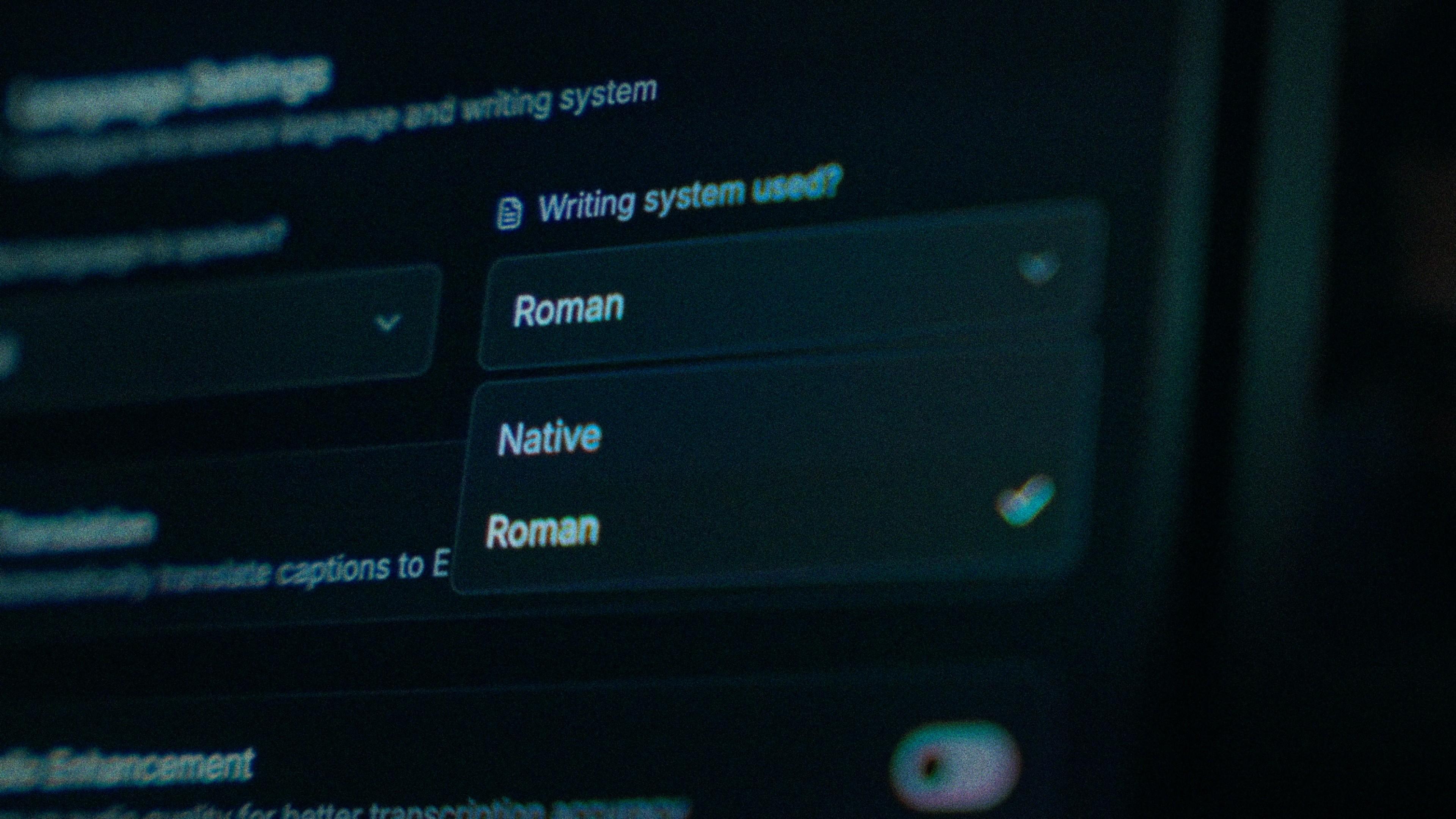
Devanagari is how Hindi is printed, taught and subtitled on television, which makes it right for news-style explainers, devotional clips and viewers in smaller towns. Roman Hindi is how almost everyone types on a phone, so it reads faster on a reel. Choose at generation and Kalakar never mixes the two inside a line.

The Writing System setting, offering Native and Roman

When ज़रूरी comes back as जरूरी

English-first tools drop the nukta, so ज़रूरी loses its dot, फ़िल्म turns into फिल्म, and the chandrabindu in हँसी quietly disappears. Kalakar keeps those marks. If one still slips, every word carries its own start and end time, so you tap that word and type. Find and replace fixes a name you say twenty times once.

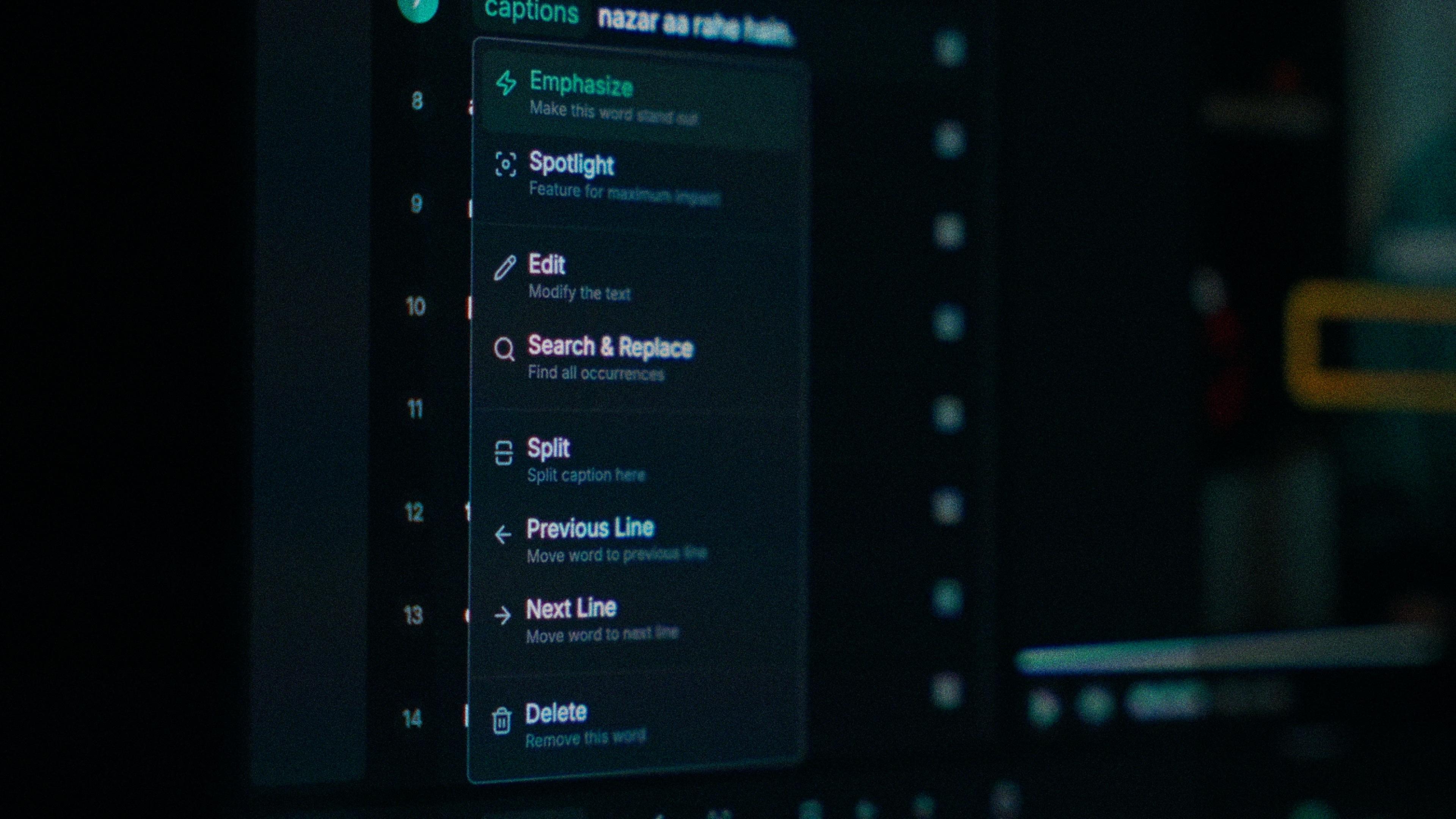
One word of a caption with its menu open: Emphasize, Spotlight, Edit, Search and Replace, Split, move to the previous or next line, Delete

Clean the audio before it hears a word.

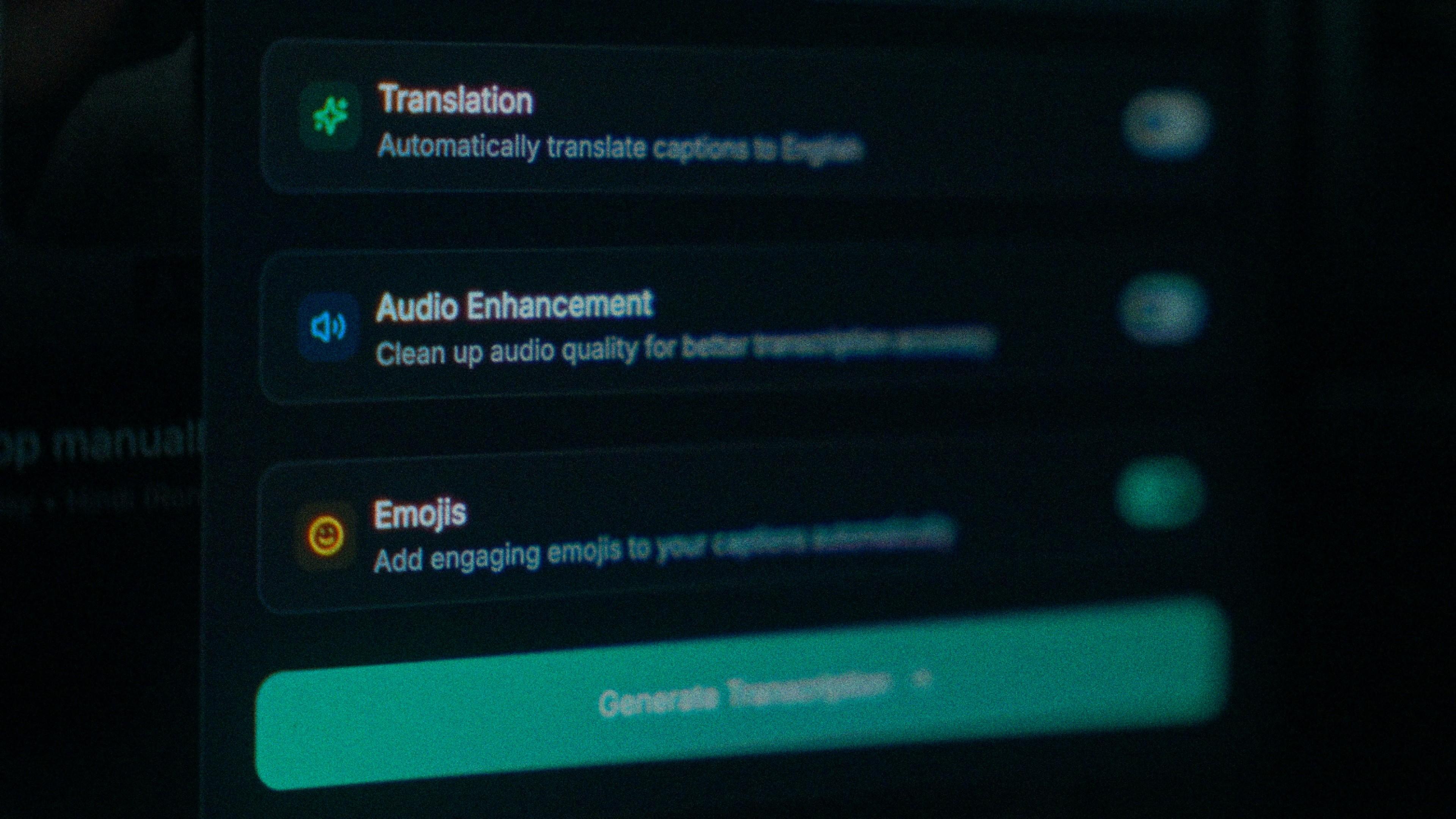
A shoot on a Delhi street brings horns, crowd and room echo with it, and all three cost you accuracy before the model reaches a syllable. Switch on audio enhancement and the pass runs on the cleaned track. On clear audio Hindi transcribes at up to 97%, the cheapest way to get nearer that number outdoors.

The Translation, Audio Enhancement and Emojis switches

How to caption Hindi in Kalakar

Four steps, about as long as watching the clip once. Search the transcript for a word you know carries a nukta before you trust the pass. Then export a burned-in MP4 for Reels and Shorts, an SRT or VTT for YouTube Studio, or an alpha render for Premiere Pro and DaVinci Resolve.

  1. Upload your video. Drag an MP4 or MOV into app.kalakar.io. Vertical 9:16 for Reels, Shorts and TikTok, or 16:9 for YouTube; both are supported.
  2. Select Hindi as the spoken language. Pick Hindi from the language menu. Turn on audio enhancement first if the recording is noisy.
  3. Choose Roman or Native script. Roman gives you Hindi in English letters. Native gives you Devanagari. Timings are the same either way.
  4. Edit, style and export. Fix any word in a tap, apply a caption template, then export a burned-in MP4, an SRT or VTT file, or an alpha-channel render for Premiere Pro or DaVinci Resolve.
A Kalakar caption render on a Premiere Pro timeline

Hindi captions, answered.

See it done once, then do it yourself.

The team's own walkthrough: upload, language, script, templates and export, in one sitting.

Then upload one Hindi clip and judge the transcript yourself. Free plan, every language, no watermark on the basic templates.

Also captionedHinglishUrduMarathiPunjabiNepaliAll 21