





Hinglish Captioning,
Made by Desi Creators,
For Desi Creators

Accurate Hinglish captions, every switch point intact, in seconds

Accurate Hinglish captions, every switch point intact, in seconds

Trusted by over 200,000+ Users

4.9

Select your Language

Select your Language

Select your Language

Select your Language

Select your Language

Powering teams of your Favourite Creators

Powering teams of your Favourite Creators

scoop woop is using kalakar for hinglish captions
Tech Burner is using kalakar for hinglish captions
our favourite kk creates is using kalakar for hinglish captions
Nitin Joshi is is using kalakar for hinglish captions
Pink villa for all their papparazi videos is using kalakar for hinglish captions
Raj Shamani is using Kalakar for hinglish captions
Varun Maya is using kalakar for hinglish captions
Prakhar Gupta is using kalakar for hinglish captions
Beer Biceps is also using kalakar for hinglish captions
scoop woop is using kalakar for hinglish captions
Tech Burner is using kalakar for hinglish captions
our favourite kk creates is using kalakar for hinglish captions
Nitin Joshi is is using kalakar for hinglish captions
Pink villa for all their papparazi videos is using kalakar for hinglish captions
Raj Shamani is using Kalakar for hinglish captions
Varun Maya is using kalakar for hinglish captions
Prakhar Gupta is using kalakar for hinglish captions
Beer Biceps is also using kalakar for hinglish captions
scoop woop is using kalakar for hinglish captions
Tech Burner is using kalakar for hinglish captions
our favourite kk creates is using kalakar for hinglish captions
Nitin Joshi is is using kalakar for hinglish captions
Pink villa for all their papparazi videos is using kalakar for hinglish captions
Raj Shamani is using Kalakar for hinglish captions
Varun Maya is using kalakar for hinglish captions
Prakhar Gupta is using kalakar for hinglish captions
Beer Biceps is also using kalakar for hinglish captions

Say it in Hinglish. Read it back, word for word.

Yeh tip try karo aur batao kaisa laga

Try this tip and tell me how it went

Up to 97% accuracy in Hinglish Language

Is product ka prize kya haiyou said price

Half Hindi, half English, inside one sentence. "Yaar ye trick underrated hai, try karke dekho" flips language every few words, and a model that expects Hindi hears "price" and reaches for the nearest Hindi sound. Kalakar's Hinglish model expects a flip at any word, so the brand names, the numbers, and the one adjective the line was building towards come back as the English you said.
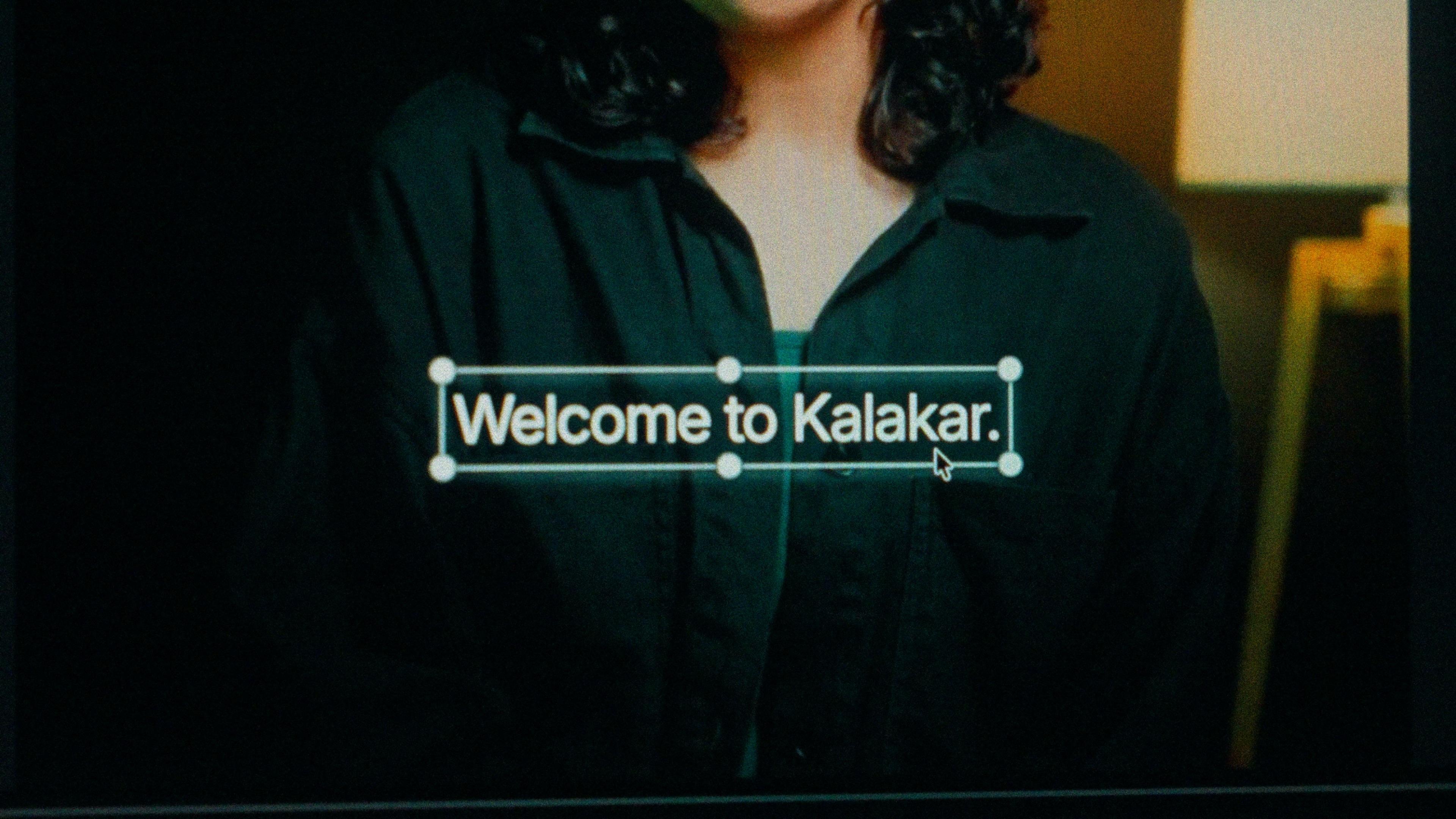
A finished caption selected on the video canvas in Kalakar

Select Hinglish. Not Hindi, not Hindi with Roman.

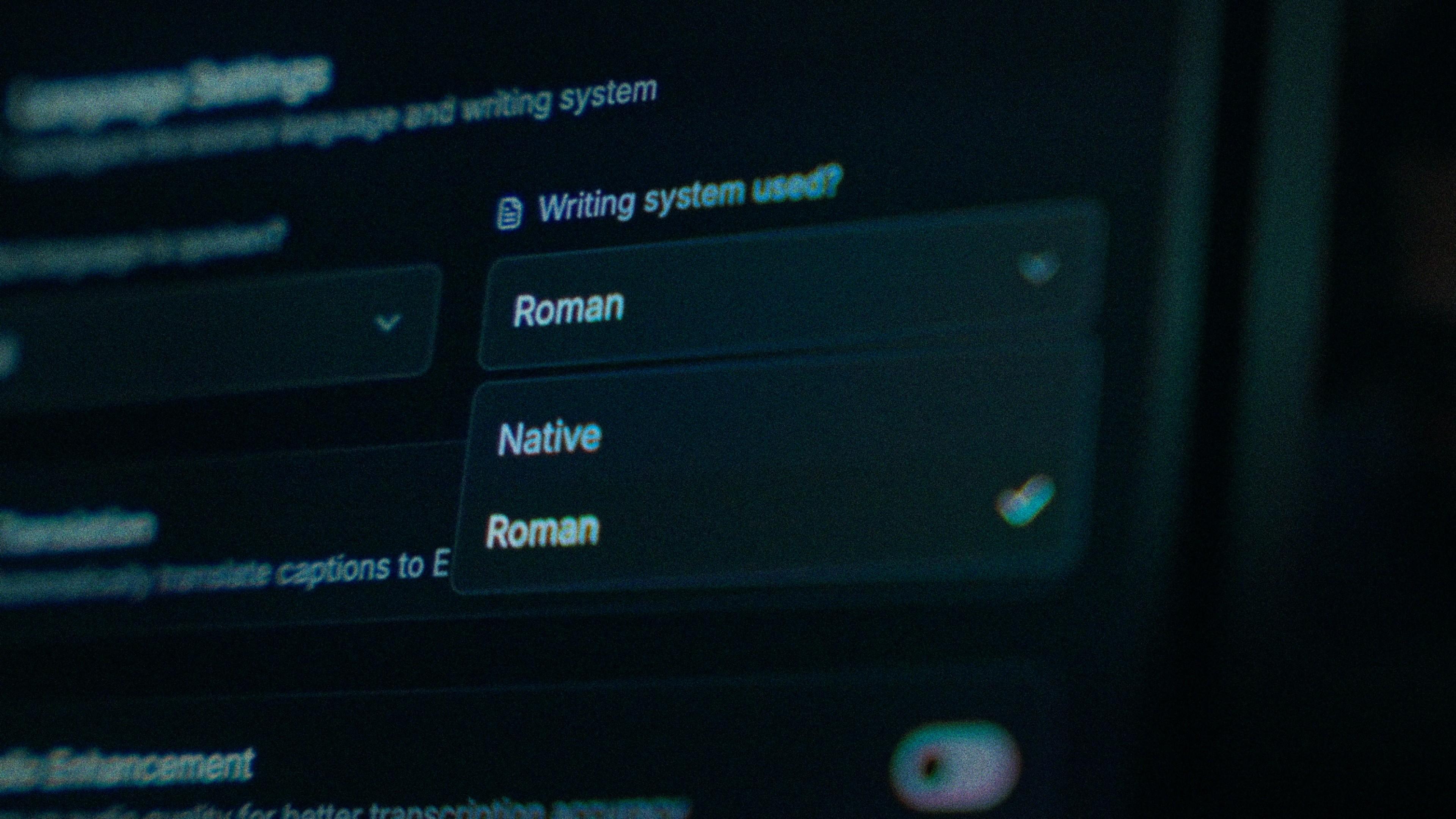
Hindi plus Roman assumes the speech is Hindi and only changes how it's written. Hinglish lives under Kalakar's English setting, the one trained on genuine Hindi-English code-switching. It outputs Roman-script Hinglish directly, with no Roman or Native toggle to think about, and it never produces a stray Devanagari word. That feels wrong the first time you pick it. It isn't.

The Writing System setting, offering Native and Roman

One spelling of "kya", all the way through.

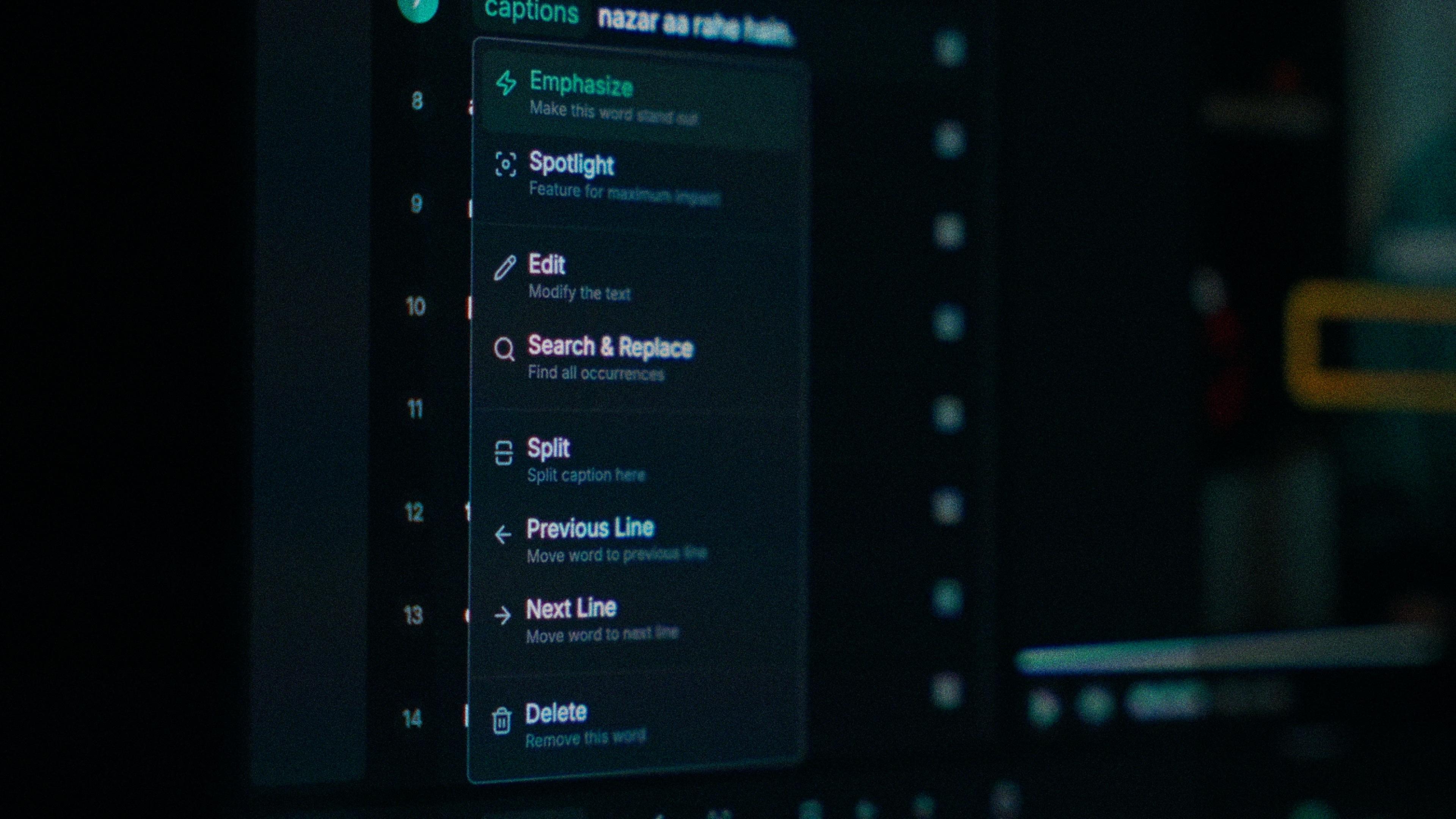
"Kya" in one line, "kyaa" in the next, "kiya" in the third. Hindi has no Roman spelling policy, so no tool has one either, and your audience notices when it drifts every ten seconds. In Kalakar, each word is its own edit: you change the odd one out and leave the line alone. A tool that only edits whole lines makes you retype every instance.

One word of a caption with its menu open: Emphasize, Spotlight, Edit, Search and Replace, Split, move to the previous or next line, Delete

The switch points are where noise hurts most.

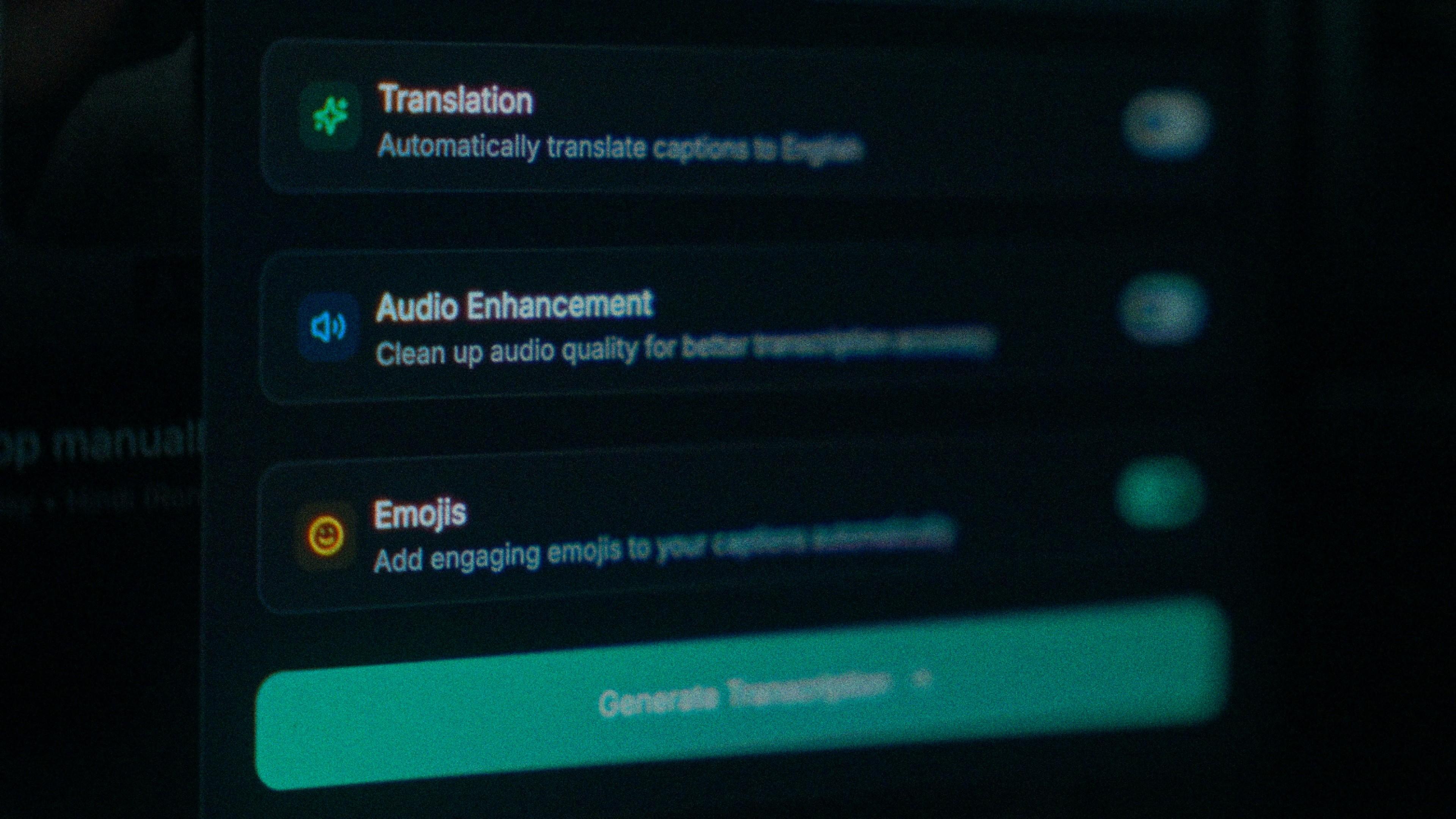
A code-switching model still has to hear the English word clearly, and "price" is shorter and quieter than the Hindi around it. Noise pushes it towards "prize" first. Turn on audio enhancement, and Kalakar transcribes the cleaned track instead of the raw one. With clear audio, you're looking at up to 97% accuracy, and this is the quickest way to get closer.

The Translation, Audio Enhancement and Emojis switches

How to caption Hinglish in Kalakar

One setting change and the rest is the usual pass: generate, fix the odd word, apply a template, export. If the video should also reach people who don't follow Hindi, the Creator plan adds translation into English and 70-plus other languages, so one upload can ship in both.

  1. Upload your video. Drag an MP4 or MOV into app.kalakar.io. Vertical 9:16 for Reels, Shorts and TikTok, or 16:9 for YouTube; both are supported.
  2. Select English as the spoken language. Choose English, not Hinglish. The English setting is the one trained on Hinglish code-switching.
  3. Edit, style and export. Fix any word in a tap, apply a caption template, then export a burned-in MP4, an SRT or VTT file, or an alpha-channel render for Premiere Pro or DaVinci Resolve.
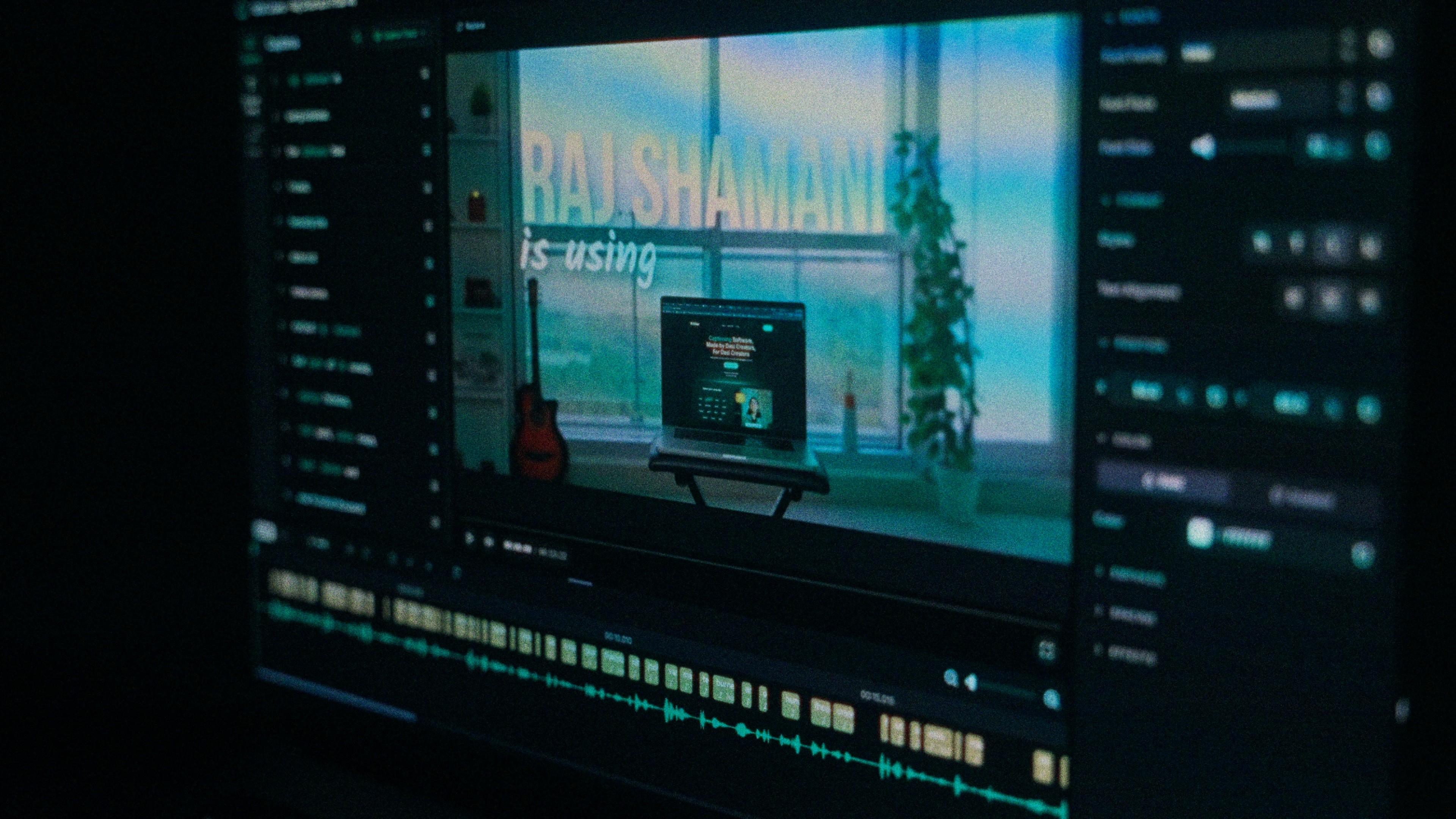
A Kalakar caption render on a Premiere Pro timeline

Hinglish captions, answered.

See it done once, then do it yourself.

The team's own walkthrough: upload, language, script, templates and export, in one sitting.

Then upload one Hinglish clip and judge the transcript yourself. Free plan, every language, no watermark on the basic templates.

Also captionedHindiUrduPunjabiEnglishAll 21