



Urdu Captioning,
Made by Desi Creators,
For Desi Creators

Accurate Urdu captions, native script or Roman, in seconds

Accurate Urdu captions, native script or Roman, in seconds

Trusted by over 200,000+ Users

4.9

Select your Language

Select your Language

Select your Language

Select your Language

Select your Language

Powering teams of your Favourite Creators

Powering teams of your Favourite Creators

Irfan Junejo is using kalakar for hinglish captions
Azad Chaiwala is using kalakar for hinglish captions
Raj Shamani is using Kalakar for hinglish captions
Pro Pakistani is using kalakar for hinglish captions
Hafiz Basit of HBA Services is using kalakar for hinglish captions
Varun Maya is using kalakar for hinglish captions
Hamza Bhatti is using kalakar for hinglish captions
Startup Pakistan is using kalakar for hinglish captions
Beer Biceps is also using kalakar for hinglish captions
Maryam Raja is using kalakar for hinglish captions
Irfan Junejo is using kalakar for hinglish captions
Azad Chaiwala is using kalakar for hinglish captions
Raj Shamani is using Kalakar for hinglish captions
Pro Pakistani is using kalakar for hinglish captions
Hafiz Basit of HBA Services is using kalakar for hinglish captions
Varun Maya is using kalakar for hinglish captions
Hamza Bhatti is using kalakar for hinglish captions
Startup Pakistan is using kalakar for hinglish captions
Beer Biceps is also using kalakar for hinglish captions
Maryam Raja is using kalakar for hinglish captions
Irfan Junejo is using kalakar for hinglish captions
Azad Chaiwala is using kalakar for hinglish captions
Raj Shamani is using Kalakar for hinglish captions
Pro Pakistani is using kalakar for hinglish captions
Hafiz Basit of HBA Services is using kalakar for hinglish captions
Varun Maya is using kalakar for hinglish captions
Hamza Bhatti is using kalakar for hinglish captions
Startup Pakistan is using kalakar for hinglish captions
Beer Biceps is also using kalakar for hinglish captions
Maryam Raja is using kalakar for hinglish captions

Say it in Urdu. Read it back, word for word.

یہ ویڈیو ضرور دیکھنا

Definitely watch this video

Urdu heard as Urdu, not as rough Hindi

Aaj ka vlog thora lambda haiyou said lamba

Spoken Urdu overlaps heavily with Hindi and carries plenty of English inside everyday sentences: "mujhe ye product bohot pasand aaya". A model that treats Urdu as Hindi, roughly, picks the wrong word at exactly those points, and some tools go further and hand you Devanagari. Kalakar lists Urdu as its own language, so the English words come back as spoken and nothing gets filed as Hindi.
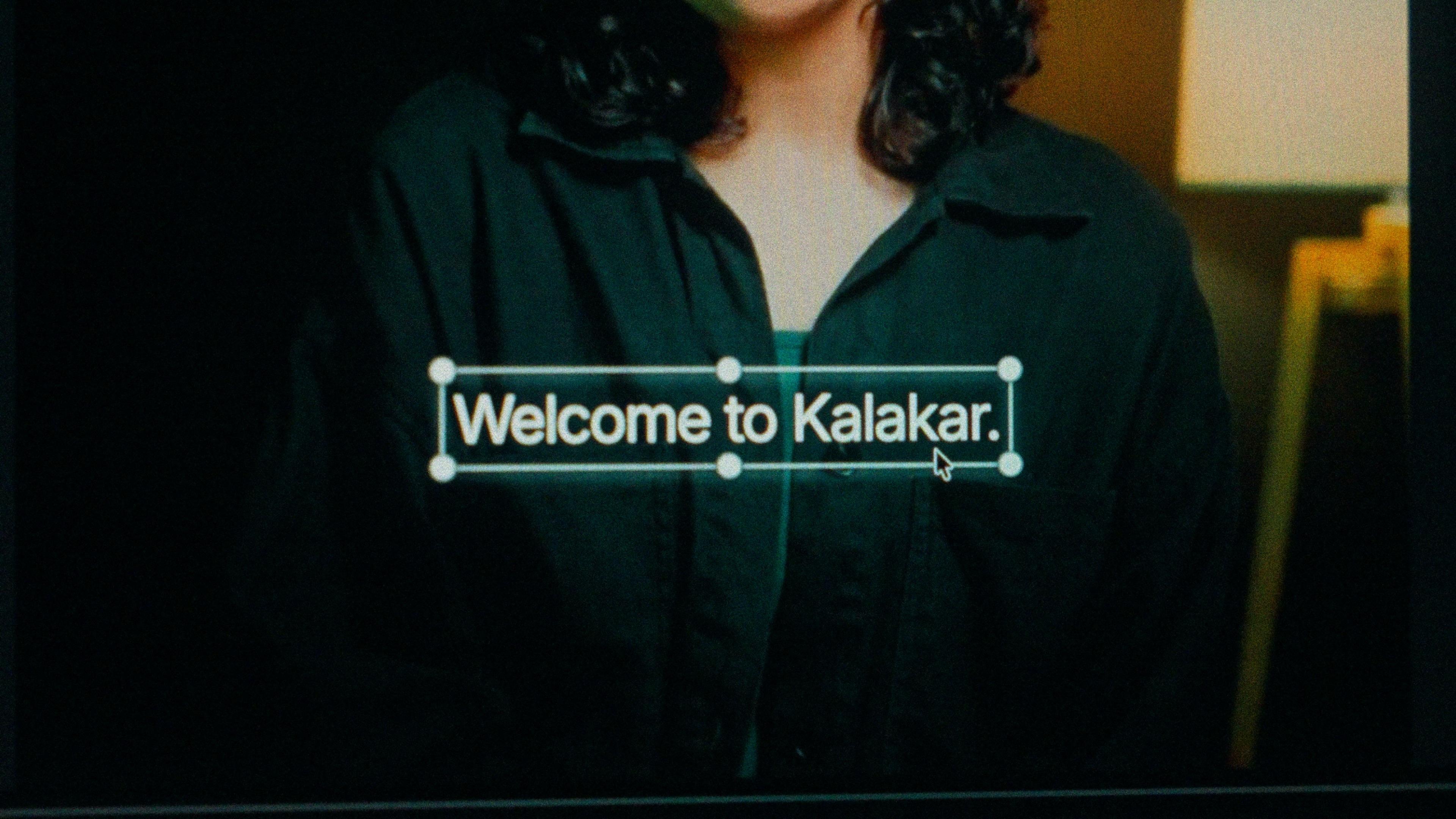
A finished caption selected on the video canvas in Kalakar

Urdu script drawn right to left, or Roman Urdu.

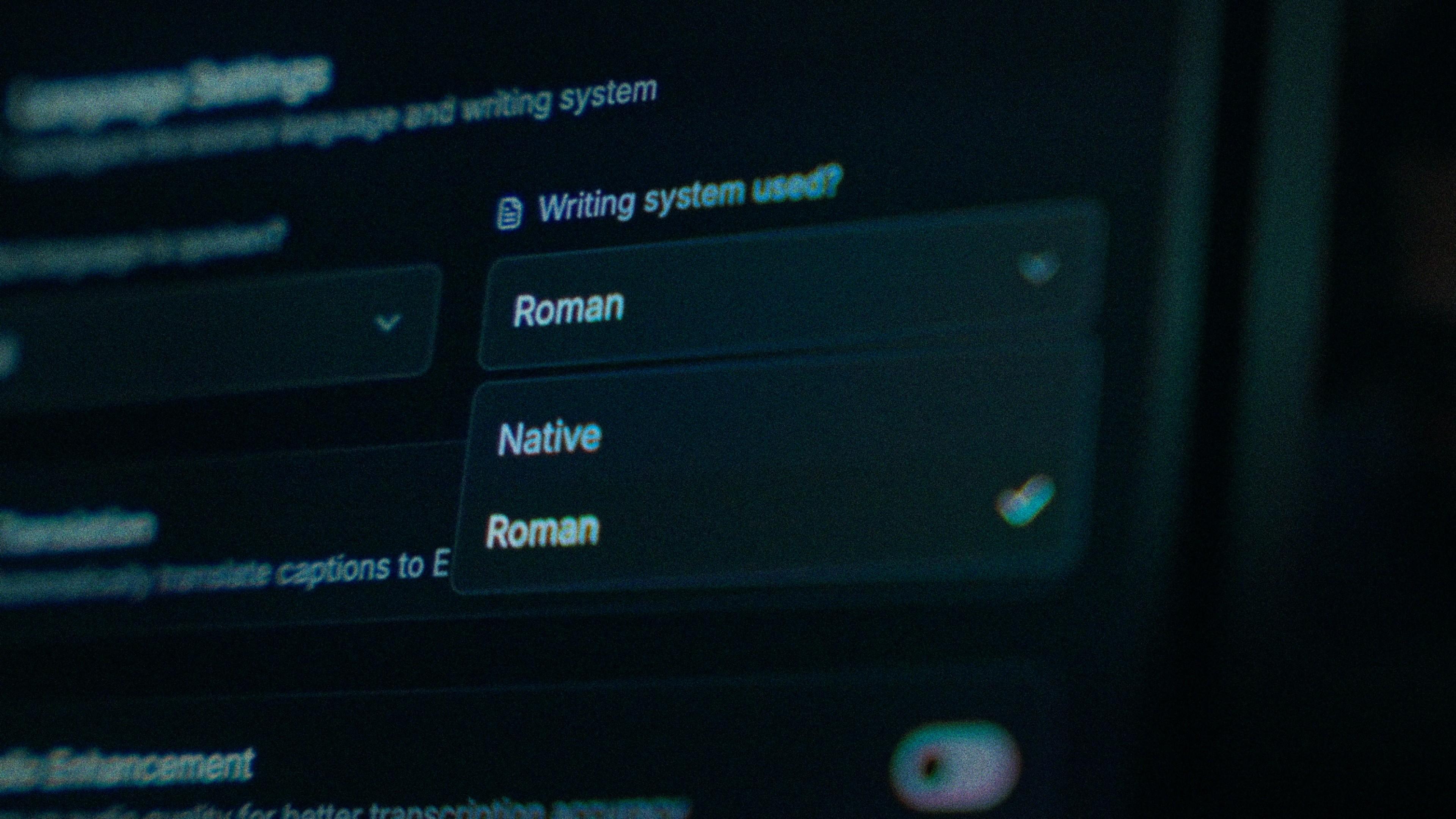
Roman Urdu is how Pakistan types: WhatsApp, Instagram comments, TikTok captions. It's the right default for short-form and younger viewers. Urdu script is for poetry, naats, drama clips and news-style content, and Kalakar's Native output runs right to left with the letters joined, wrapped as Urdu rather than as reversed English. The face is a standard Arabic-script one, not hand-set Nastaliq. Timings are identical across both.

The Writing System setting, offering Native and Roman

Two words merged into one? That's one tap.

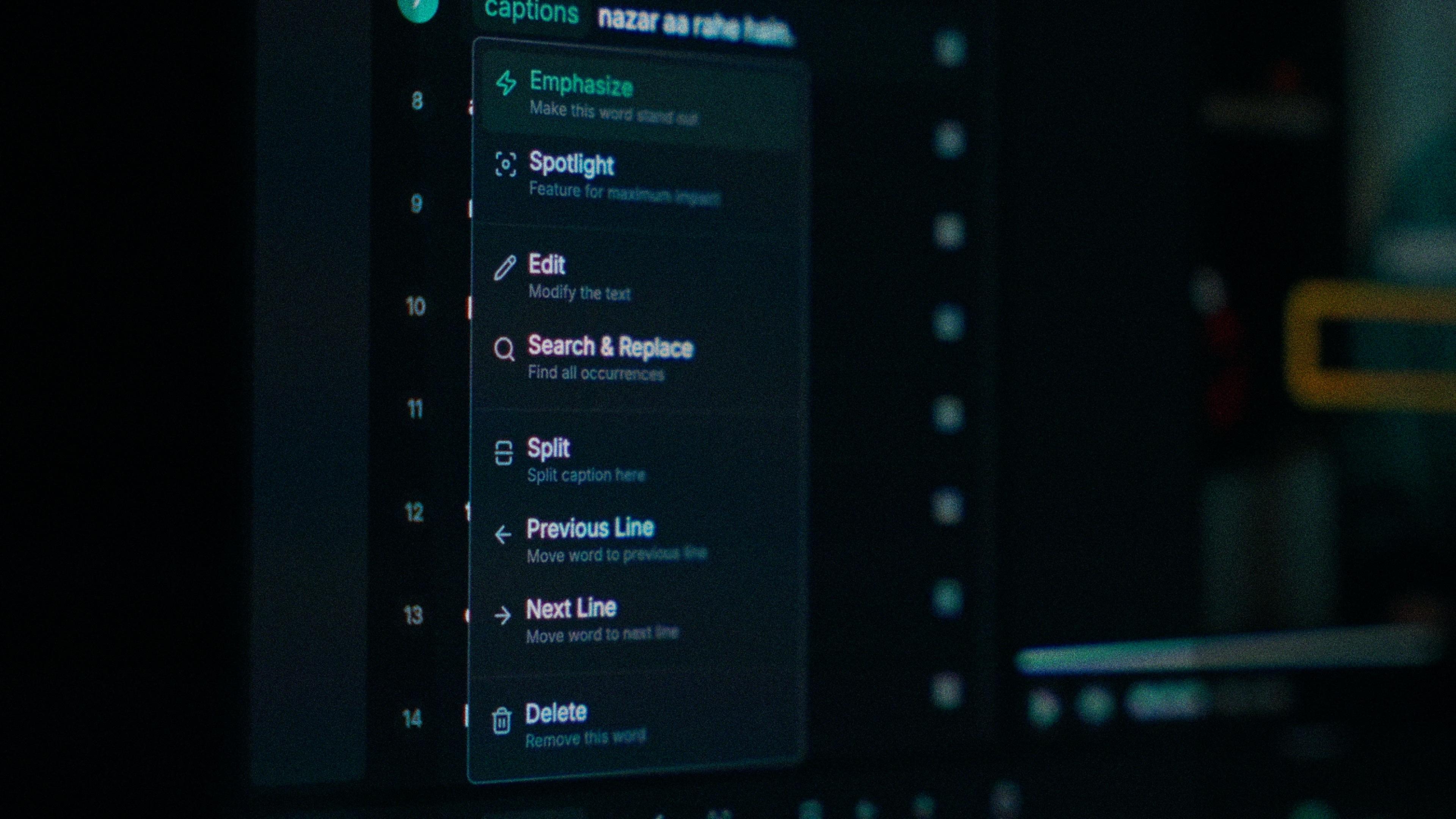
Urdu spaces are subtle, and some engines merge two words into one unreadable form or split one word into two. Editors used to export to a second app just to fix the spacing. In Kalakar each word carries its own timing, so a merged pair or a split word is a single correction and nothing else on the line moves. No second app.

One word of a caption with its menu open: Emphasize, Spotlight, Edit, Search and Replace, Split, move to the previous or next line, Delete

Karachi street food, Islamabad drives, mushaira clips.

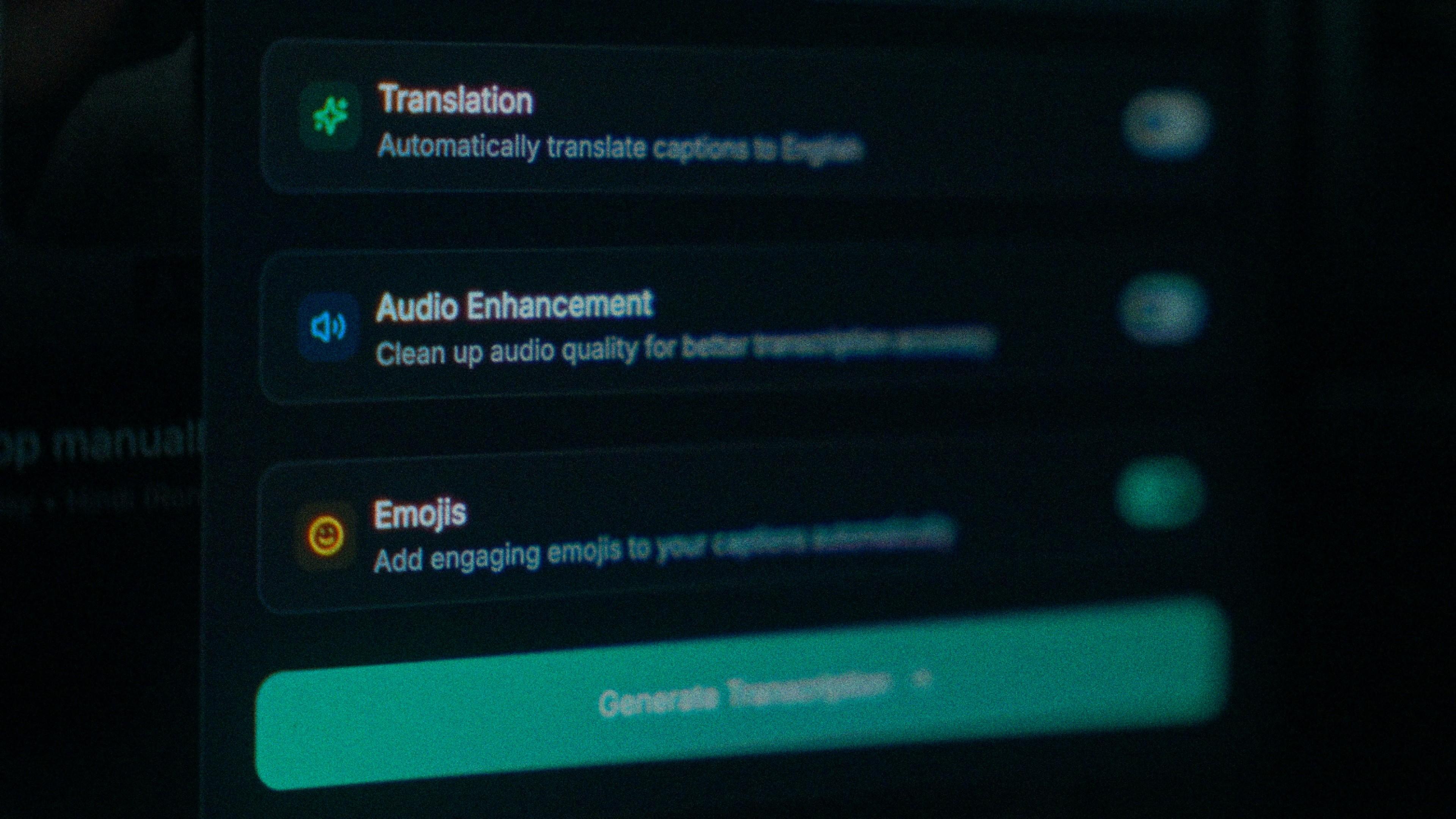
That's where Urdu content gets shot, and none of it is a quiet room. Street noise pulls accuracy down before the model hears a syllable. Run audio enhancement before you generate and the transcription runs on the cleaned track. Up to 97% on clear audio is the ceiling, and for outdoor Urdu this switch is the single biggest step towards it.

The Translation, Audio Enhancement and Emojis switches

How to caption Urdu in Kalakar

Select Urdu, pick Roman or Native, and the rest is fixing the odd word, choosing a template and exporting. Most of your viewers are watching on mobile data with the sound off, so a captioned vlog travels a lot further than the audio ever would on its own.

  1. Upload your video. Drag an MP4 or MOV into app.kalakar.io. Vertical 9:16 for Reels, Shorts and TikTok, or 16:9 for YouTube; both are supported.
  2. Select Urdu as the spoken language. Pick Urdu from the language menu. Turn on audio enhancement first if the recording is noisy.
  3. Choose Roman or Native script. Roman gives you Urdu in English letters. Native gives you Nastaliq (Perso-Arabic). Timings are the same either way.
  4. Edit, style and export. Fix any word in a tap, apply a caption template, then export a burned-in MP4, an SRT or VTT file, or an alpha-channel render for Premiere Pro or DaVinci Resolve.
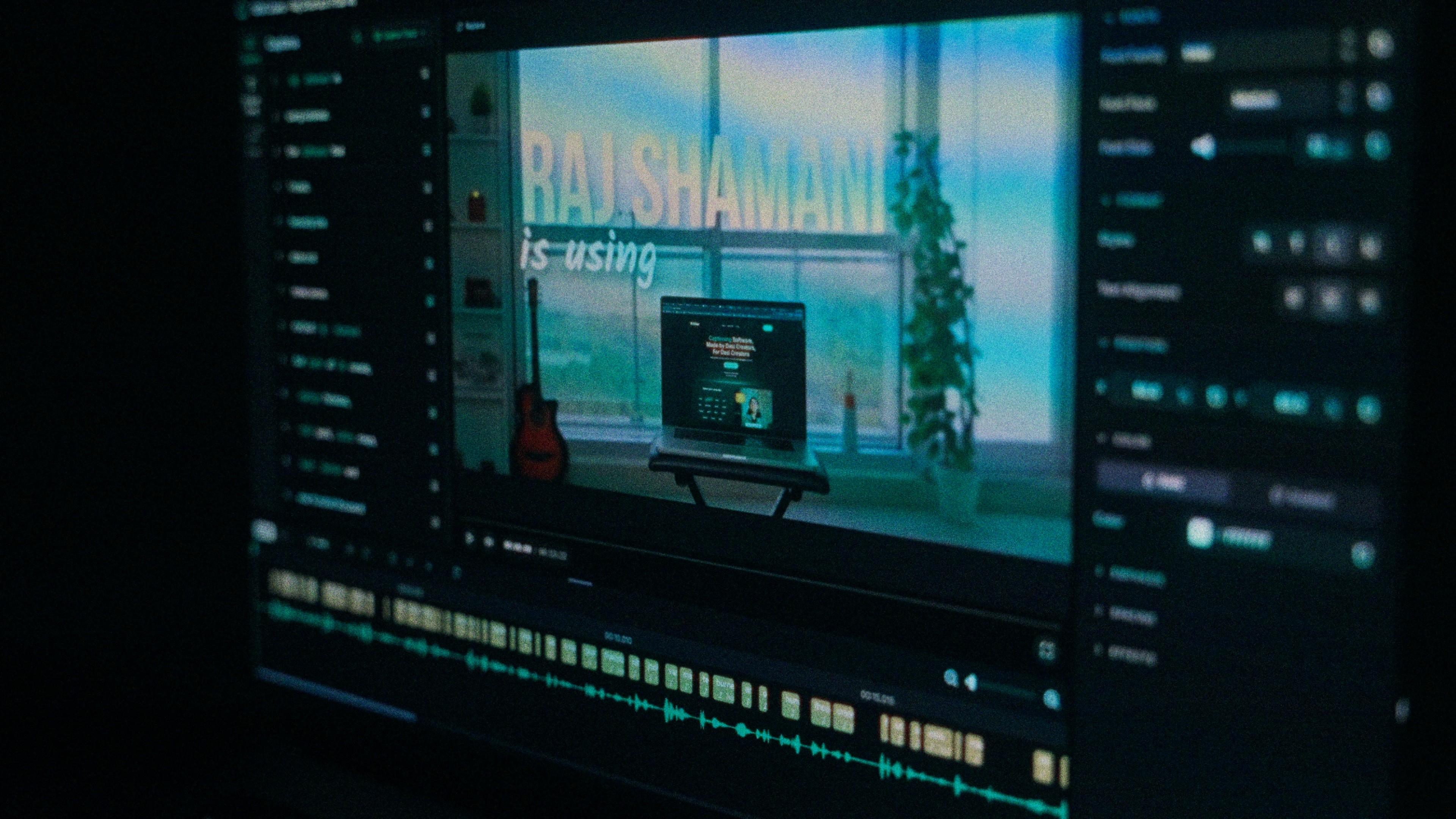
A Kalakar caption render on a Premiere Pro timeline

Urdu captions, answered.

See it done once, then do it yourself.

The team's own walkthrough: upload, language, script, templates and export, in one sitting.

Then upload one Urdu clip and judge the transcript yourself. Free plan, every language, no watermark on the basic templates.

Also captionedHindiPunjabiSindhiPushtoHinglishAll 21