Punjabi Captioning,
Made by Desi Creators,
For Desi Creators

Accurate Punjabi captions, native script or Roman, in seconds

Accurate Punjabi captions, native script or Roman, in seconds

Trusted by over 200,000+ Users

4.9

Select your Language

Select your Language

Select your Language

Select your Language

Select your Language

Say it in Punjabi. Read it back, word for word.

ਵੀਡੀਓ ਪਸੰਦ ਆਏ ਤਾਂ ਲਾਈਕ ਕਰੋ

If you like the video, hit like

Punjabi as Punjabi, not Hindi wearing Punjabi words

Menu eh sang bahut pasand aayayou said song

Punjabi shares a media space, a lot of vocabulary and a good deal of sound with Hindi on one side and Urdu on the other. A generic model hears "ਤੁਸੀਂ" and reaches for the nearest thing it knows, then swaps a few more words for their cousins along the way. Kalakar lists Punjabi separately, trained on both sides of the border, English words included.
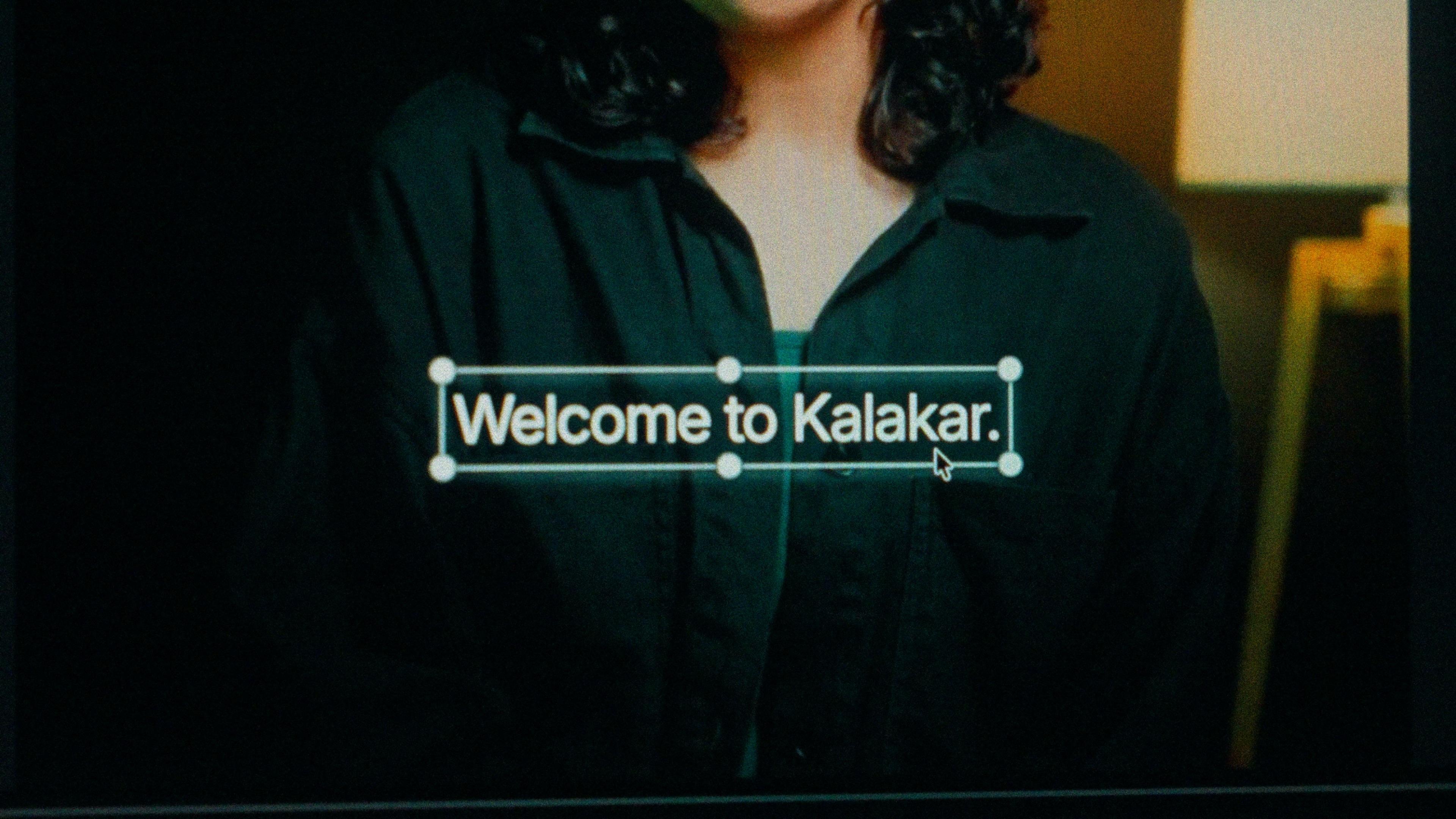
A finished caption selected on the video canvas in Kalakar

Gurmukhi, Shahmukhi or Roman. Pick for your audience.

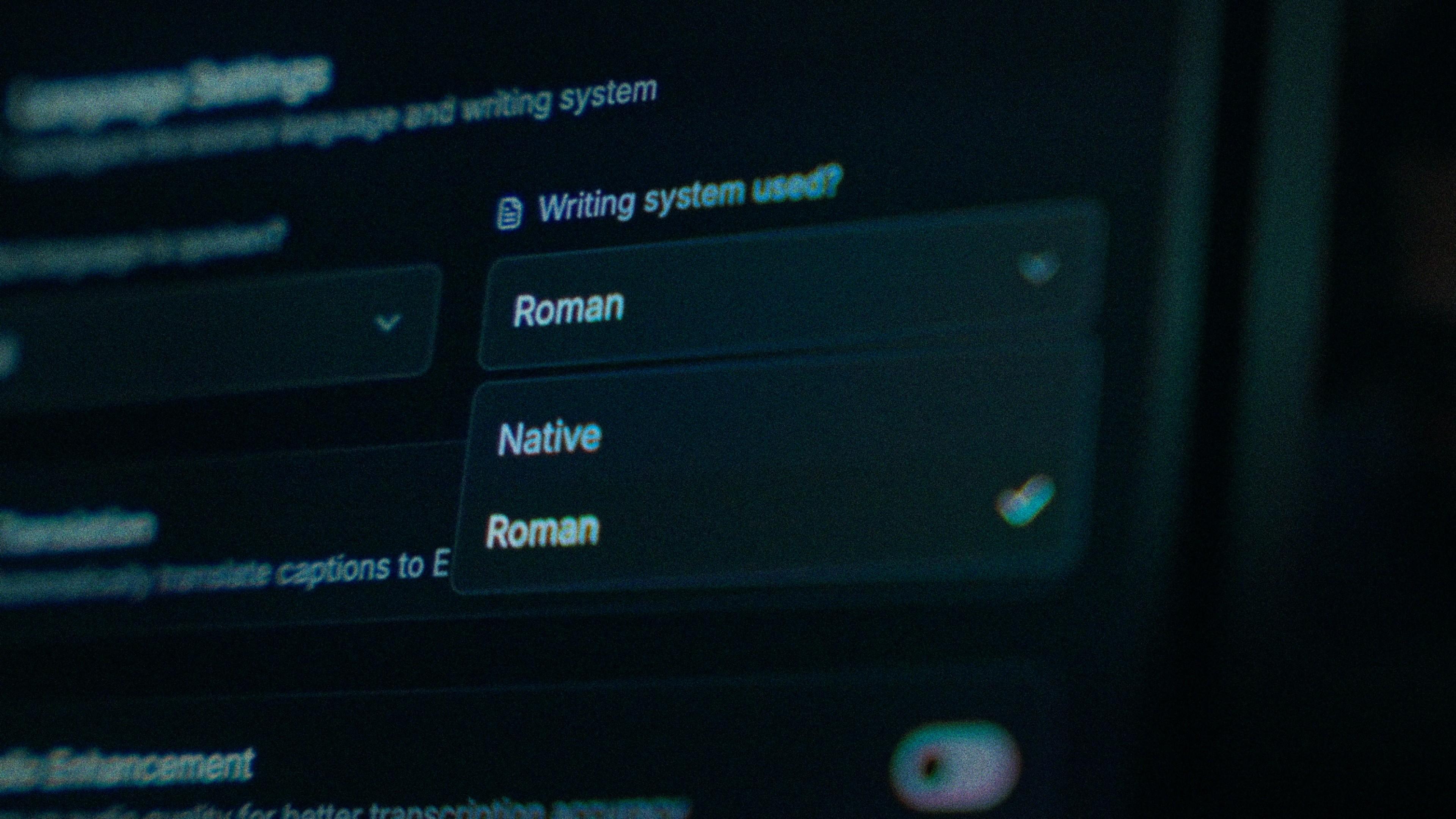
Punjabi is written in Gurmukhi in India and in Shahmukhi, a Perso-Arabic script, in Pakistan. The spoken language is largely the same; the readers aren't. Gurmukhi is Kalakar's Native output, right for Indian Punjab and most of the Sikh diaspora. Roman serves Pakistani Punjab and channels with viewers on both sides, from Lahore to Ludhiana to Surrey. Generate Roman for the reel, regenerate Gurmukhi for YouTube. The timings are shared.

The Writing System setting, offering Native and Roman

Catch the tone twin. Fix it in a tap.

Pairs of Punjabi words differ only by tone, and a model raised on Hindi treats them as the same word, so the wrong twin lands in your caption with no obvious tell. Read the transcript once, out loud if you can. When you find one, tap it and type. Each word in Kalakar carries its own timing, so the correction doesn't shift the line around it.

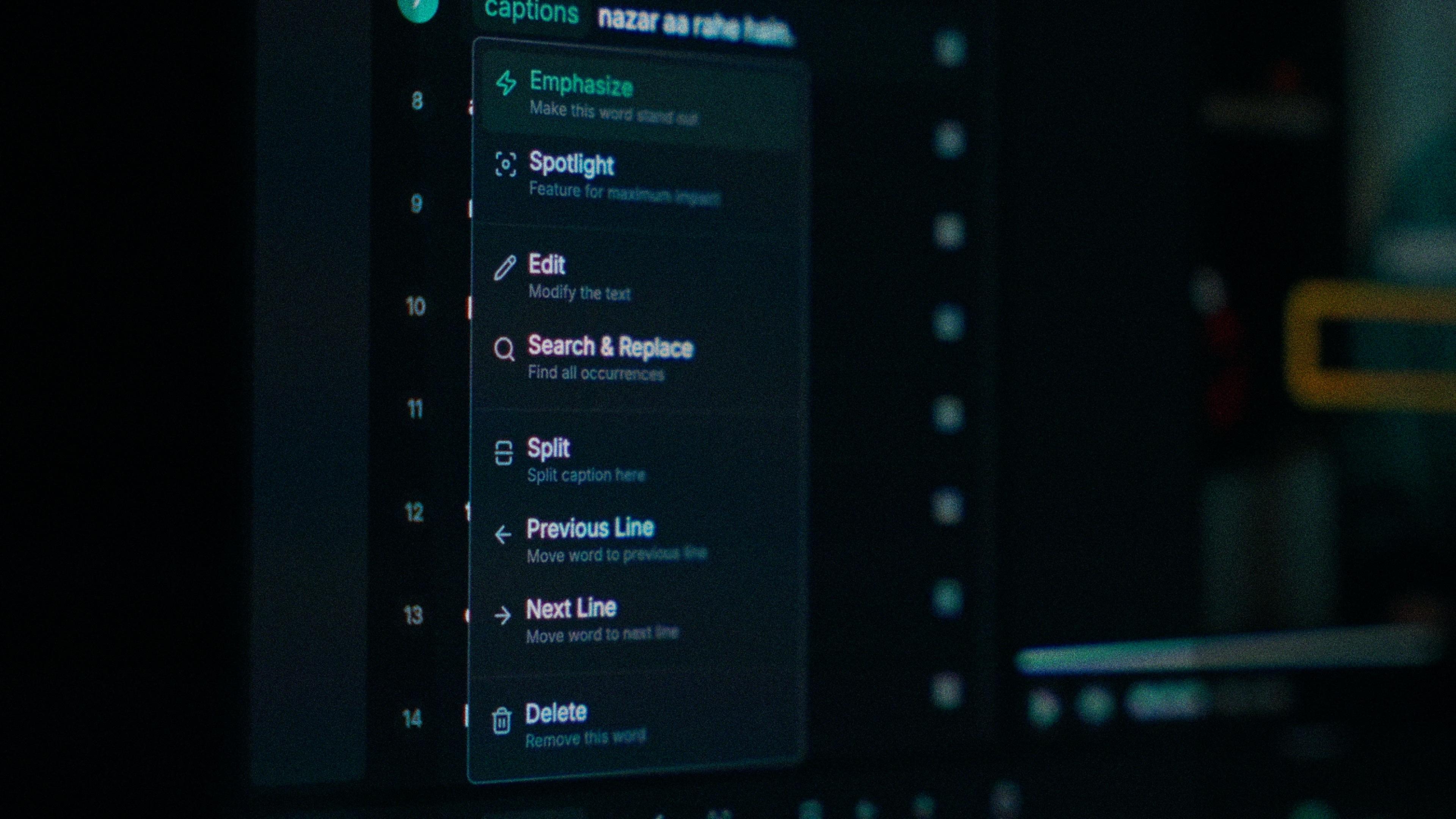
One word of a caption with its menu open: Emphasize, Spotlight, Edit, Search and Replace, Split, move to the previous or next line, Delete

A voiceover on top of a track needs cleaning.

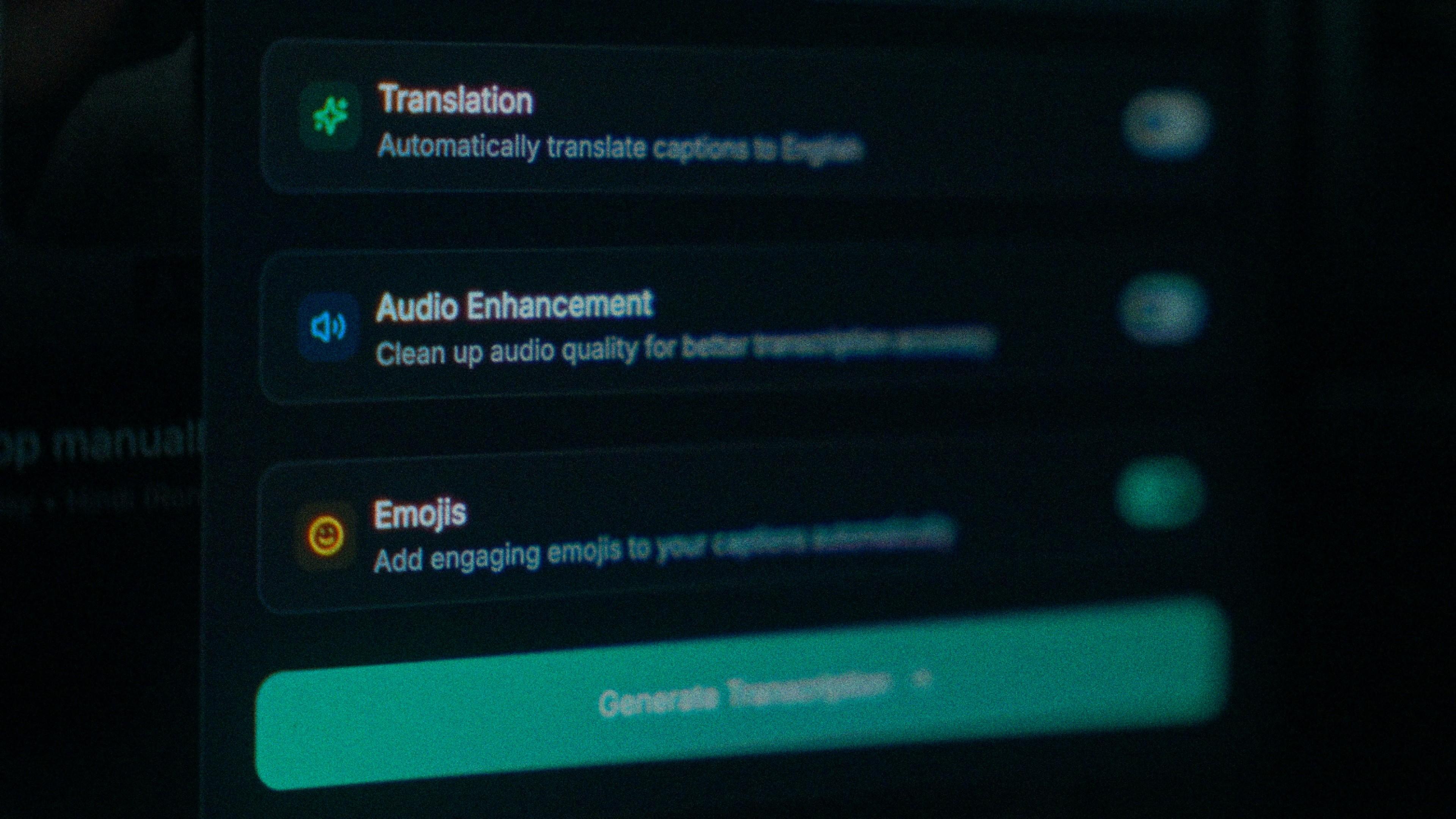
Punjabi reels usually start with a new track and a voice recorded over it, so the model hears your words with a beat underneath. Tonal pairs are the first casualty when the audio is muddy. Run audio enhancement before you generate and the pass runs on the cleaner signal. On clear audio Punjabi transcribes at up to 97%; this is how you get closer to that.

The Translation, Audio Enhancement and Emojis switches

How to caption Punjabi in Kalakar

Select Punjabi, choose your script, generate, and for lyric reels pick one of the one-word or beat-synced templates, because every word has its own start and end time and lands on the beat instead of arriving as a line. One Roman export can travel the whole Punjabi-speaking map.

  1. Upload your video. Drag an MP4 or MOV into app.kalakar.io. Vertical 9:16 for Reels, Shorts and TikTok, or 16:9 for YouTube; both are supported.
  2. Select Punjabi as the spoken language. Pick Punjabi from the language menu. Turn on audio enhancement first if the recording is noisy.
  3. Choose Roman or Native script. Roman gives you Punjabi in English letters. Native gives you Gurmukhi (India) and Shahmukhi (Pakistan). Timings are the same either way.
  4. Edit, style and export. Fix any word in a tap, apply a caption template, then export a burned-in MP4, an SRT or VTT file, or an alpha-channel render for Premiere Pro or DaVinci Resolve.
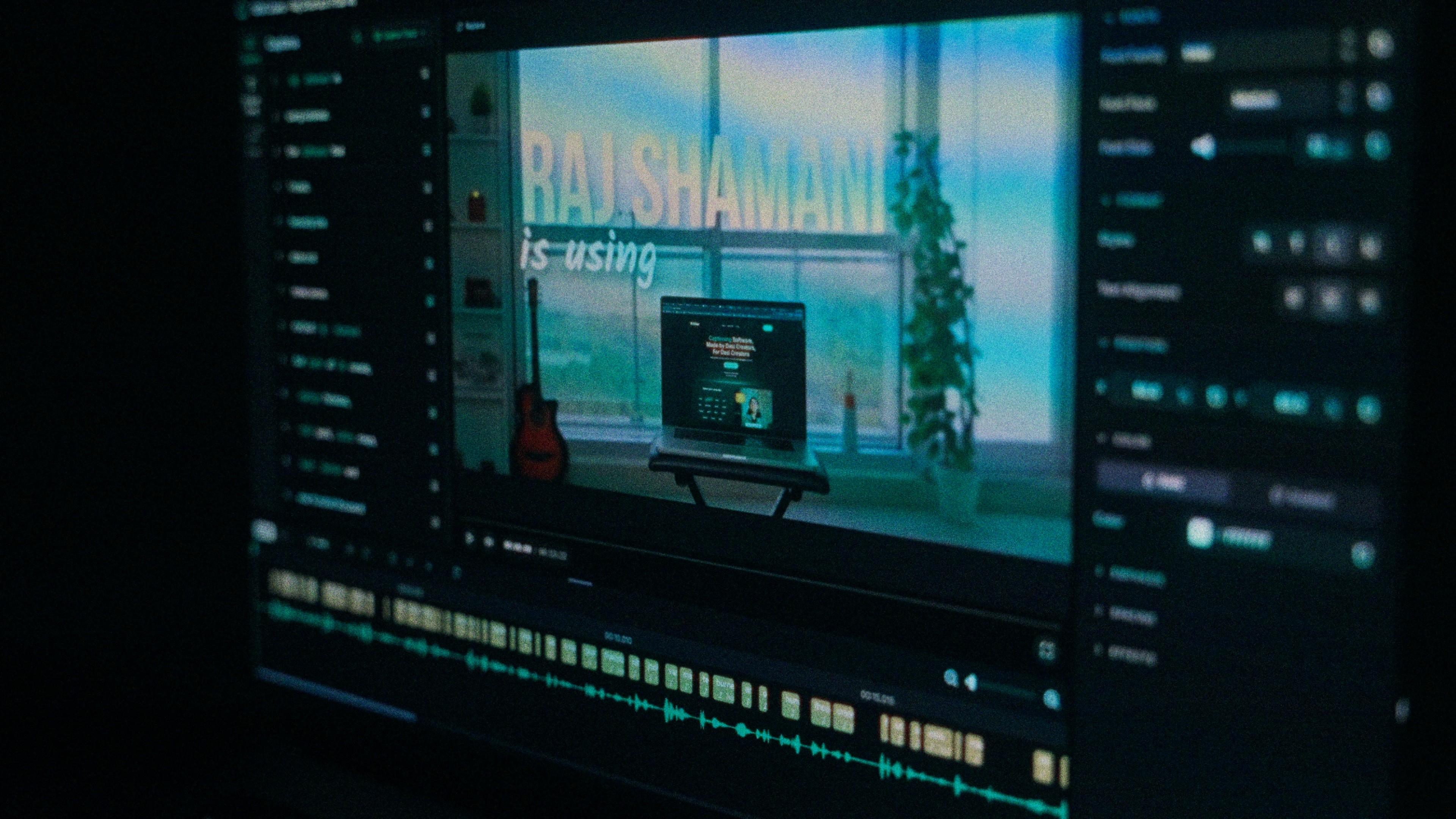
A Kalakar caption render on a Premiere Pro timeline

Punjabi captions, answered.

See it done once, then do it yourself.

The team's own walkthrough: upload, language, script, templates and export, in one sitting.

Then upload one Punjabi clip and judge the transcript yourself. Free plan, every language, no watermark on the basic templates.

Also captionedHindiUrduHinglishSindhiAll 21