Sindhi Captioning,
Made by Desi Creators,
For Desi Creators

Accurate Sindhi captions, native script or Roman, in seconds

Accurate Sindhi captions, native script or Roman, in seconds

Trusted by over 200,000+ Users

4.9

Select your Language

Select your Language

Select your Language

Select your Language

Select your Language

Say it in Sindhi. Read it back, word for word.

هيءَ وڊيو شيئر ڪريو

Share this video

Sindhi listed as Sindhi, not settled as Urdu

Hia gaalh dada sutthi aaheyou said daadho

Sindhi is missing from most caption tools, so you pick Urdu and the transcript reads like Urdu wearing your voice. "Daadho" turns into "dada", very into grandfather, and the grammar in between is a coin toss. Urdu overlaps just enough to look plausible and differs enough to be wrong all the way through. Kalakar lists Sindhi as its own language, on the free plan, so you can read the transcript on your own clip first.
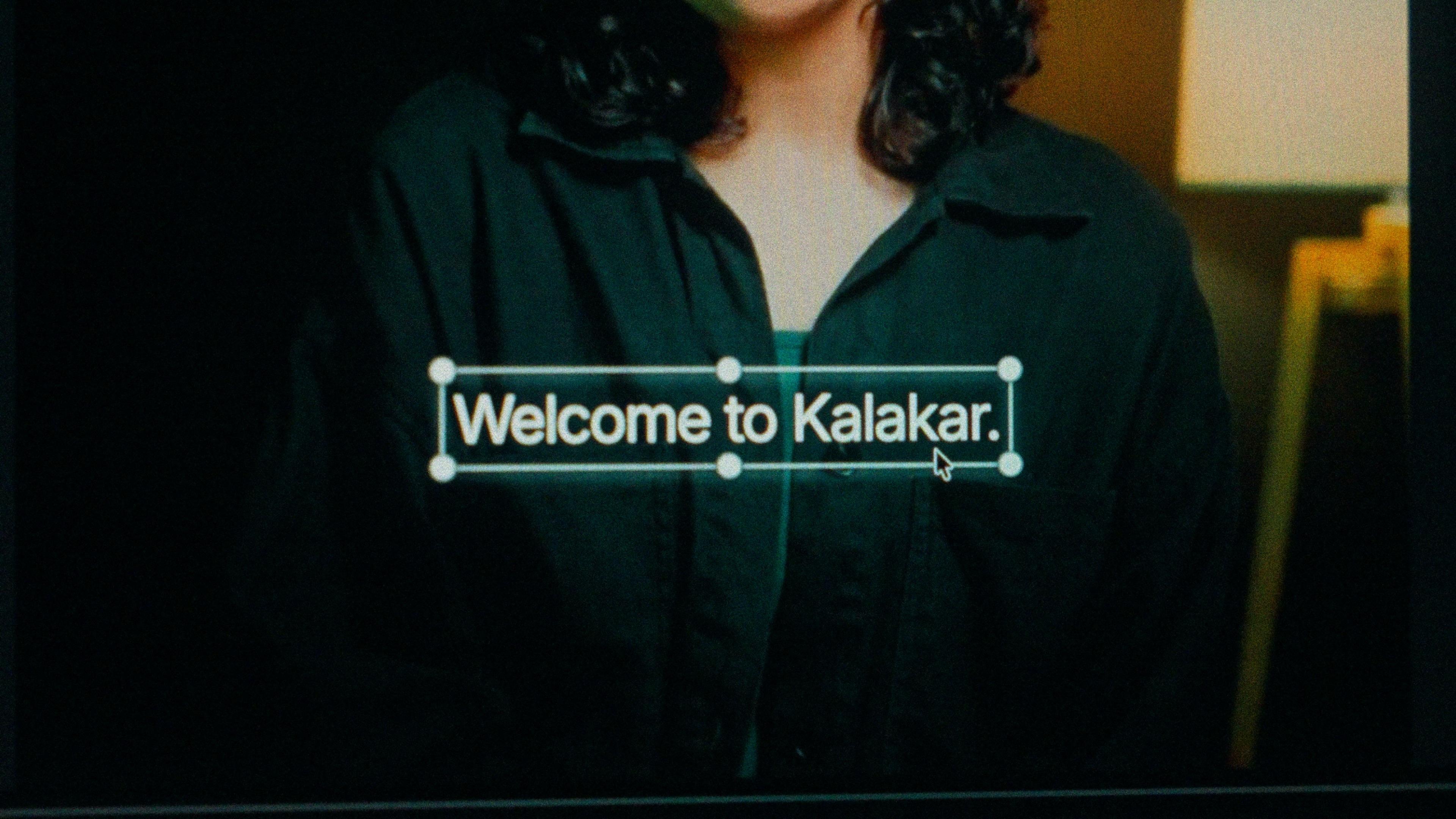
A finished caption selected on the video canvas in Kalakar

Sindhi script, right to left, or Roman Sindhi.

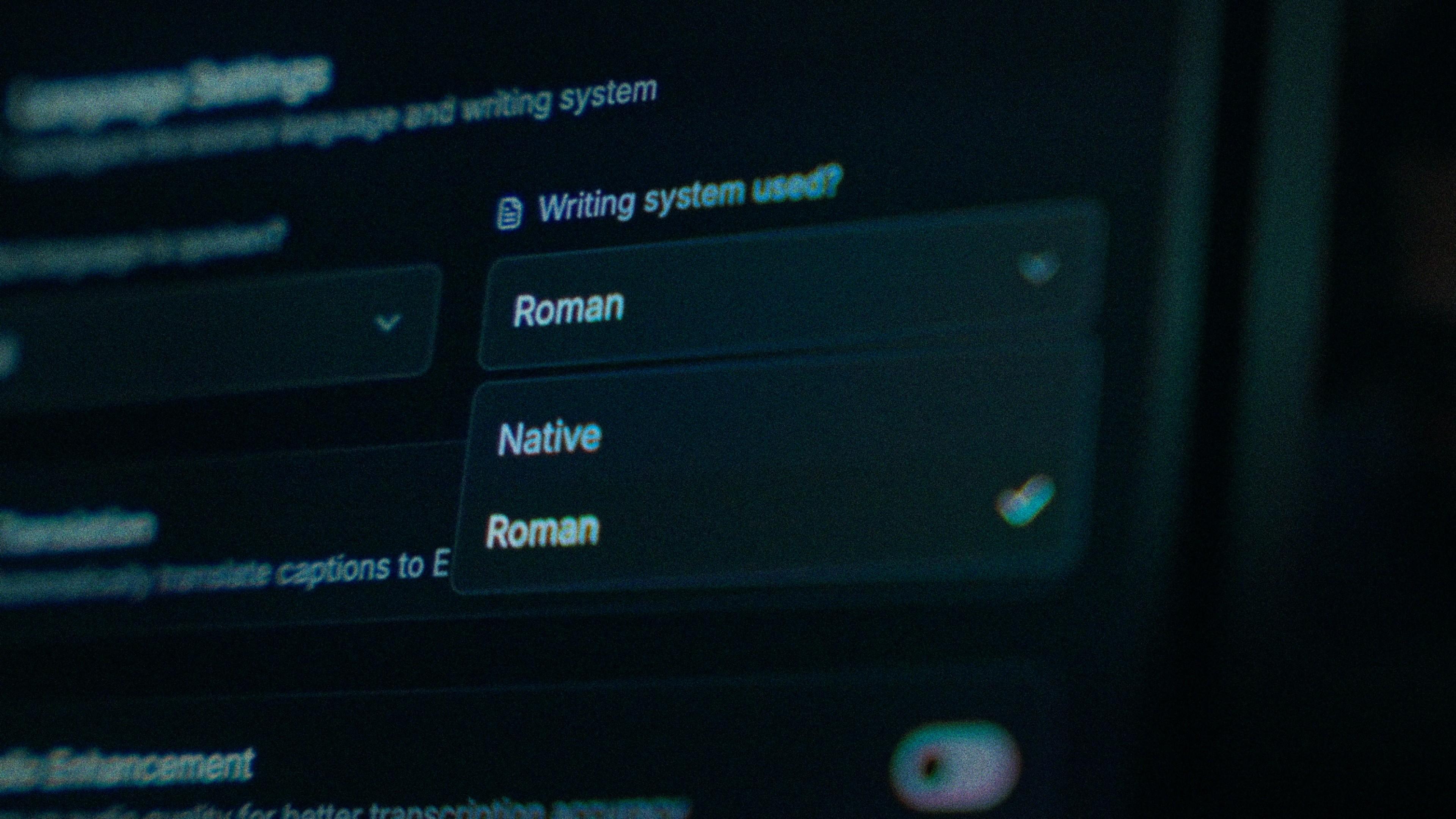
Sindhi script runs right to left with 52 letters, and Sindhi-medium readers expect it for Sufi and folk music, recitation and news commentary aimed at Sindh. Roman Sindhi reaches younger viewers in Karachi and Hyderabad, who already type it in English letters, and the community in India that reads Devanagari or Roman. Kalakar draws Native Sindhi RTL with correct joining, and both scripts share one transcription.

The Writing System setting, offering Native and Roman

Four letters Urdu doesn't have, kept intact.

ڏ, ٻ, ڄ and ڳ exist in Sindhi and not in Urdu. A tool that renders Sindhi through an Urdu keyboard swaps each one for the closest Urdu letter, and ڏاڍو becomes دادا, a different word. Kalakar's Native output uses the full Sindhi alphabet. If one implosive still slips, tap that word and fix it; the rest of the line and its timing stay exactly where they were.

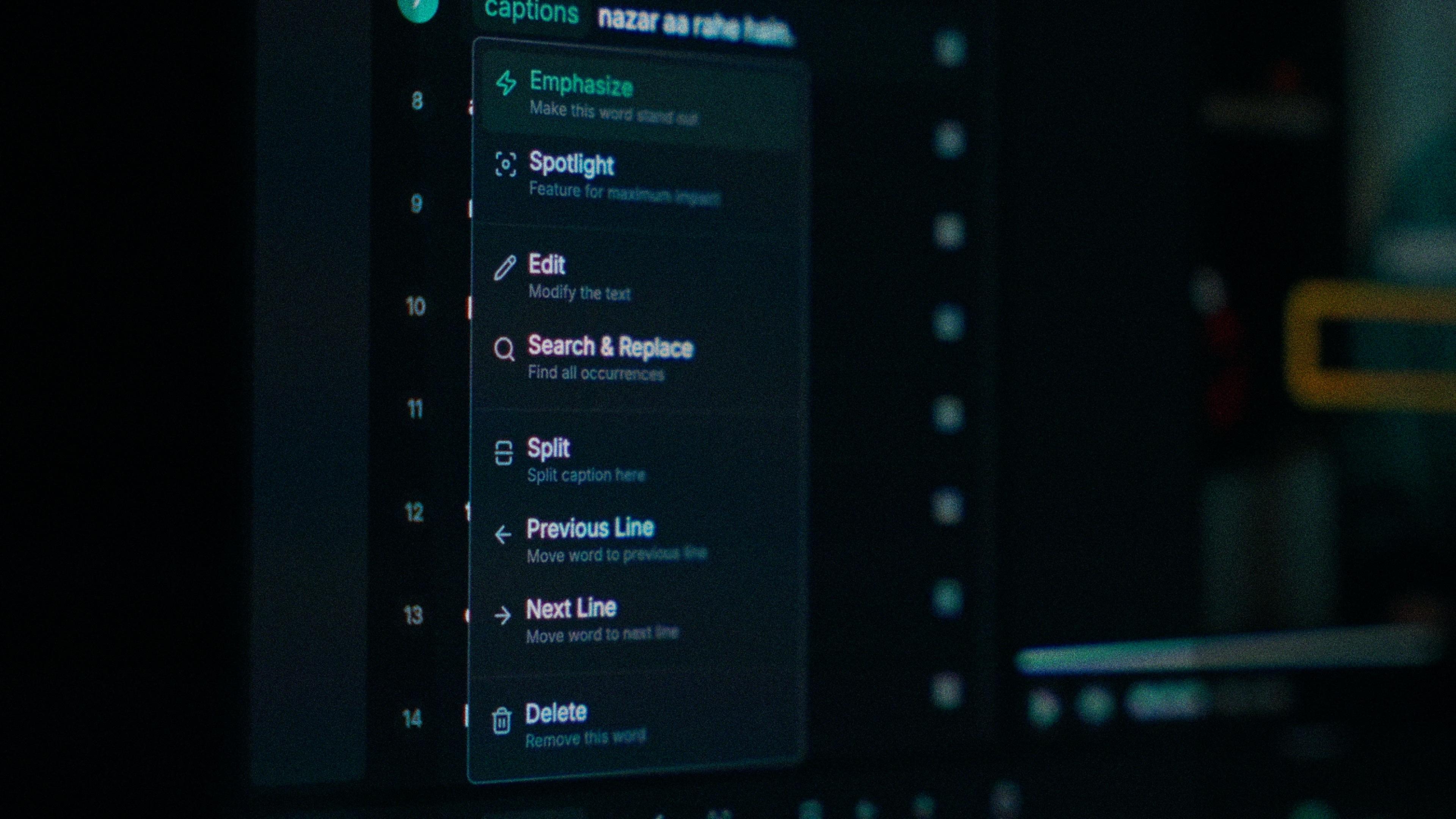
One word of a caption with its menu open: Emphasize, Spotlight, Edit, Search and Replace, Split, move to the previous or next line, Delete

A crowded mehfil, cleaned before it hears Sindhi.

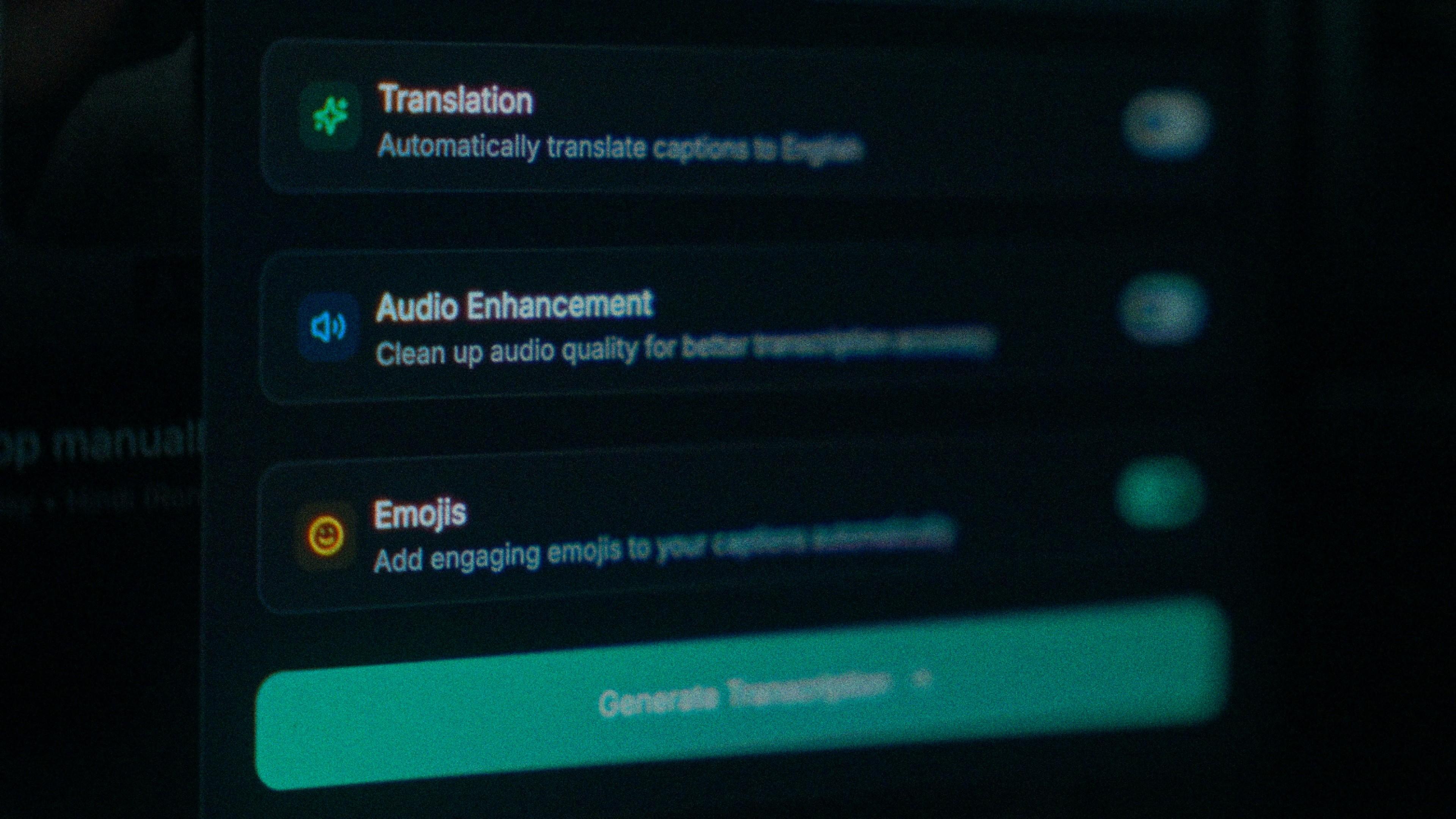
A lot of Sindhi gets recorded on a street in Hyderabad or at a crowded mehfil, and that noise costs accuracy before the model hears a word. Turn on audio enhancement and the pass runs on cleaned audio. On clear audio Sindhi transcribes at up to 97%, so cleaning a noisy clip first is the cheapest accuracy gain there is, and script wants every letter right.

The Translation, Audio Enhancement and Emojis switches

How to caption Sindhi in Kalakar

Select Sindhi, not Urdu, choose script or Roman, generate. Then look at the first wrapped line of the export: it should start from the right with the full stop at the left. Find a word with ڏ or ٻ in it and check the letter survived. Fix the odd word, apply a template, export.

  1. Upload your video. Drag an MP4 or MOV into app.kalakar.io. Vertical 9:16 for Reels, Shorts and TikTok, or 16:9 for YouTube; both are supported.
  2. Select Sindhi as the spoken language. Pick Sindhi from the language menu. Turn on audio enhancement first if the recording is noisy.
  3. Choose Roman or Native script. Roman gives you Sindhi in English letters. Native gives you Perso-Arabic (Sindhi alphabet). Timings are the same either way.
  4. Edit, style and export. Fix any word in a tap, apply a caption template, then export a burned-in MP4, an SRT or VTT file, or an alpha-channel render for Premiere Pro or DaVinci Resolve.
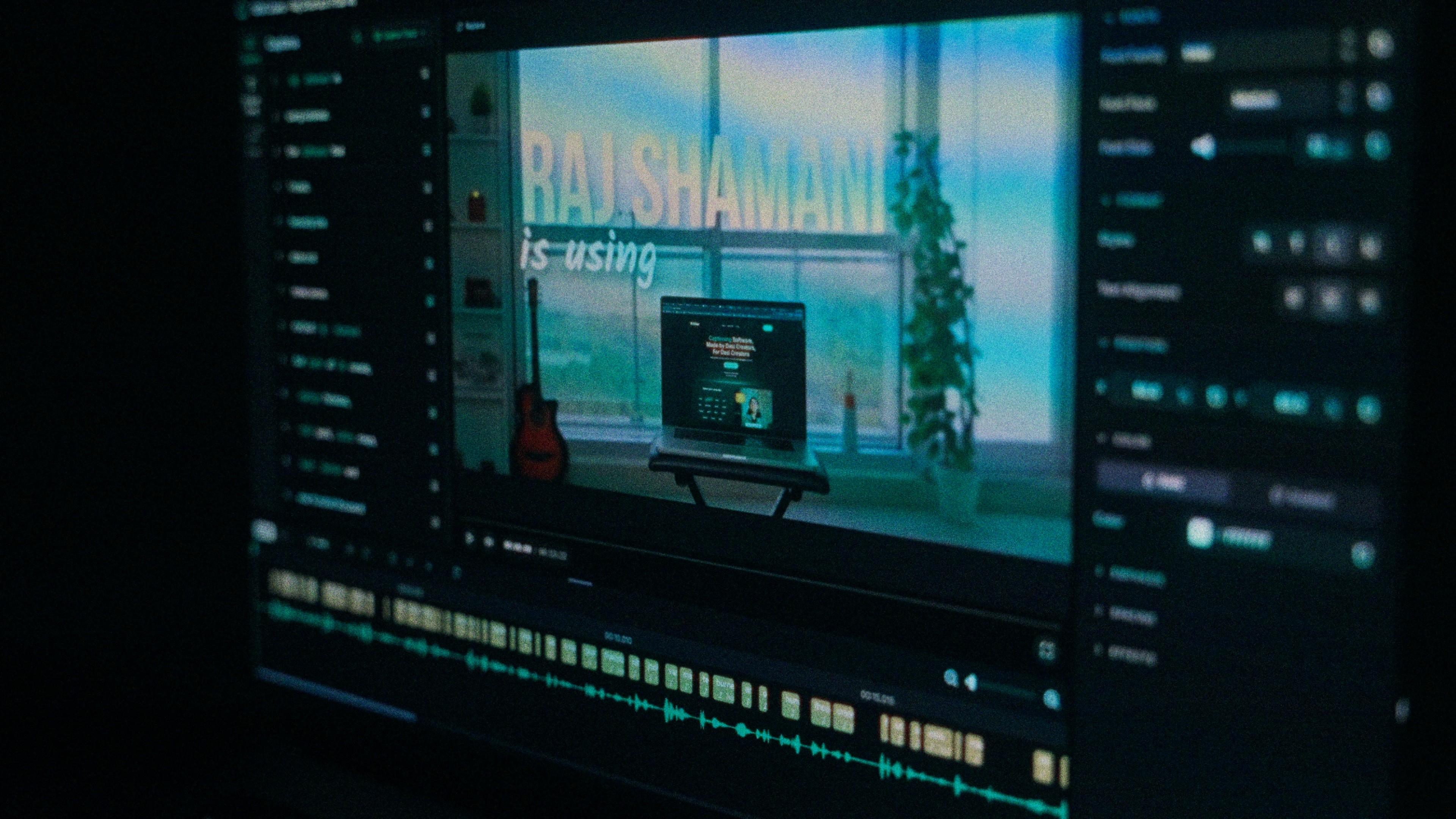
A Kalakar caption render on a Premiere Pro timeline

Sindhi captions, answered.

See it done once, then do it yourself.

The team's own walkthrough: upload, language, script, templates and export, in one sitting.

Then upload one Sindhi clip and judge the transcript yourself. Free plan, every language, no watermark on the basic templates.

Also captionedUrduPunjabiGujaratiPushtoAll 21