Gujarati Captioning,
Made by Desi Creators,
For Desi Creators

Accurate Gujarati captions, native script or Roman, in seconds

Accurate Gujarati captions, native script or Roman, in seconds

Trusted by over 200,000+ Users

4.9

Select your Language

Select your Language

Select your Language

Select your Language

Select your Language

Say it in Gujarati. Read it back, word for word.

આ વીડિયો શેર કરો

Share this video

Gujarati heard as Gujarati, not Hindi with an accent

Aa page ne fallow karoyou said follow

Plenty of tools route Gujarati audio through a Hindi model and convert the letters afterwards, so the script looks right and the words underneath are Hindi you never said. Gujarati speakers also switch into Hindi and English mid-sentence without noticing. Kalakar's Gujarati model is trained on Gujarati as it's spoken on Instagram and YouTube, and it keeps the English and Hindi words exactly as spoken.
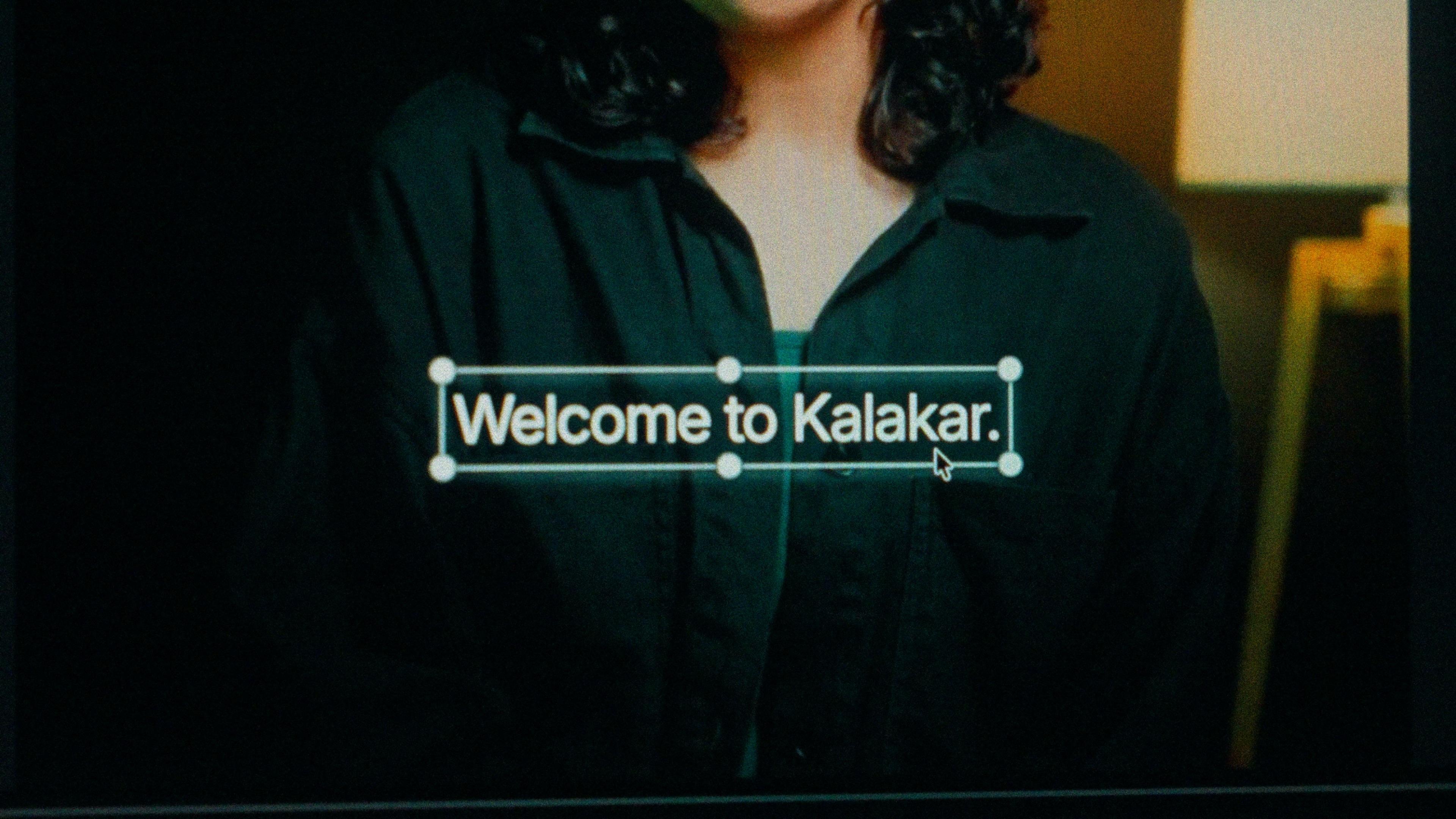
A finished caption selected on the video canvas in Kalakar

Gujarati script at home, Roman for the diaspora.

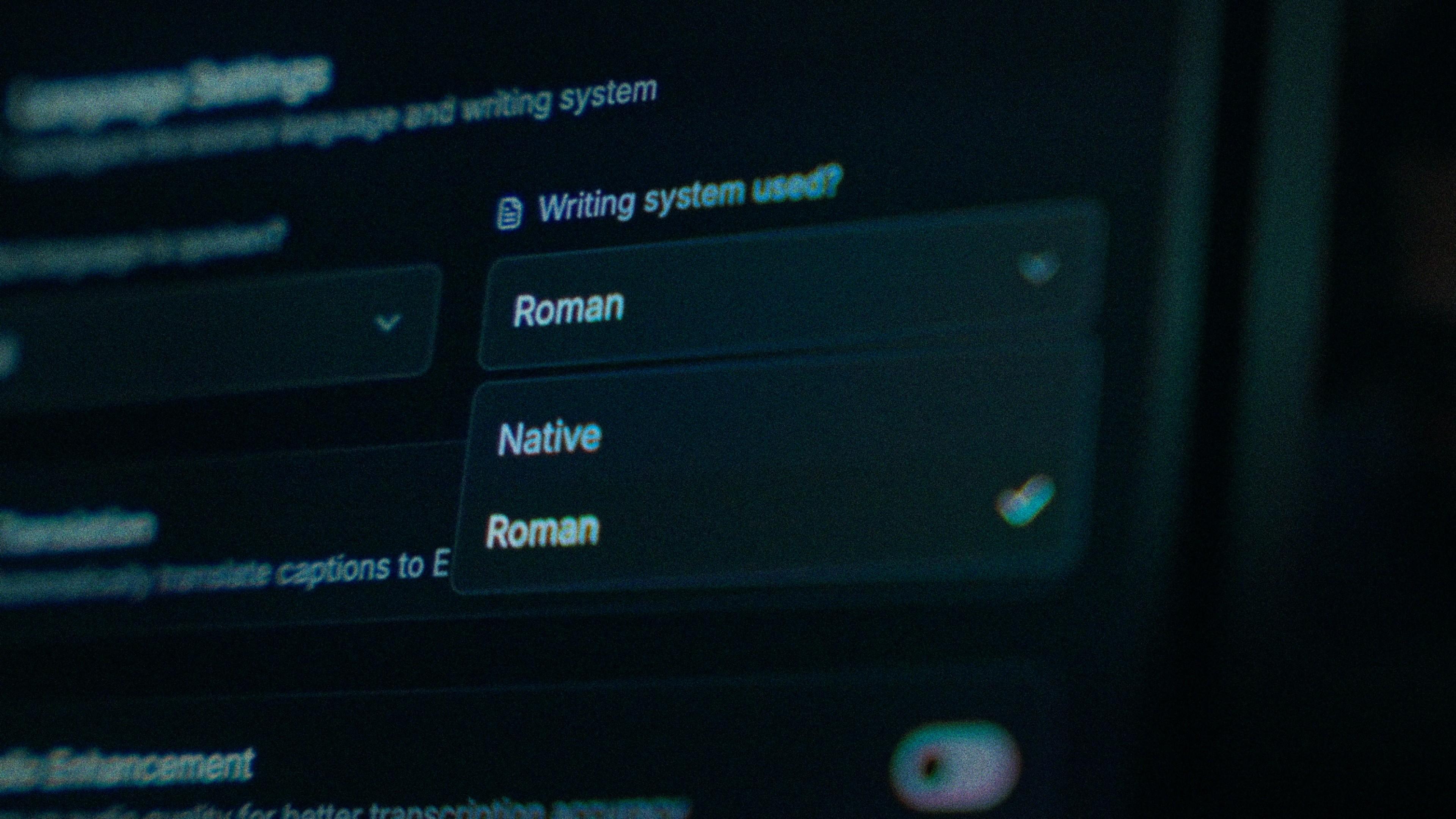
Gujarati has no top line, and its vowel signs sit above, below, before and after the consonant. Kalakar's Native output is real Gujarati script with those signs on the right letters, not a Devanagari conversion. Pick it for the home audience that reads newspapers, shop signs and the family WhatsApp group in it. Pick Roman for second-generation viewers in Leicester, New Jersey or Nairobi who speak fluently and read the script slowly.

The Writing System setting, offering Native and Roman

One tap on "fallow". The line stays put.

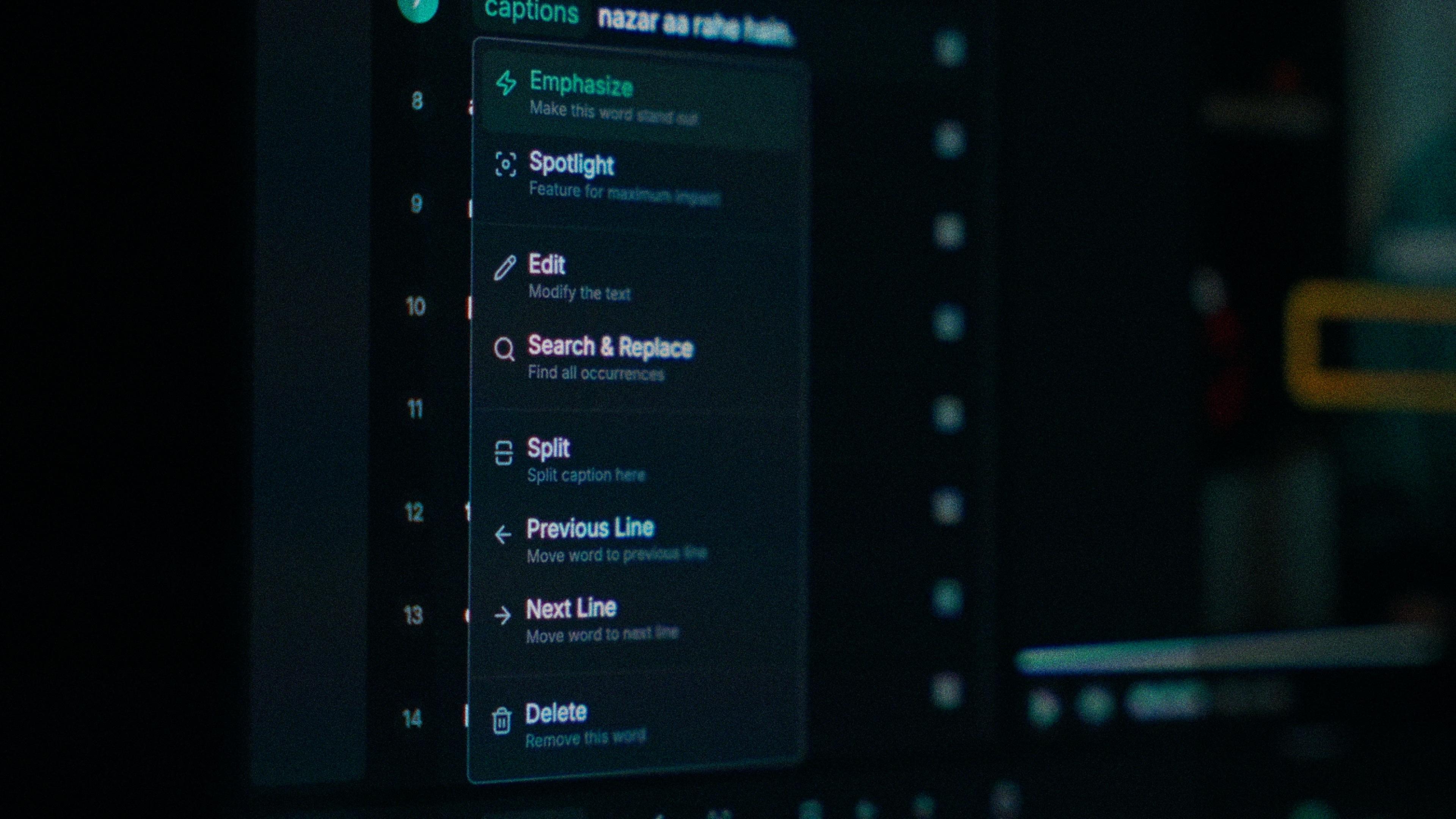
A model with a rigid vocabulary replaces the English or Hindi word with the nearest Gujarati sound, so a product name turns into nonsense at exactly the moment it mattered. In Kalakar every word carries its own start and end time. You tap the straggler, type what you said, and the rest of the line doesn't move. Check the brand names first; that's where the guesses land.

One word of a caption with its menu open: Emphasize, Spotlight, Edit, Search and Replace, Split, move to the previous or next line, Delete

Recorded on a shop floor or at a garba?

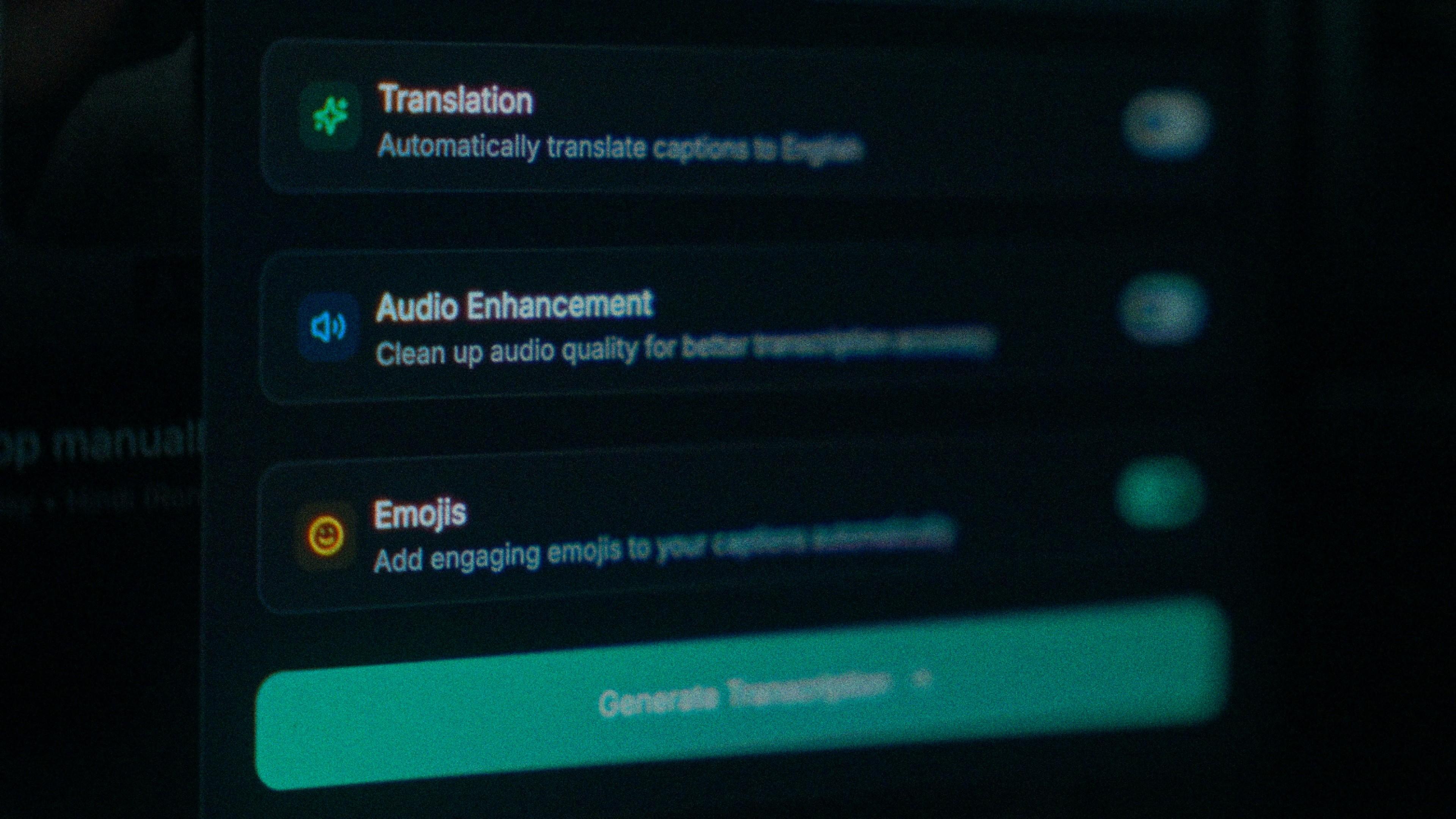
Then run audio enhancement before you generate. Shop-floor chatter and garba crowds pull accuracy down before the model hears a syllable, and it's the cheapest accuracy you'll get. Kalakar transcribes the cleaned track instead of the raw one, which is how a straight-to-camera Gujarati clip gets near the up to 97% the model reaches on clear audio.

The Translation, Audio Enhancement and Emojis switches

How to caption Gujarati in Kalakar

Select Gujarati, pick Gujarati script or Roman, generate, fix the stragglers, apply a template. Export an SRT or VTT for YouTube Studio, or a burned-in MP4 if you want the captions styled. The video is finished when the captions are.

  1. Upload your video. Drag an MP4 or MOV into app.kalakar.io. Vertical 9:16 for Reels, Shorts and TikTok, or 16:9 for YouTube; both are supported.
  2. Select Gujarati as the spoken language. Pick Gujarati from the language menu. Turn on audio enhancement first if the recording is noisy.
  3. Choose Roman or Native script. Roman gives you Gujarati in English letters. Native gives you Gujarati script. Timings are the same either way.
  4. Edit, style and export. Fix any word in a tap, apply a caption template, then export a burned-in MP4, an SRT or VTT file, or an alpha-channel render for Premiere Pro or DaVinci Resolve.
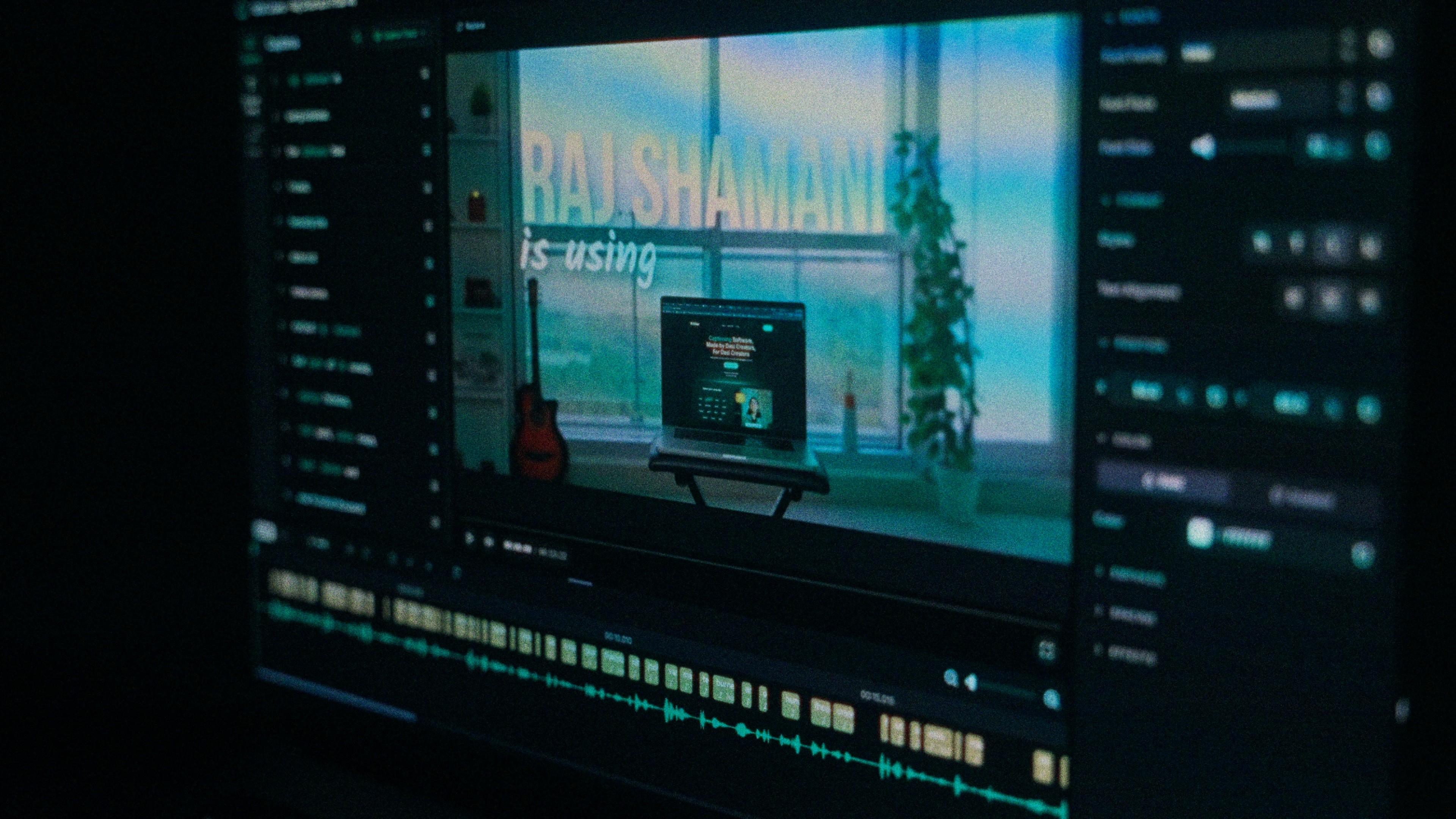
A Kalakar caption render on a Premiere Pro timeline

Gujarati captions, answered.

See it done once, then do it yourself.

The team's own walkthrough: upload, language, script, templates and export, in one sitting.

Then upload one Gujarati clip and judge the transcript yourself. Free plan, every language, no watermark on the basic templates.

Also captionedHindiMarathiSindhiHinglishAll 21