Marathi Captioning,
Made by Desi Creators,
For Desi Creators

Accurate Marathi captions, native script or Roman, in seconds

Accurate Marathi captions, native script or Roman, in seconds

Trusted by over 200,000+ Users

4.9

Select your Language

Select your Language

Select your Language

Select your Language

Select your Language

Say it in Marathi. Read it back, word for word.

हा व्हिडिओ शेअर करा

Share this video

Marathi, not Hindi in Marathi spelling

Aaj hum Pune la janar aahotyou said aapan

Marathi and Hindi share a script, and most caption tools took that as permission to share a model. So your audio gets routed through Hindi, "aapan" comes back as "hum", and the verb endings drift Hindi-ward until the joke lands on its Hindi cousin. Kalakar treats Marathi as its own language, trained on speech from Mumbai, Pune and across Maharashtra, so Marathi vocabulary comes back as Marathi.
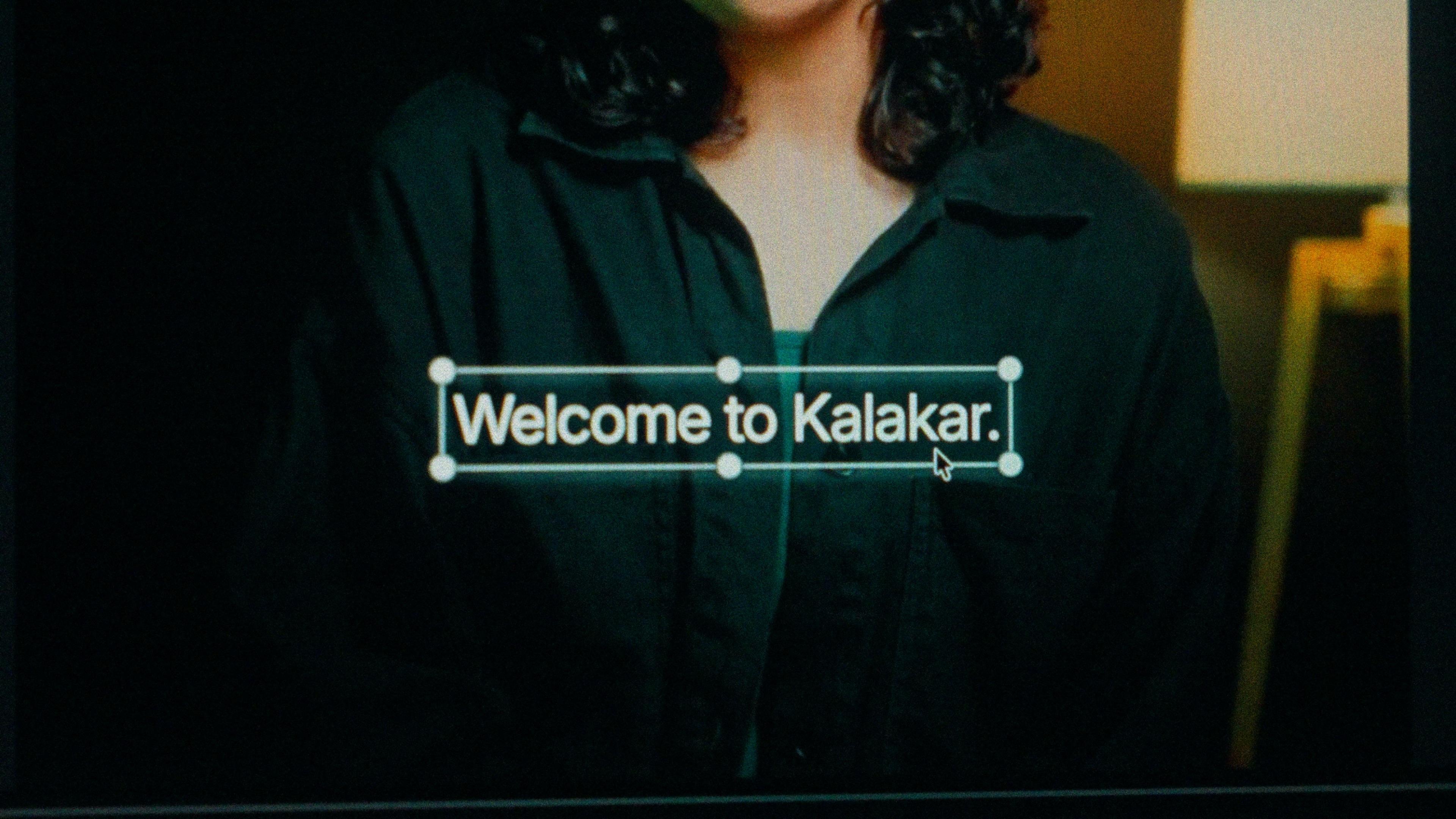
A finished caption selected on the video canvas in Kalakar

Devanagari for home. Roman for the reel.

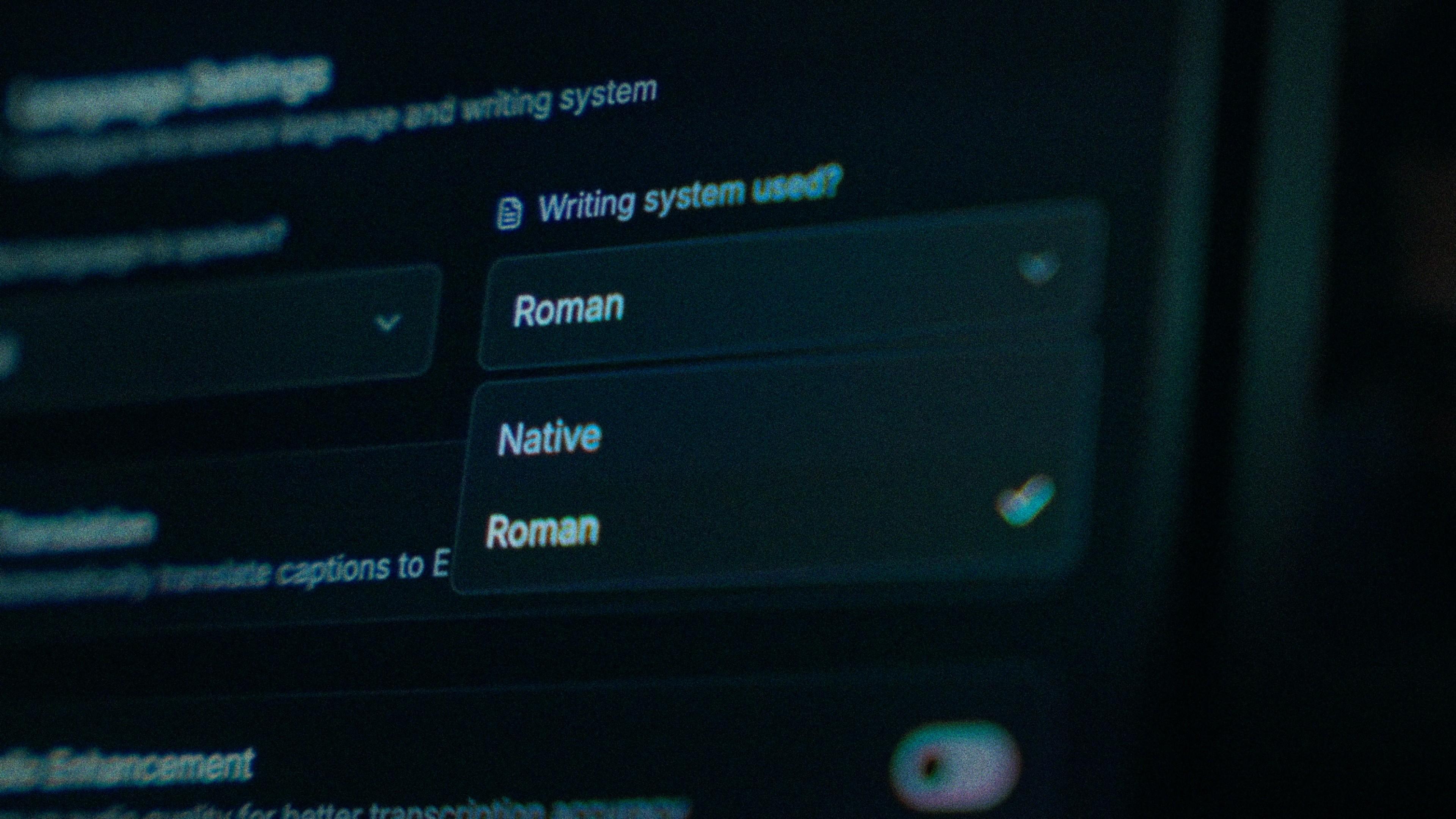
Devanagari is the script of Maharashtra's newspapers, film posters and schools, so it's the pick for political commentary, food, theatre and devotional clips. Roman Marathi suits fast comedy reels and younger viewers in Mumbai and Pune who type "kharach, ha episode bhari zhala". Both come from one transcription, so the script is a one-time choice at generation, not a re-edit.

The Writing System setting, offering Native and Roman

When ळ becomes ल, fix that one word.

Hindi keyboards and Hindi-trained models don't have ळ, so बाळ becomes बाल and the eyelash-ra in कर्‍या gets flattened. Kalakar's Native output keeps the Marathi-only forms, and व्हिडिओ stays spelt the Marathi way rather than the Hindi one. Every word carries its own timing, so if one still slips, you tap that word and type. The line around it doesn't move.

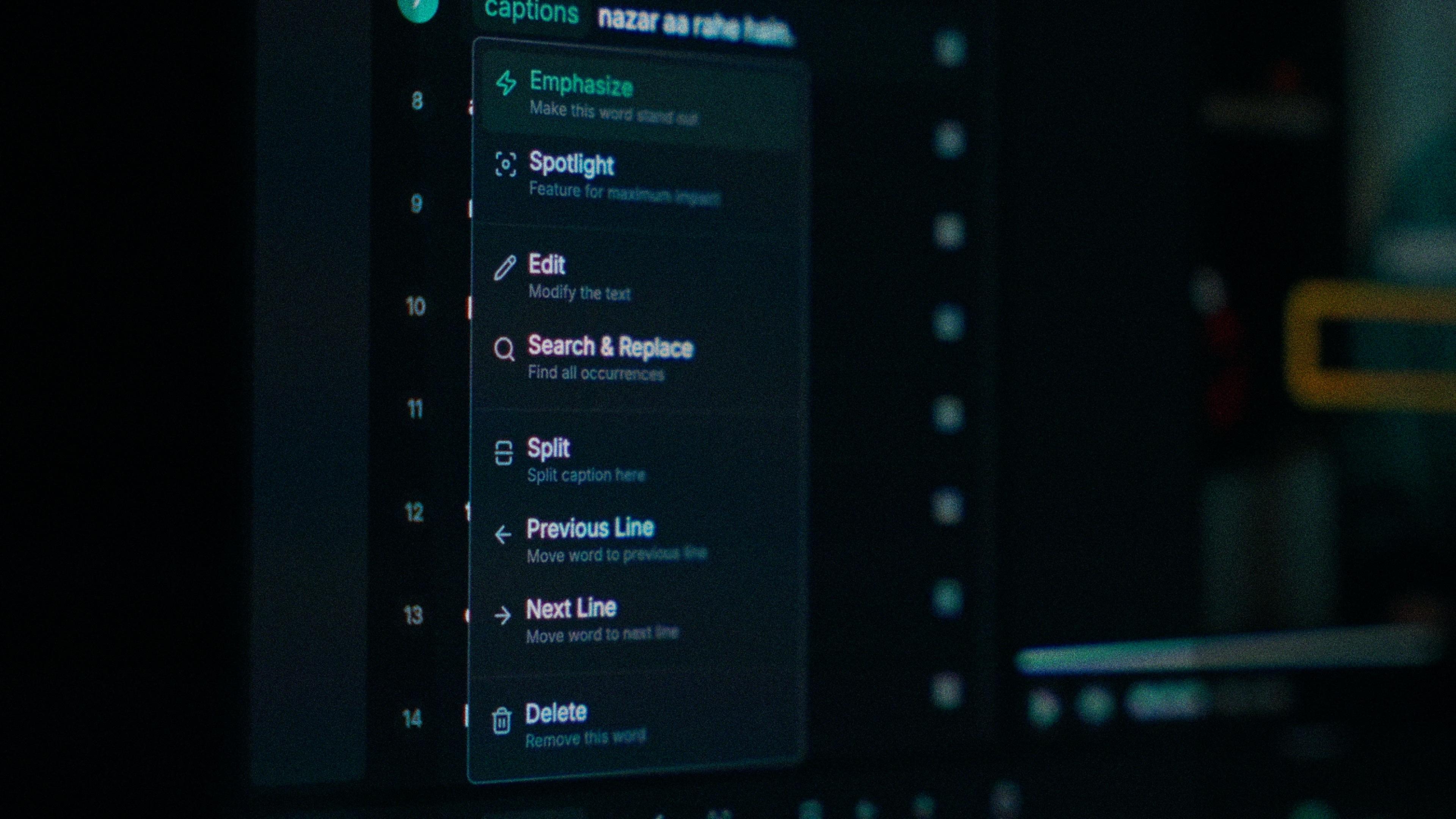
One word of a caption with its menu open: Emphasize, Spotlight, Edit, Search and Replace, Split, move to the previous or next line, Delete

Clean the take before it hears a syllable.

A comedy bit in a Pune cafe or a misal stall doesn't come with a quiet room, and that noise costs accuracy before the model hears a word. Turn on audio enhancement and the pass runs on cleaned audio. On clear audio Marathi transcribes at up to 97%, so cleaning a noisy take first is the cheapest way to get closer to that.

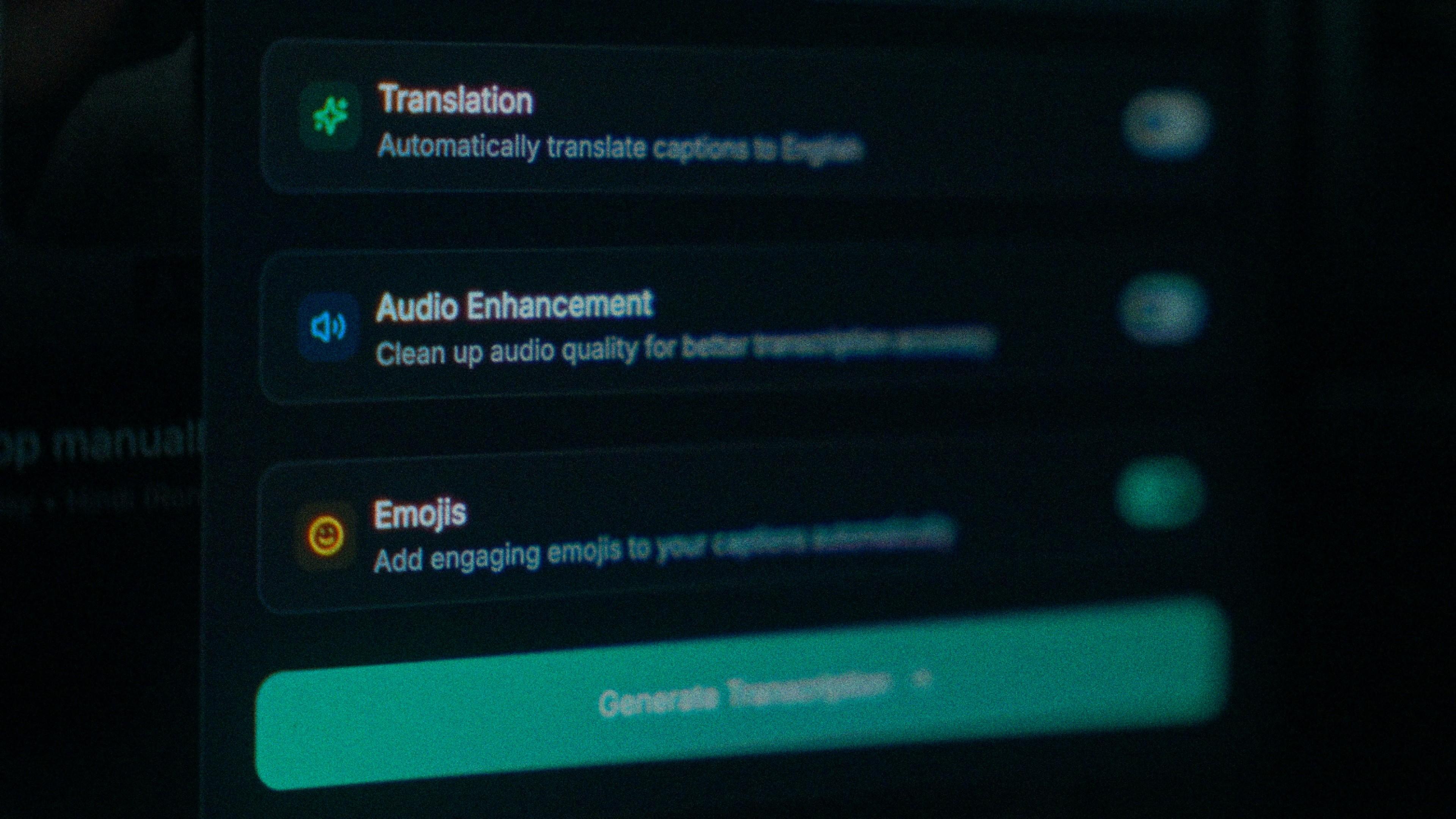
The Translation, Audio Enhancement and Emojis switches

How to caption Marathi in Kalakar

Select Marathi, not Hindi, pick your script, generate. Mixed Marathi, Hindi and English in one clip is fine; it's transcribed in one pass with the Hindi and English words kept as you said them. Read the first three lines aloud, fix the odd word, pick a template, export.

  1. Upload your video. Drag an MP4 or MOV into app.kalakar.io. Vertical 9:16 for Reels, Shorts and TikTok, or 16:9 for YouTube; both are supported.
  2. Select Marathi as the spoken language. Pick Marathi from the language menu. Turn on audio enhancement first if the recording is noisy.
  3. Choose Roman or Native script. Roman gives you Marathi in English letters. Native gives you Devanagari (Marathi variant). Timings are the same either way.
  4. Edit, style and export. Fix any word in a tap, apply a caption template, then export a burned-in MP4, an SRT or VTT file, or an alpha-channel render for Premiere Pro or DaVinci Resolve.
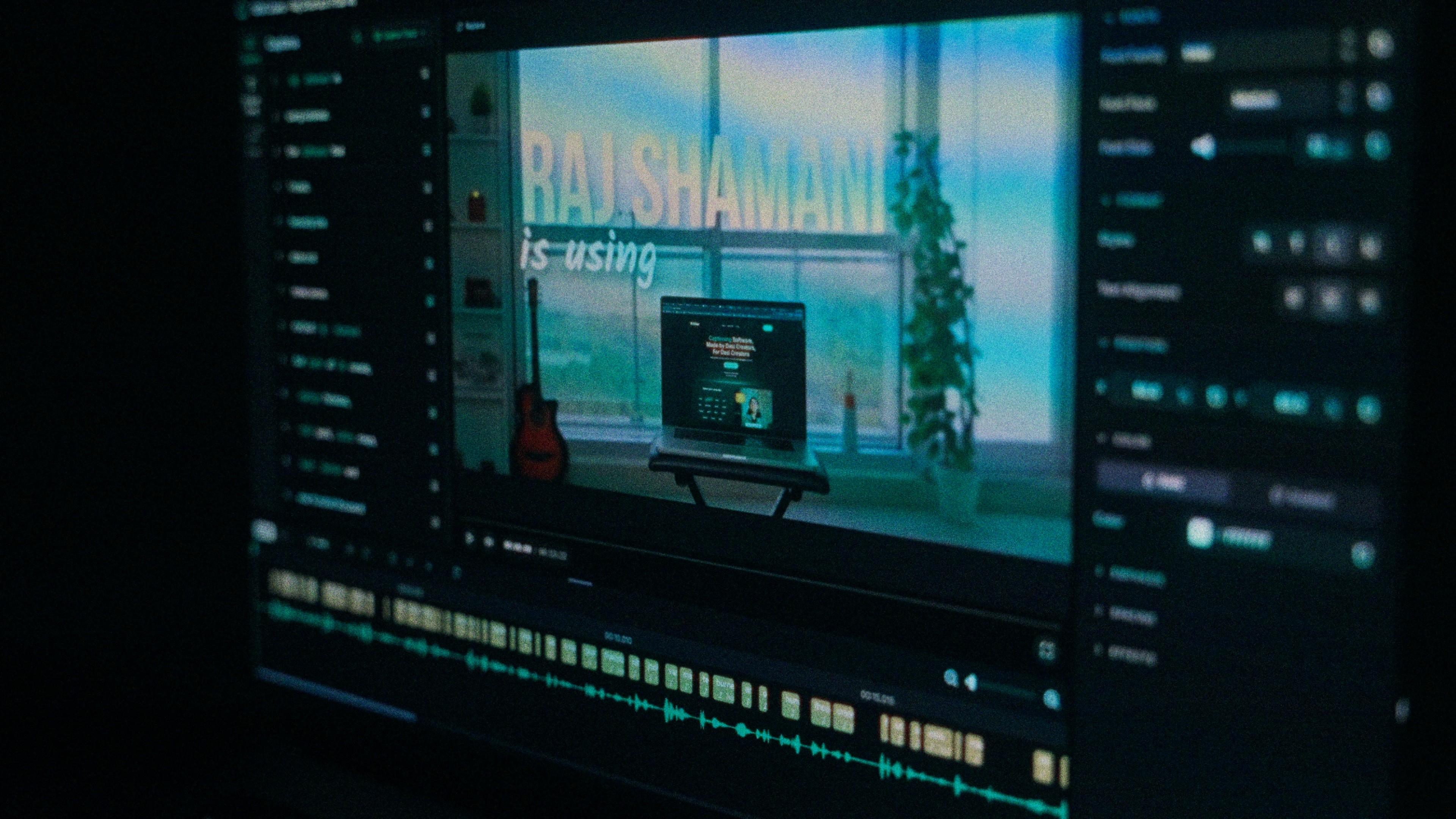
A Kalakar caption render on a Premiere Pro timeline

Marathi captions, answered.

See it done once, then do it yourself.

The team's own walkthrough: upload, language, script, templates and export, in one sitting.

Then upload one Marathi clip and judge the transcript yourself. Free plan, every language, no watermark on the basic templates.

Also captionedHindiGujaratiKannadaHinglishAll 21