Kannada Captioning,
Made by Desi Creators,
For Desi Creators

Accurate Kannada captions, native script or Roman, in seconds

Accurate Kannada captions, native script or Roman, in seconds

Trusted by over 200,000+ Users

4.9

Select your Language

Select your Language

Select your Language

Select your Language

Select your Language

Say it in Kannada. Read it back, word for word.

ಈ ವೀಡಿಯೊ ಶೇರ್ ಮಾಡಿ

Please share this video

Kannada speech, Kannada captions, not Telugu ones

Ee weekend maala ge hogonayou said mall

Kannada and Telugu scripts look alike, and a model that keys on letters rather than the language behind them will hand you a page of Telugu for your Kannada. Kalakar asks you to choose Kannada before it transcribes, and Kannada has its own model and its own script output, so the swap can't happen. It was tuned with Bengaluru-based editors on Kannada as it's spoken online, English nouns, verbs and all.
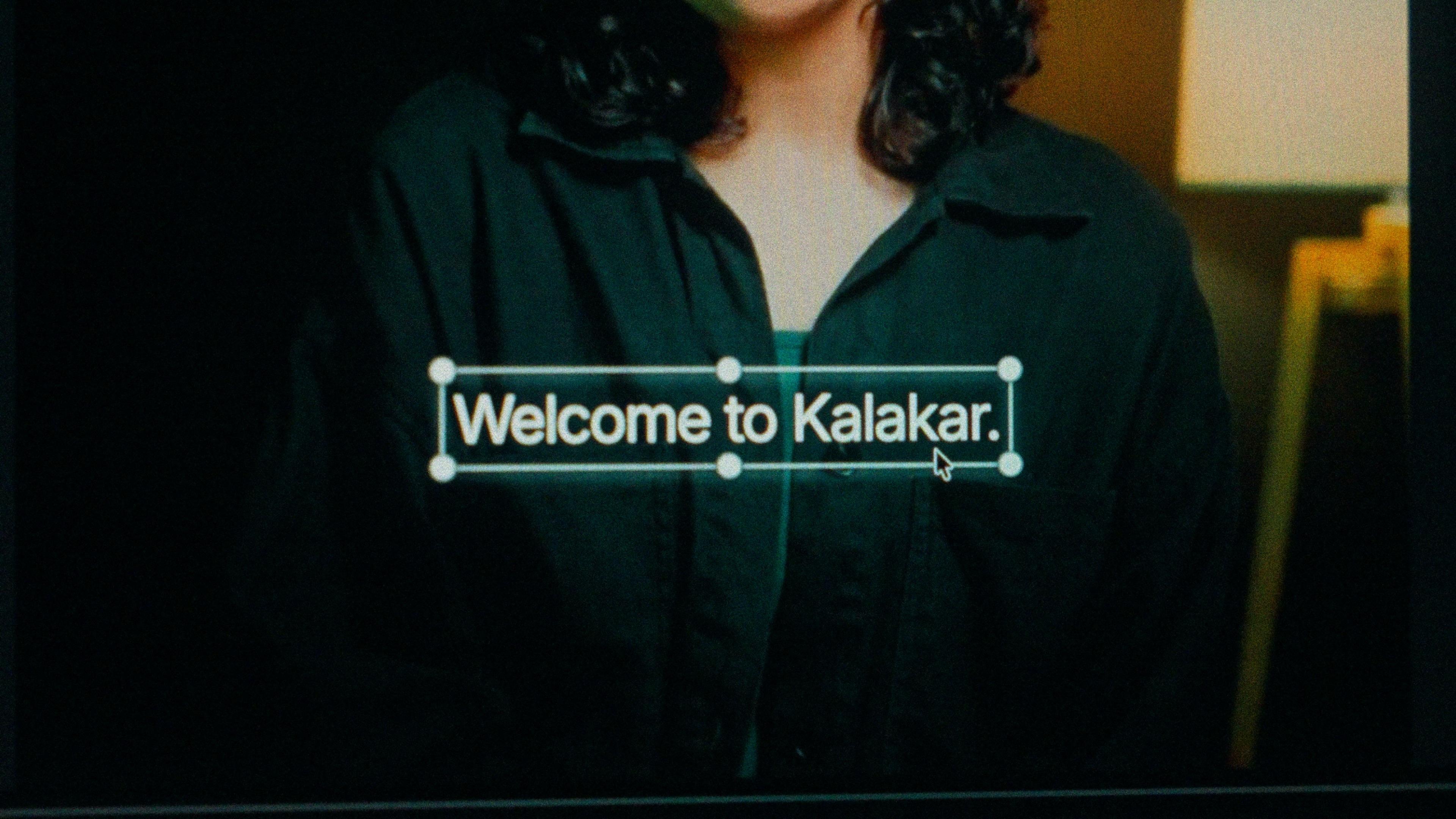
A finished caption selected on the video canvas in Kalakar

Kannada script earns goodwill. Kanglish suits Bengaluru tech.

Kannada script for film and music content, political commentary, education and devotional videos. Kannada has a strong script identity and a vocal movement for its use online, so captions in the script are what that audience expects. Kanglish for Bengaluru's tech and startup crowd and younger viewers generally, in comedy, tech and lifestyle short-form where the speech is already half English. One transcription, same timings, so the choice is a setting rather than a re-edit.

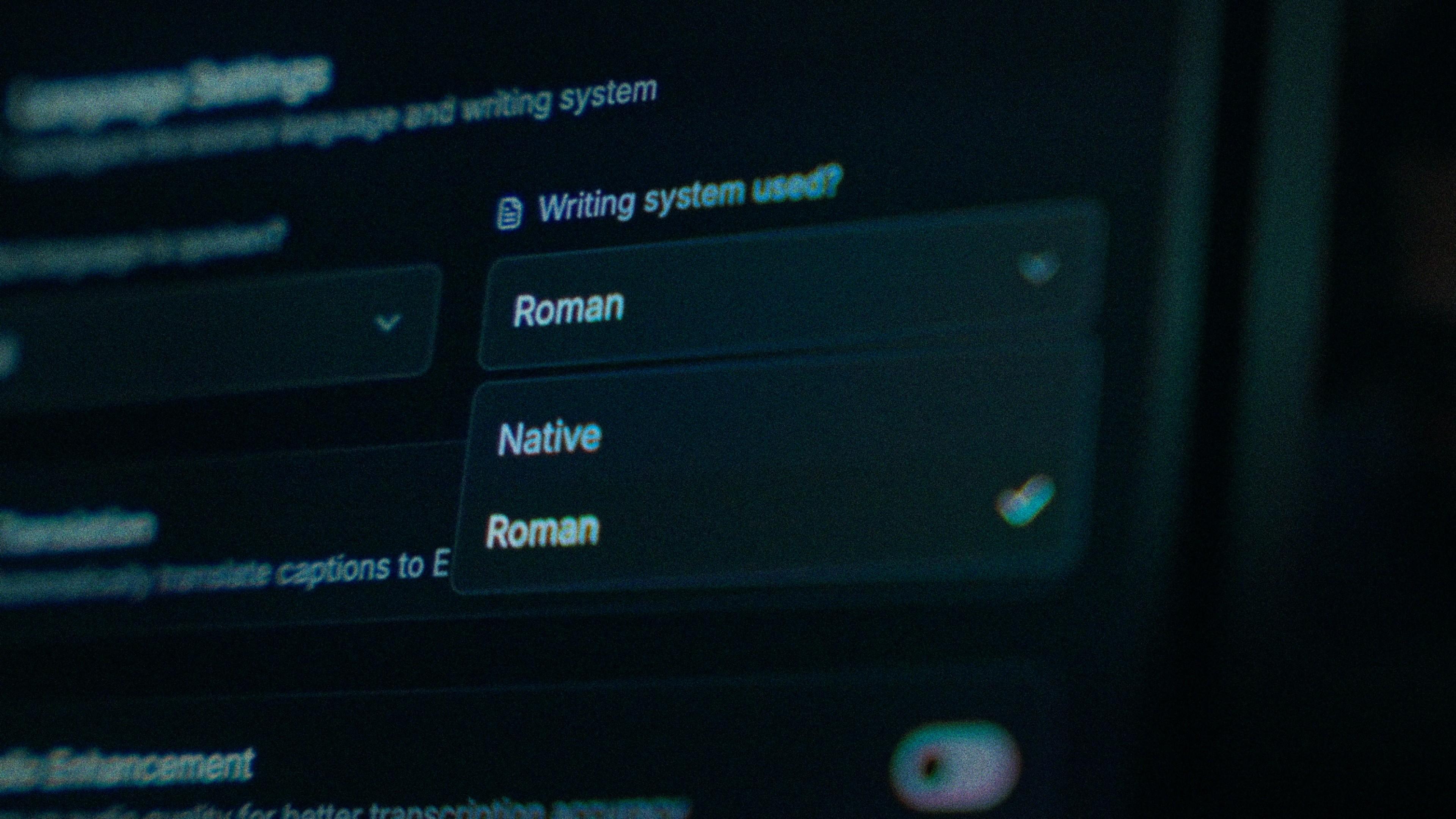
The Writing System setting, offering Native and Roman

Turn the garland back into a mall, one tap.

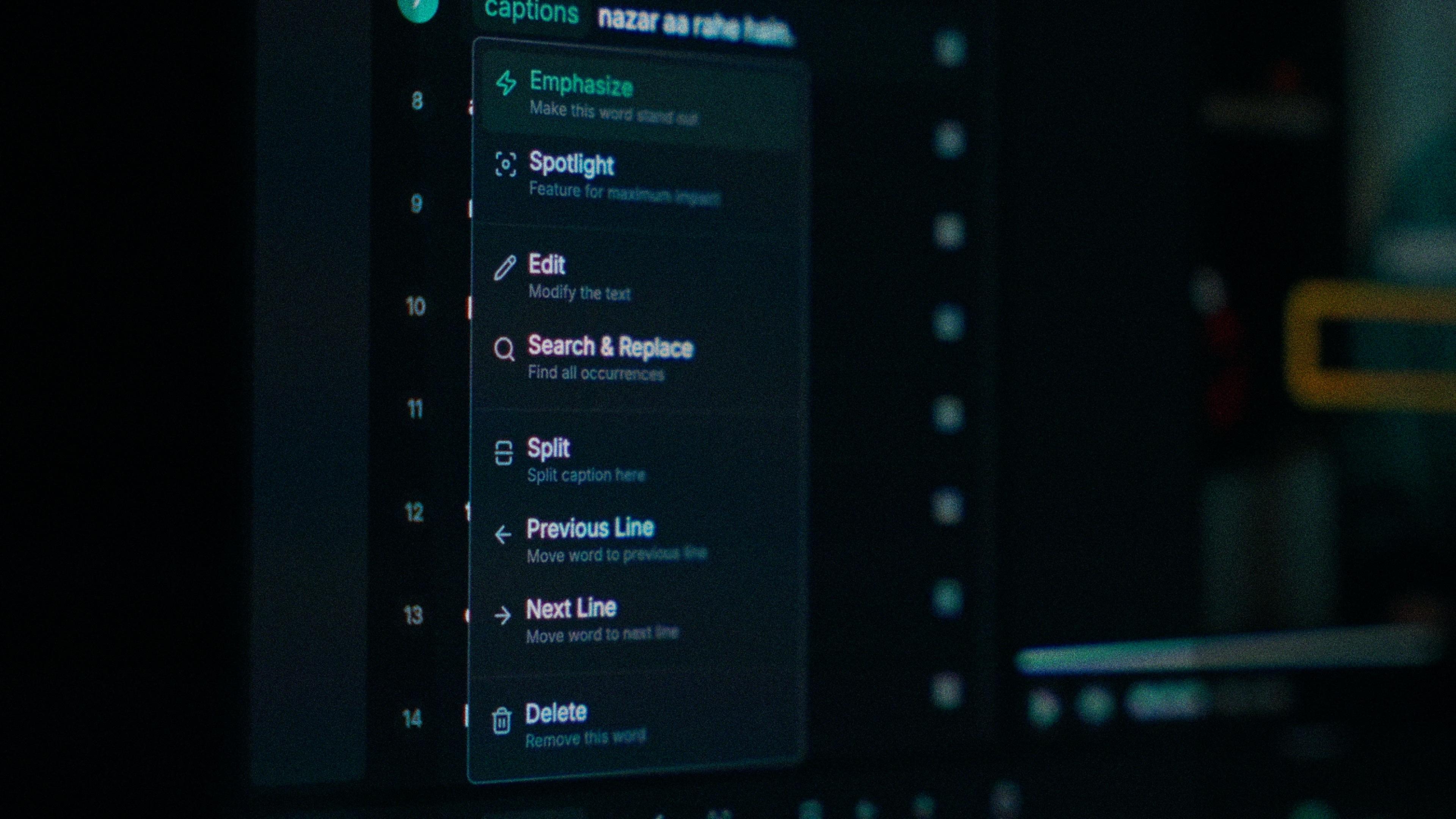
When mall comes back as maala, you tap that word and type; each word carries its own timing, so nothing beside it moves. Find and replace fixes the app name or the product you're reviewing everywhere at once. The subscript conjuncts hold too: the ನ್ನ in ಚೆನ್ನಾಗಿದೆ stays tucked under its first consonant after you've edited the line, not pulled apart into two full-size letters with a mark between them.

One word of a caption with its menu open: Emphasize, Spotlight, Edit, Search and Replace, Split, move to the previous or next line, Delete

Bengaluru traffic in the track? Clean it first.

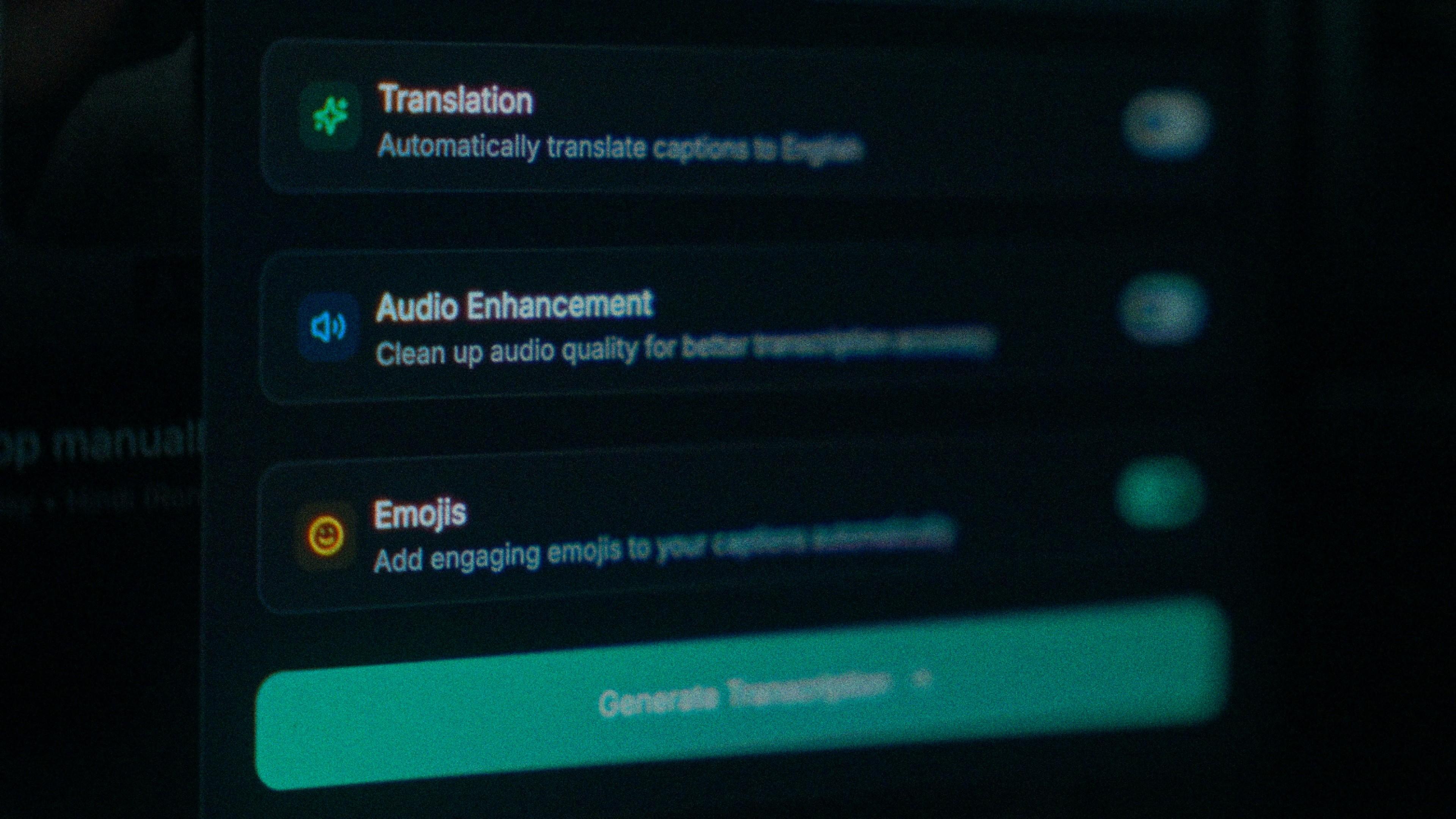
A weekend vlog shot around Bengaluru brings the traffic with it, and a noisy track makes a model already prone to hearing Telugu guess worse at every English word too. Turn on audio enhancement and Kalakar transcribes from the cleaned audio. It's the cheapest accuracy gain you'll get on a street shoot, and it happens before the first word is recognised, so run it before you generate.

The Translation, Audio Enhancement and Emojis switches

How to caption Kannada in Kalakar

Select Kannada by name; that one step removes the problem your viewers complain about most. Export a burned-in MP4 for Reels and Shorts, an SRT or VTT for YouTube, or an alpha render for Premiere Pro and DaVinci Resolve, and check one conjunct in whichever player draws it.

  1. Upload your video. Drag an MP4 or MOV into app.kalakar.io. Vertical 9:16 for Reels, Shorts and TikTok, or 16:9 for YouTube; both are supported.
  2. Select Kannada as the spoken language. Pick Kannada from the language menu. Turn on audio enhancement first if the recording is noisy.
  3. Choose Roman or Native script. Roman gives you Kannada in English letters. Native gives you Kannada script. Timings are the same either way.
  4. Edit, style and export. Fix any word in a tap, apply a caption template, then export a burned-in MP4, an SRT or VTT file, or an alpha-channel render for Premiere Pro or DaVinci Resolve.
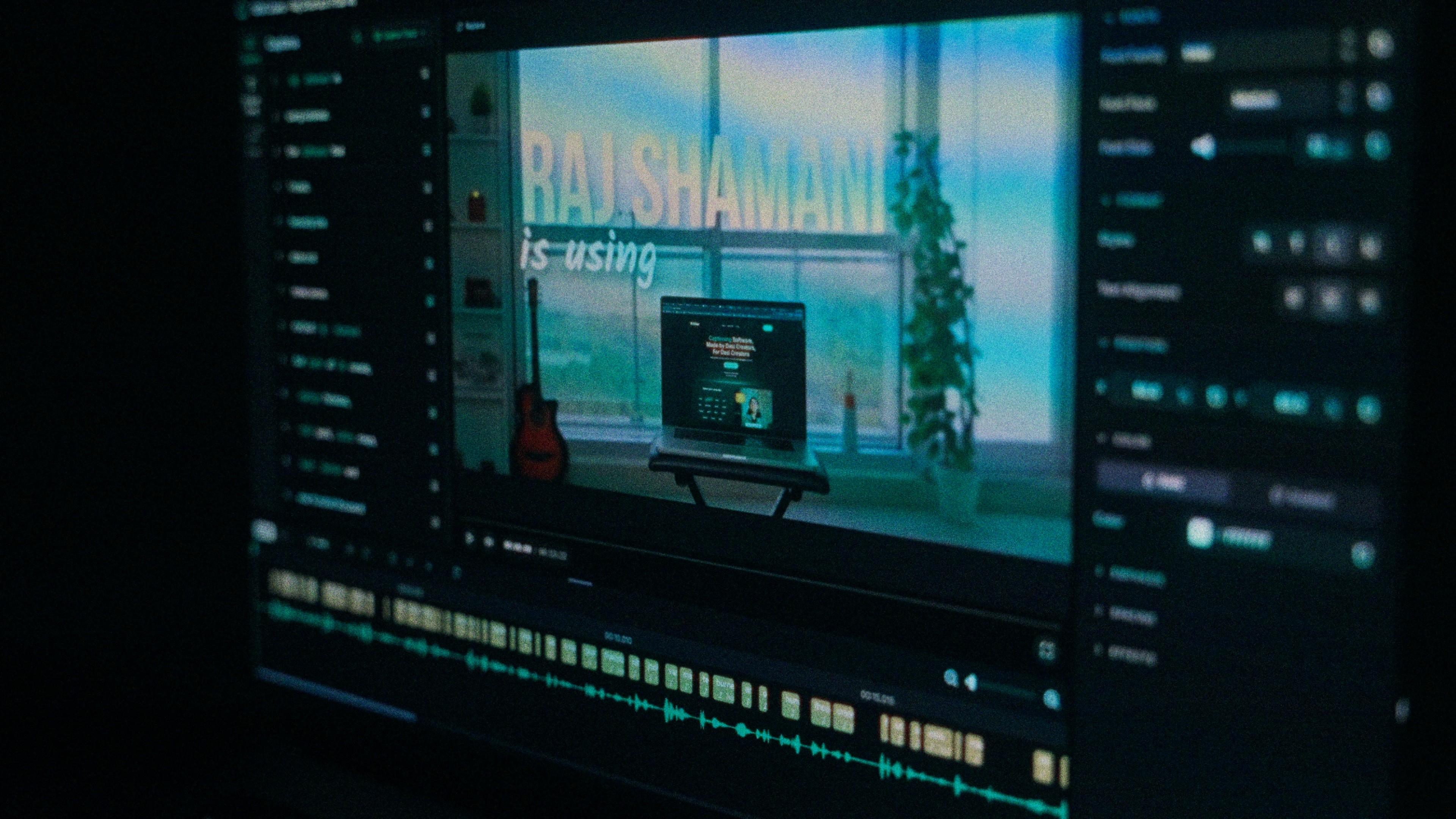
A Kalakar caption render on a Premiere Pro timeline

Kannada captions, answered.

See it done once, then do it yourself.

The team's own walkthrough: upload, language, script, templates and export, in one sitting.

Then upload one Kannada clip and judge the transcript yourself. Free plan, every language, no watermark on the basic templates.

Also captionedTeluguTamilMalayalamMarathiAll 21