Tamil Captioning,
Made by Desi Creators,
For Desi Creators

Accurate Tamil captions, native script or Roman, in seconds

Accurate Tamil captions, native script or Roman, in seconds

Trusted by over 200,000+ Users

4.9

Select your Language

Select your Language

Select your Language

Select your Language

Select your Language

Say it in Tamil. Read it back, word for word.

இந்த வீடியோவ ஷேர் பண்ணுங்க

Please share this video

Tamil with the English left as English

Indha phone romba bajji-friendlyyou said budget

Spoken Tamil carries an English noun or verb in almost every sentence, and a model trained on Tamil alone has to find a Tamil sound for each one. That's how budget becomes bajji. Kalakar's Tamil setting was tuned with Chennai-based editors on the way Tamil is actually spoken on YouTube and Instagram, so the product name, the price and the one English adjective come back as you said them, in either script.
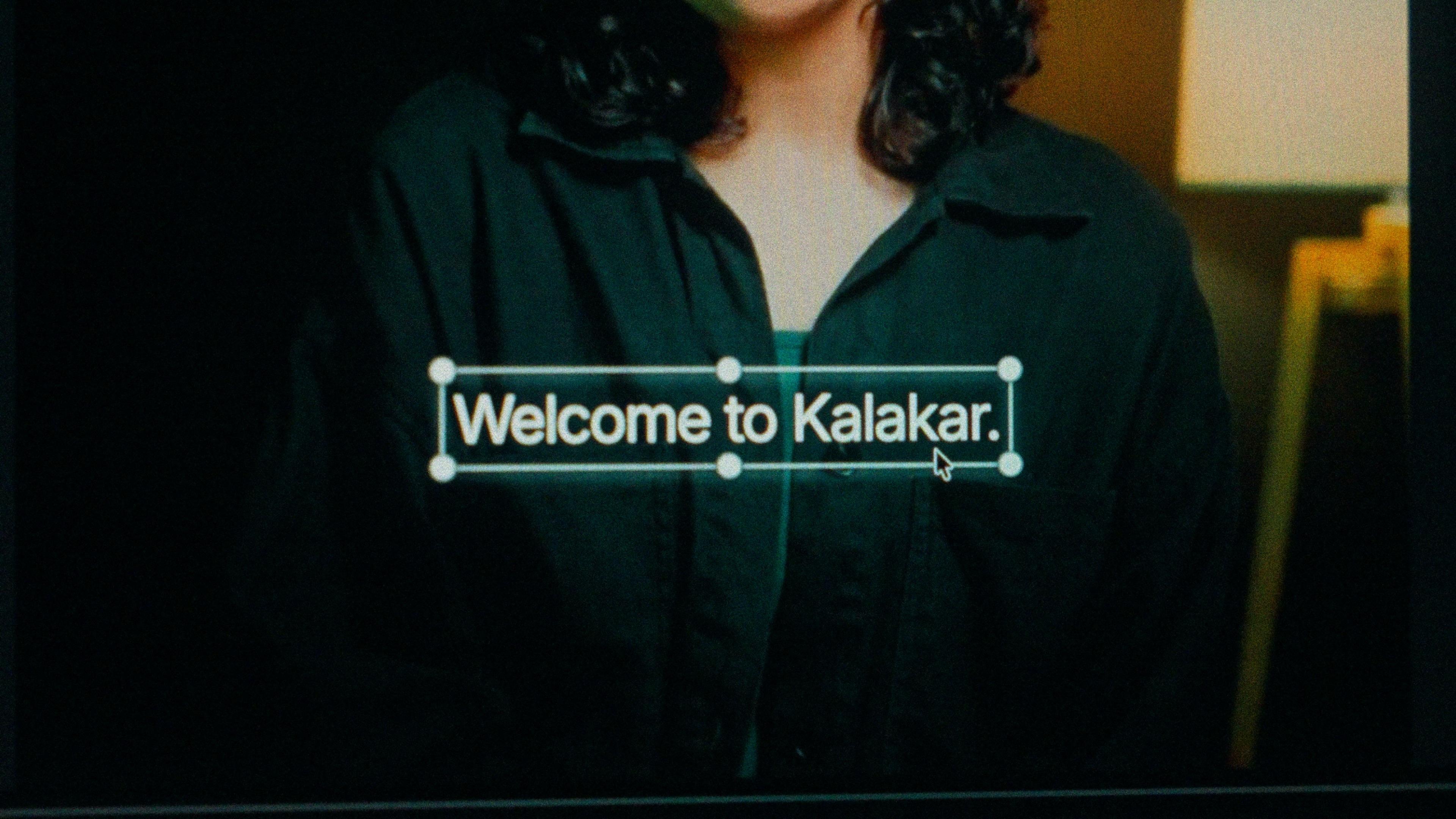
A finished caption selected on the video canvas in Kalakar

Tamil script or Tanglish. Same timings either way.

Tamil script for film and music clips, political commentary, education and devotional content. Readers in Tamil Nadu and Sri Lanka read it fast and notice when a channel avoids it. Tanglish for comedy, tech and lifestyle short-form aimed at under-30 viewers, and for Malaysian and Singaporean Tamils who speak fluently but read the script slowly. Kalakar generates both from one transcription, so a channel with both audiences exports both.

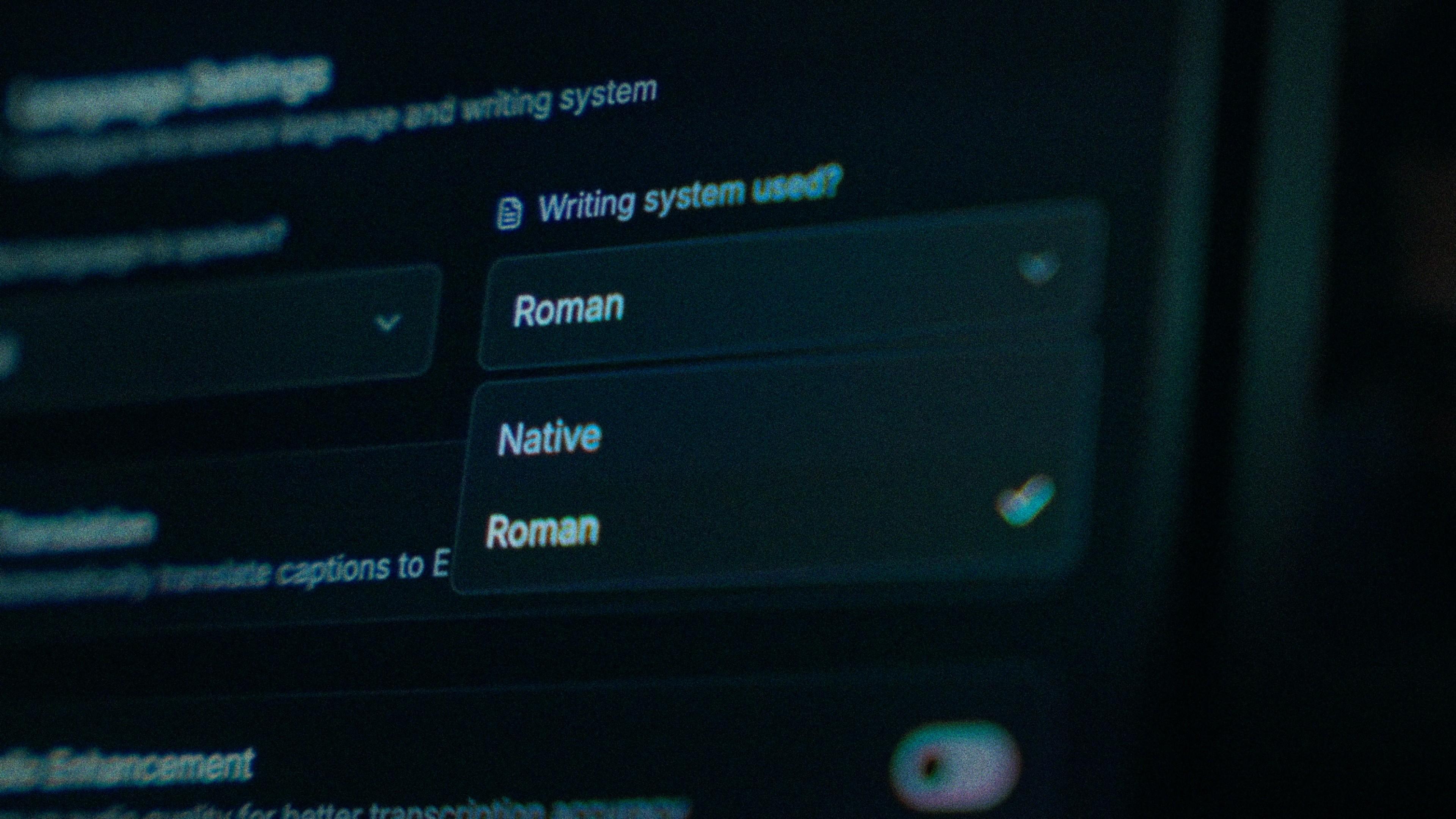
The Writing System setting, offering Native and Roman

One spelling of pannunga, fixed once, kept everywhere.

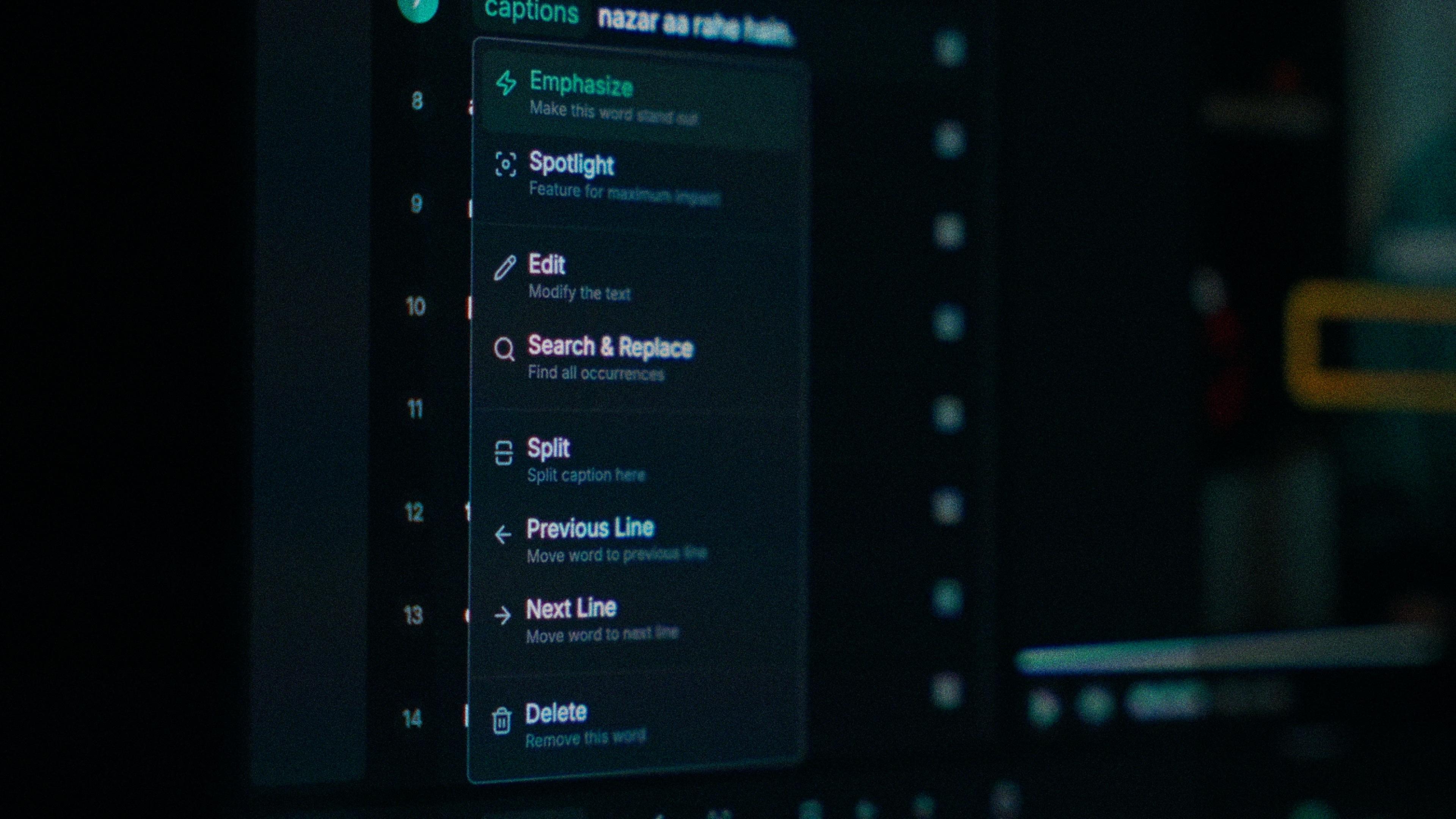
There's no rulebook for Tamil in English letters, so pannunga, pannuga and panunga can all show up in one transcript and read as sloppiness. Each word in Kalakar carries its own text and timing, so a spelling is one tap per instance, not a retyped line. Fix the first, then find and replace the variants. Long words like பண்ணிக்கிட்டிருக்கேன் move to the next line whole, never split mid-syllable.

One word of a caption with its menu open: Emphasize, Spotlight, Edit, Search and Replace, Split, move to the previous or next line, Delete

Noisy audio? Enhance it before you generate.

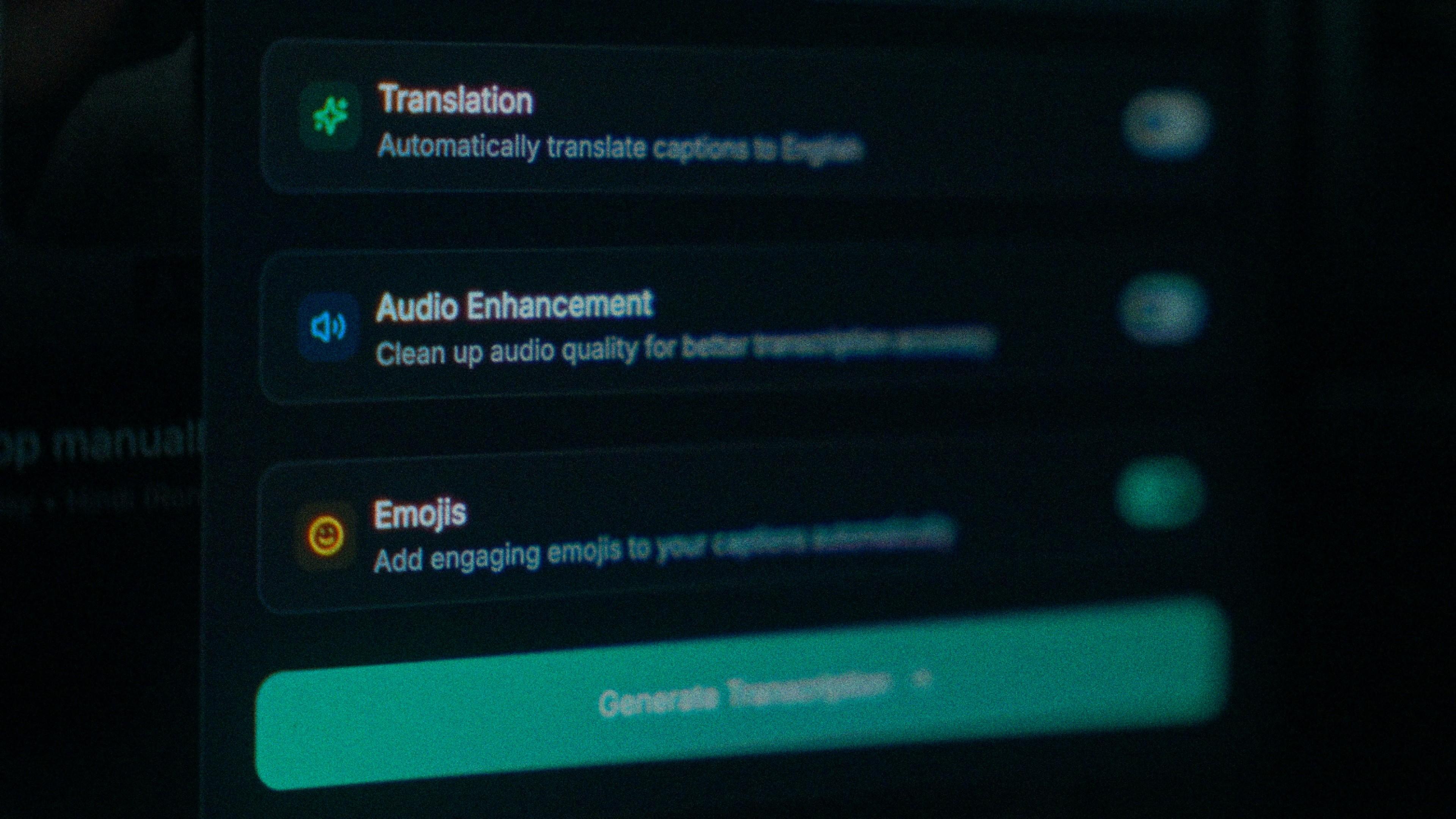
A phone review with a clean voice transcribes well. A comedy sketch or lifestyle reel shot wherever the joke happened doesn't, and a Tamil-only guess gets worse as the audio gets muddier. Turn on audio enhancement and Kalakar transcribes from the cleaned track. Tamil script lines are wider and stay on screen longer, so a wrong word sits there longer too. Do it before you generate, not after.

The Translation, Audio Enhancement and Emojis switches

How to caption Tamil in Kalakar

Once it's generated, scrub to the longest word you said; if it moved to a new line in one piece, the rest of the video will be fine. Export a burned-in MP4 for Reels and Shorts, an SRT or VTT for YouTube, or an alpha render for Premiere Pro and DaVinci Resolve.

  1. Upload your video. Drag an MP4 or MOV into app.kalakar.io. Vertical 9:16 for Reels, Shorts and TikTok, or 16:9 for YouTube; both are supported.
  2. Select Tamil as the spoken language. Pick Tamil from the language menu. Turn on audio enhancement first if the recording is noisy.
  3. Choose Roman or Native script. Roman gives you Tamil in English letters. Native gives you Tamil script. Timings are the same either way.
  4. Edit, style and export. Fix any word in a tap, apply a caption template, then export a burned-in MP4, an SRT or VTT file, or an alpha-channel render for Premiere Pro or DaVinci Resolve.
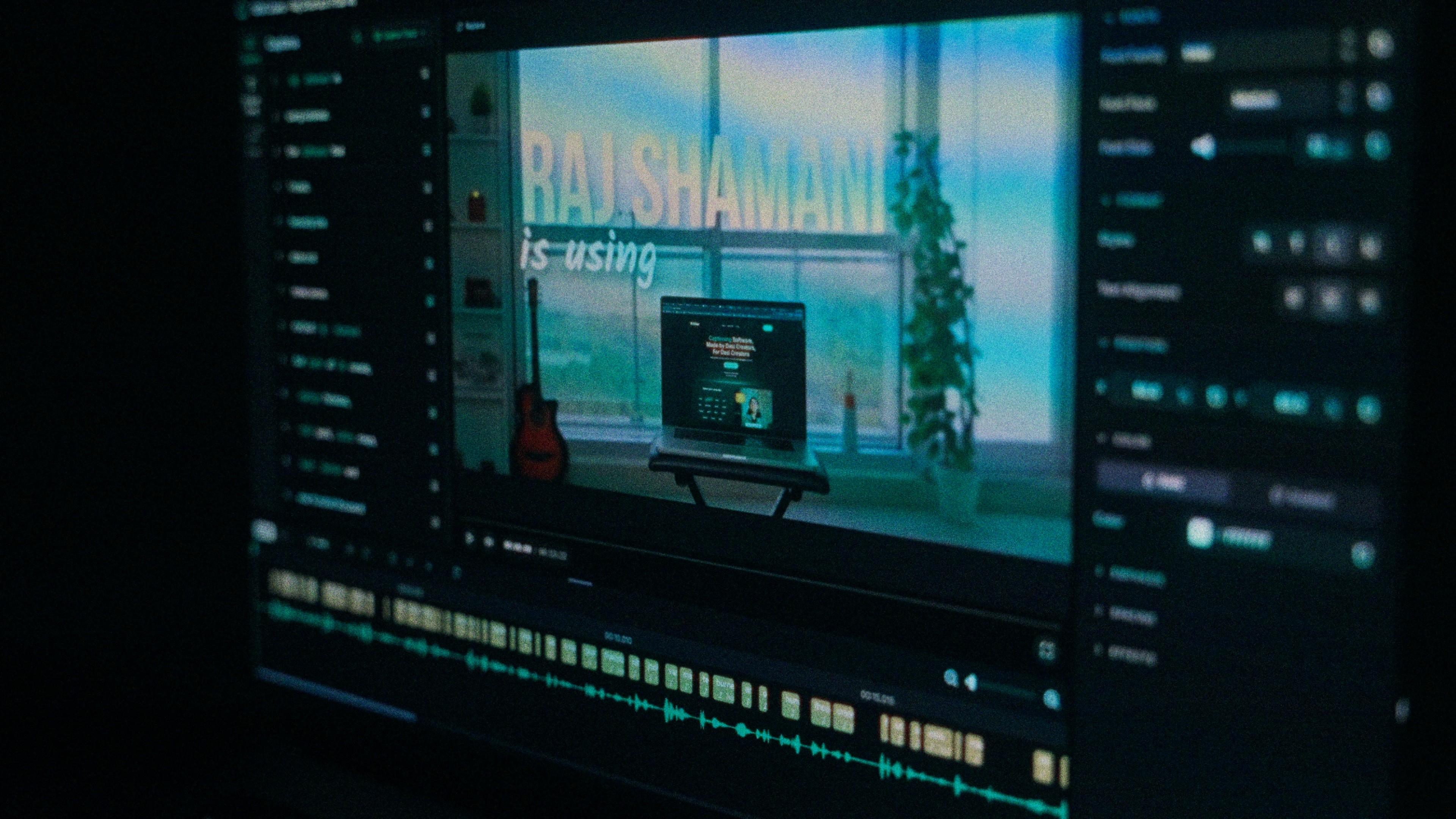
A Kalakar caption render on a Premiere Pro timeline

Tamil captions, answered.

See it done once, then do it yourself.

The team's own walkthrough: upload, language, script, templates and export, in one sitting.

Then upload one Tamil clip and judge the transcript yourself. Free plan, every language, no watermark on the basic templates.

Also captionedMalayalamTeluguKannadaMalayAll 21