Malay Captioning,
Made by Desi Creators,
For Desi Creators

Accurate Malay captions in seconds

Accurate Malay captions in seconds

Trusted by over 200,000+ Users

4.9

Select your Language

Select your Language

Select your Language

Select your Language

Select your Language

Say it in Malay. Read it back, word for word.

Kongsi video ini dengan kawan

Share this video with a friend

Kongsi stays kongsi. Malay, not Indonesian.

Jangan lupa bagikan video ni dengan kawanyou said kongsi

Most caption tools don't have Malay. They have Indonesian, hand it over and hope you won't notice, so "kongsi" comes back as "bagikan" and your Singapore TikTok reads like it was written across the water. Kalakar lists Malay as its own language, built for Malaysian and Singaporean speech, and the English you drop in mid-sentence comes back as English rather than the nearest Malay sound.
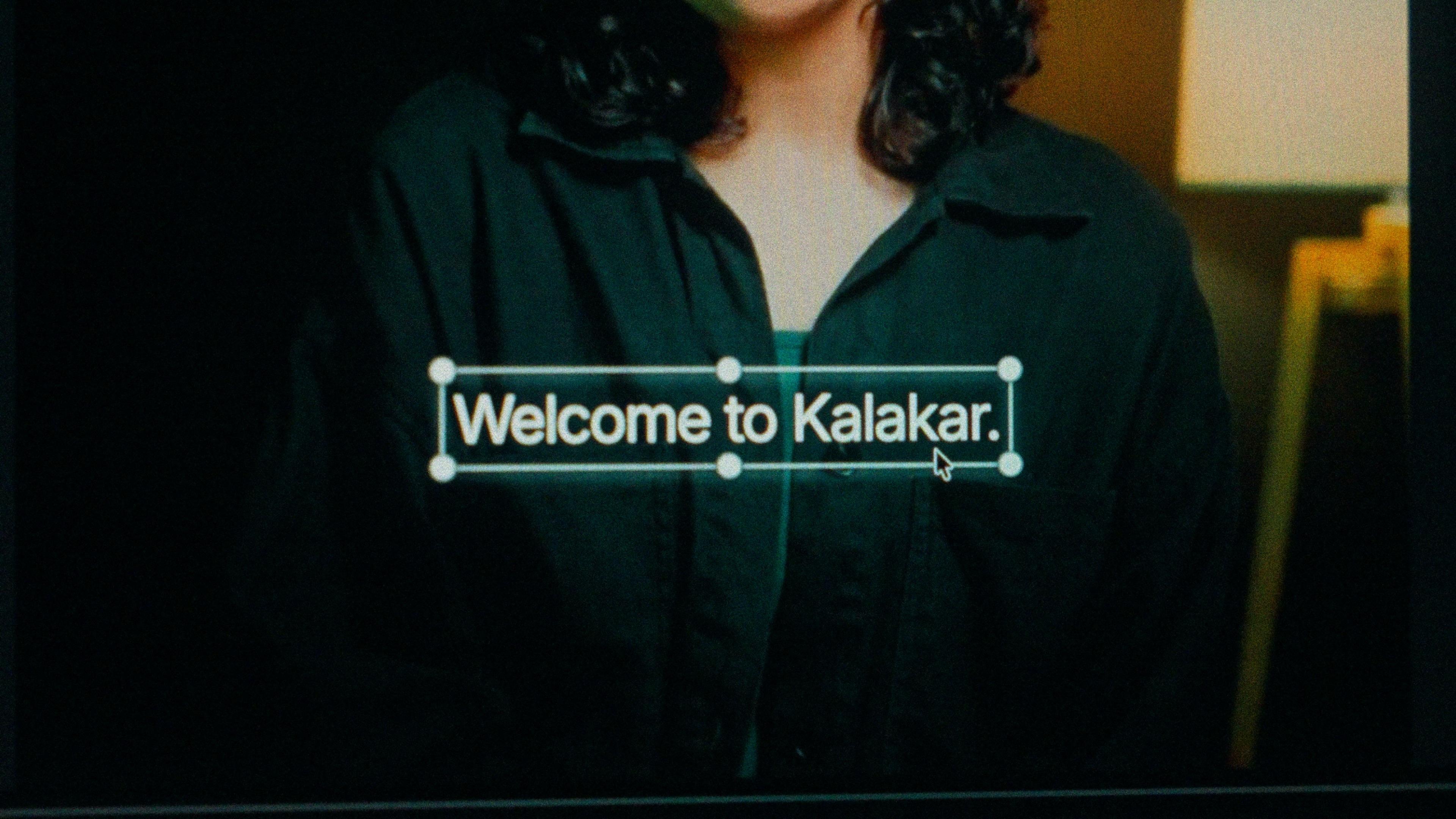
A finished caption selected on the video canvas in Kalakar

One script, Rumi. That's why there's no toggle.

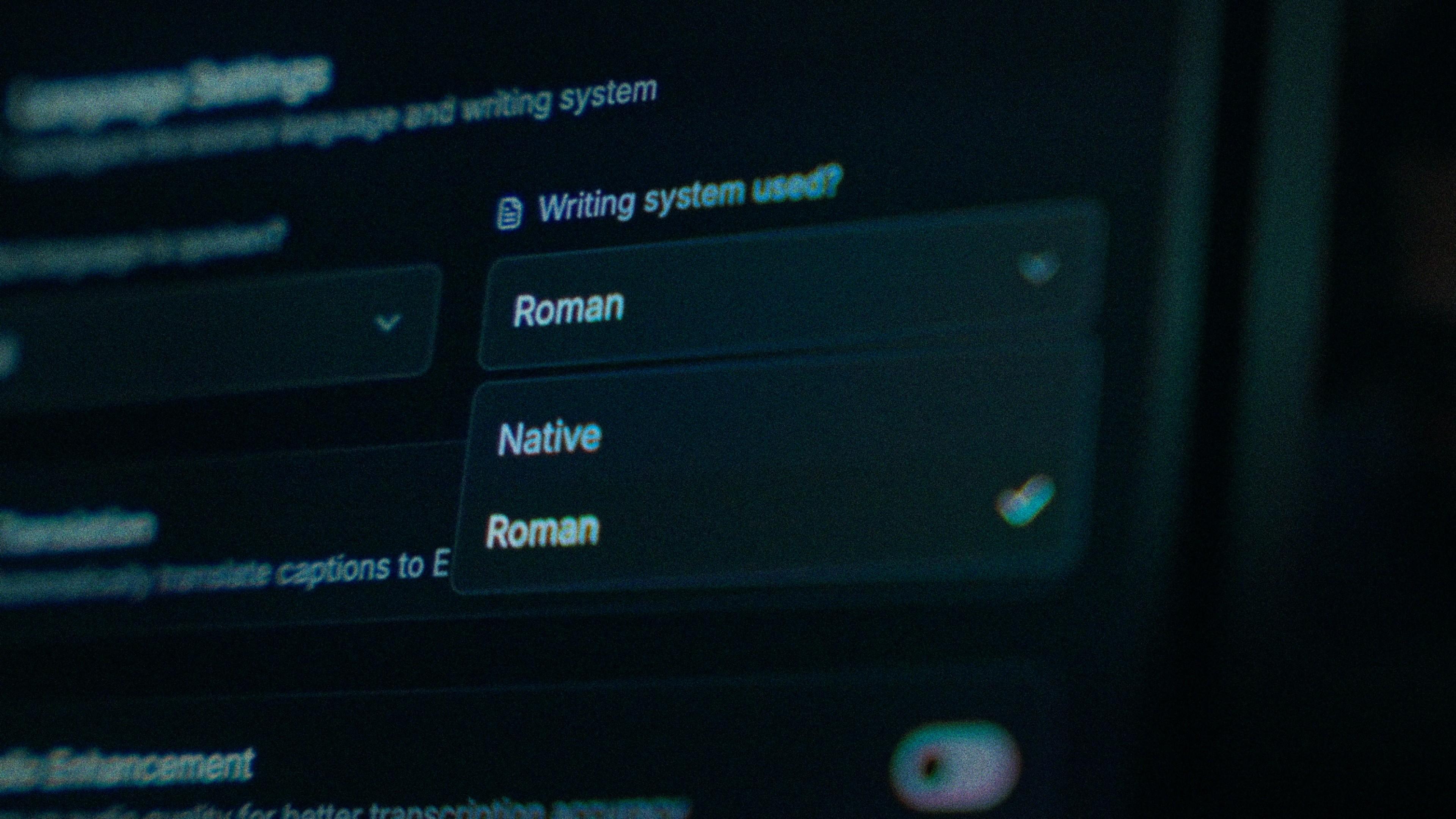
Malay is written in Rumi, the Latin alphabet, across Malaysia, Singapore and Brunei, so Kalakar's Malay has no Roman or Native choice. Roman is the native script and you get standard Rumi spelling directly. Jawi still lives in Brunei, Kelantan and religious settings, but it isn't the script of TikTok, and it isn't offered here. What varies is register, and that's handled in the transcription: spoken form kept, spelling made consistent.

The Writing System setting, offering Native and Roman

Tak stays tak. Tidak is a one-tap fix.

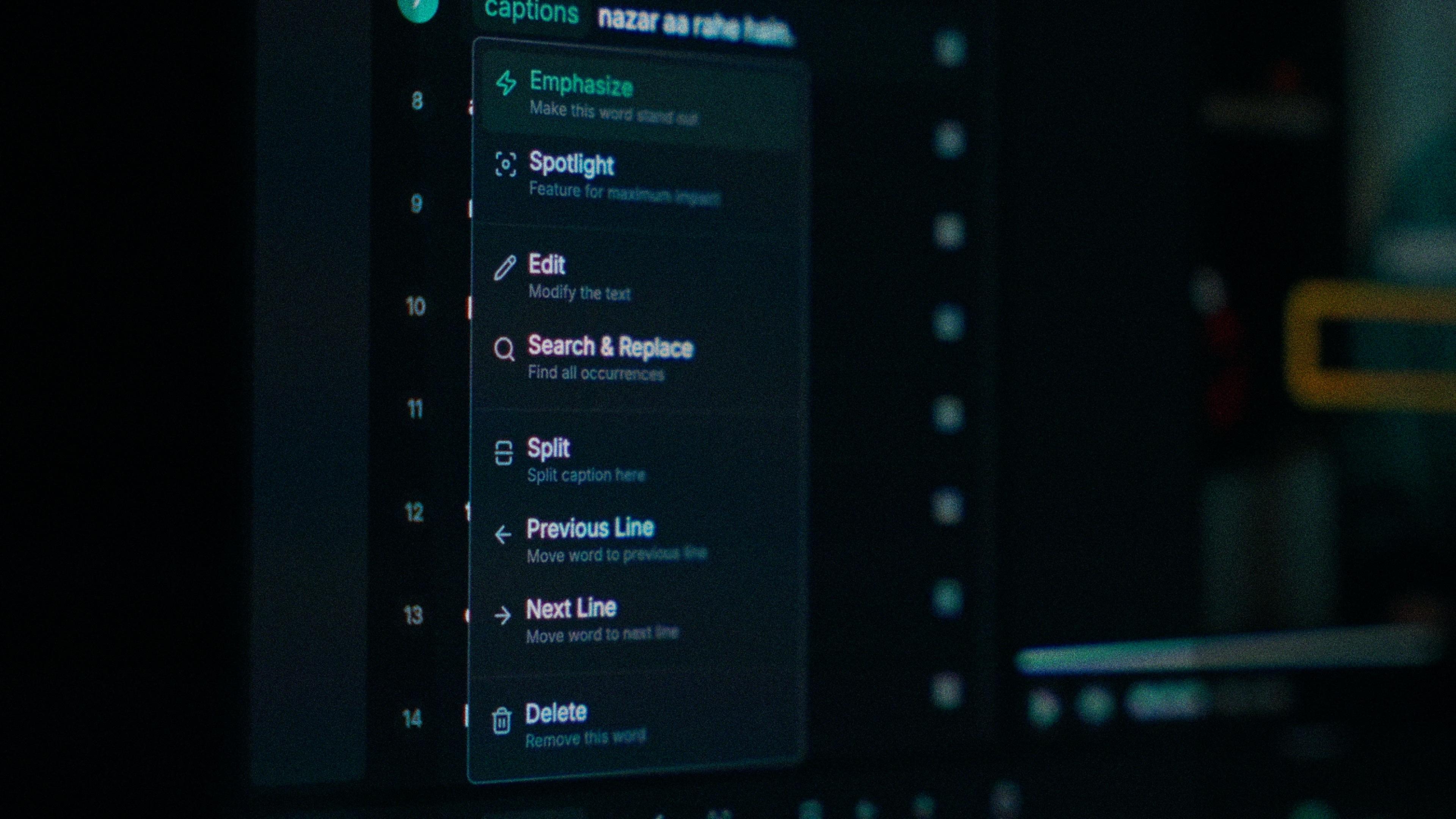
The Malay slip is a textbook form where you said a spoken one, "tidak hendak" for "tak nak lah", or a product name swapped for the Malay word that sounds nearest. Every word in Kalakar has its own timing, so you tap the wrong one and type. Find and replace fixes a brand name across the whole video in one go, and "tak" comes out spelt the same way every time it appears.

One word of a caption with its menu open: Emphasize, Spotlight, Edit, Search and Replace, Split, move to the previous or next line, Delete

Street noise is the easiest accuracy loss to reverse

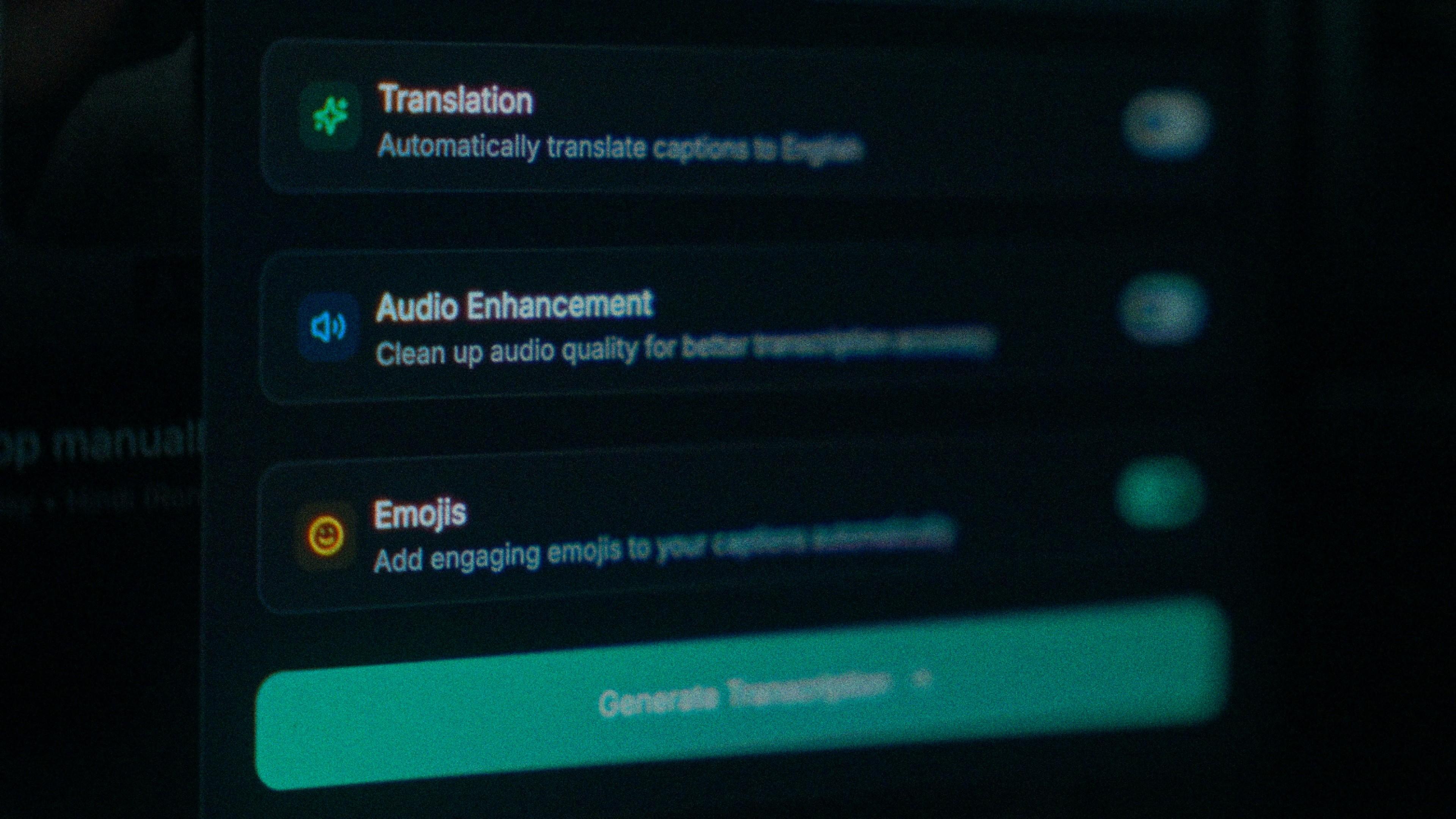
A quick, chatty TikTok from Singapore or Malaysia is usually shot outdoors, and the street sits underneath every line you say. That noise costs accuracy before the model reads a word. Switch on audio enhancement and the transcription runs on cleaned audio instead. On clear audio Kalakar transcribes at up to 97%, and cleaning an outdoor clip is the fastest way to get a noisy shoot closer to that.

The Translation, Audio Enhancement and Emojis switches

How to caption Malay in Kalakar

Pick Malay, generate, check a few words you know differ from Indonesian, and fix whatever's left at the word level. Export a burned-in MP4 for TikTok, an SRT or VTT for YouTube, or an alpha render for Premiere Pro and DaVinci Resolve; a channel that also posts in Tamil uses the same templates and export path.

  1. Upload your video. Drag an MP4 or MOV into app.kalakar.io. Vertical 9:16 for Reels, Shorts and TikTok, or 16:9 for YouTube; both are supported.
  2. Select Malay as the spoken language. Pick Malay from the language menu. Turn on audio enhancement first if the recording is noisy.
  3. Edit, style and export. Fix any word in a tap, apply a caption template, then export a burned-in MP4, an SRT or VTT file, or an alpha-channel render for Premiere Pro or DaVinci Resolve.
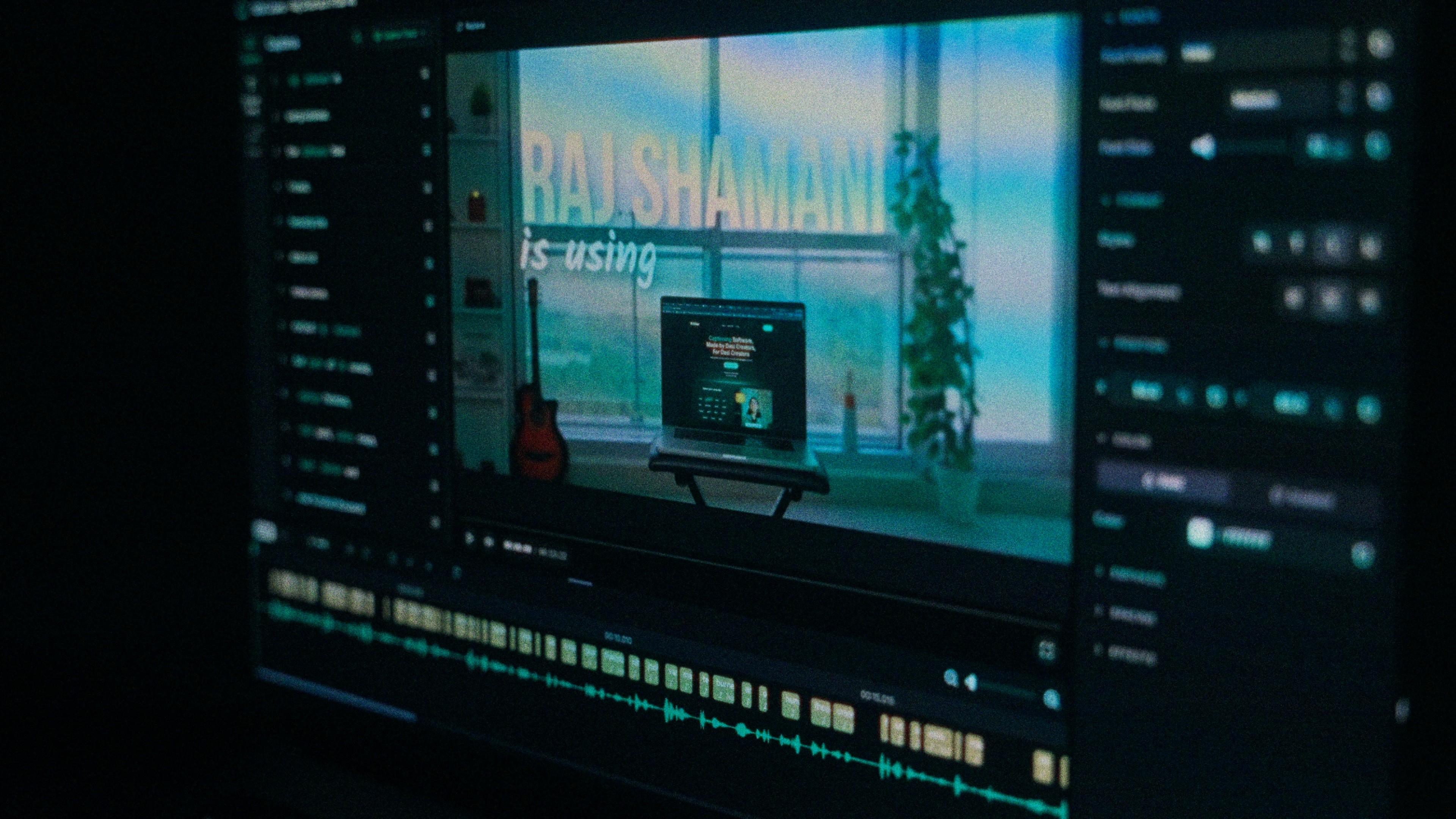
A Kalakar caption render on a Premiere Pro timeline

Malay captions, answered.

See it done once, then do it yourself.

The team's own walkthrough: upload, language, script, templates and export, in one sitting.

Then upload one Malay clip and judge the transcript yourself. Free plan, every language, no watermark on the basic templates.

Also captionedTamilEnglishHindiMalayalamAll 21