Telugu Captioning,
Made by Desi Creators,
For Desi Creators

Accurate Telugu captions, native script or Roman, in seconds

Accurate Telugu captions, native script or Roman, in seconds

Trusted by over 200,000+ Users

4.9

Select your Language

Select your Language

Select your Language

Select your Language

Select your Language

Say it in Telugu. Read it back, word for word.

ఈ వీడియో ని షేర్ చేయండి

Please share this video

Telugu, chosen by name, never guessed at

Ee phone camera kaali chala bagundiyou said quality

To a model that was never taught the difference, Telugu, Tamil and Kannada sound like neighbours, and auto-detect can hand you a whole transcript in Tamil script. Kalakar asks you to pick Telugu before it listens, and Telugu has its own model, so that swap can't happen. It was tuned with Hyderabad-based editors on the Telugu people actually speak, so bilkul, nakko and the brand name come back as spoken.
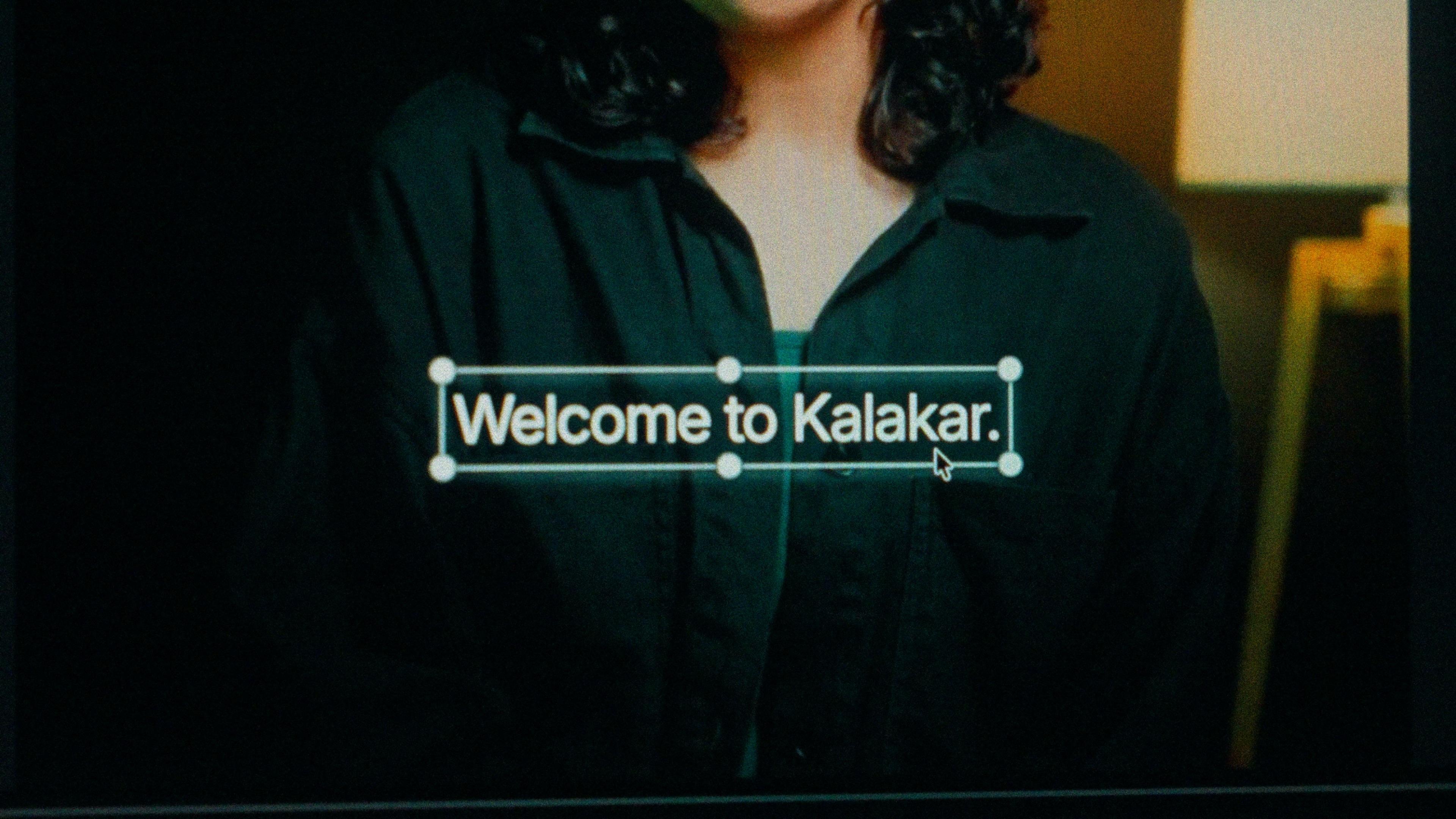
A finished caption selected on the video canvas in Kalakar

Telugu script or Tenglish. Poster readers, diaspora readers.

Telugu script for film commentary, music, devotional content and education. Telugu film culture keeps the script in front of people every day, on posters, in song lyrics and on regional TV, and those readers read it fast. Tenglish for comedy, tech, food and lifestyle short-form aimed at younger viewers in Hyderabad and the US diaspora, who speak Telugu daily and often read the script slowly. Same transcription, same timings, so switching is a setting.

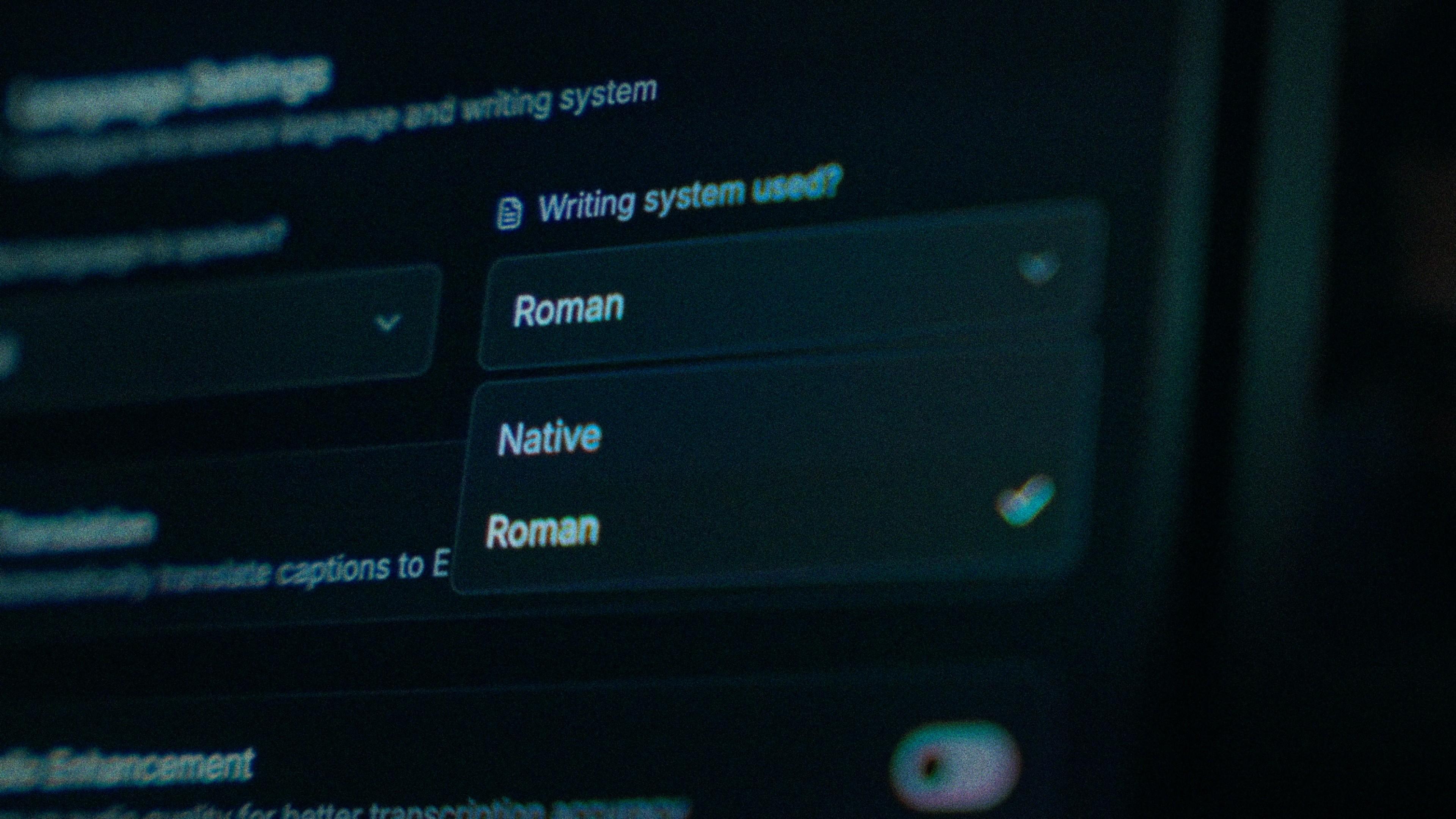
The Writing System setting, offering Native and Roman

Tap the wrong word. The stack stays stacked.

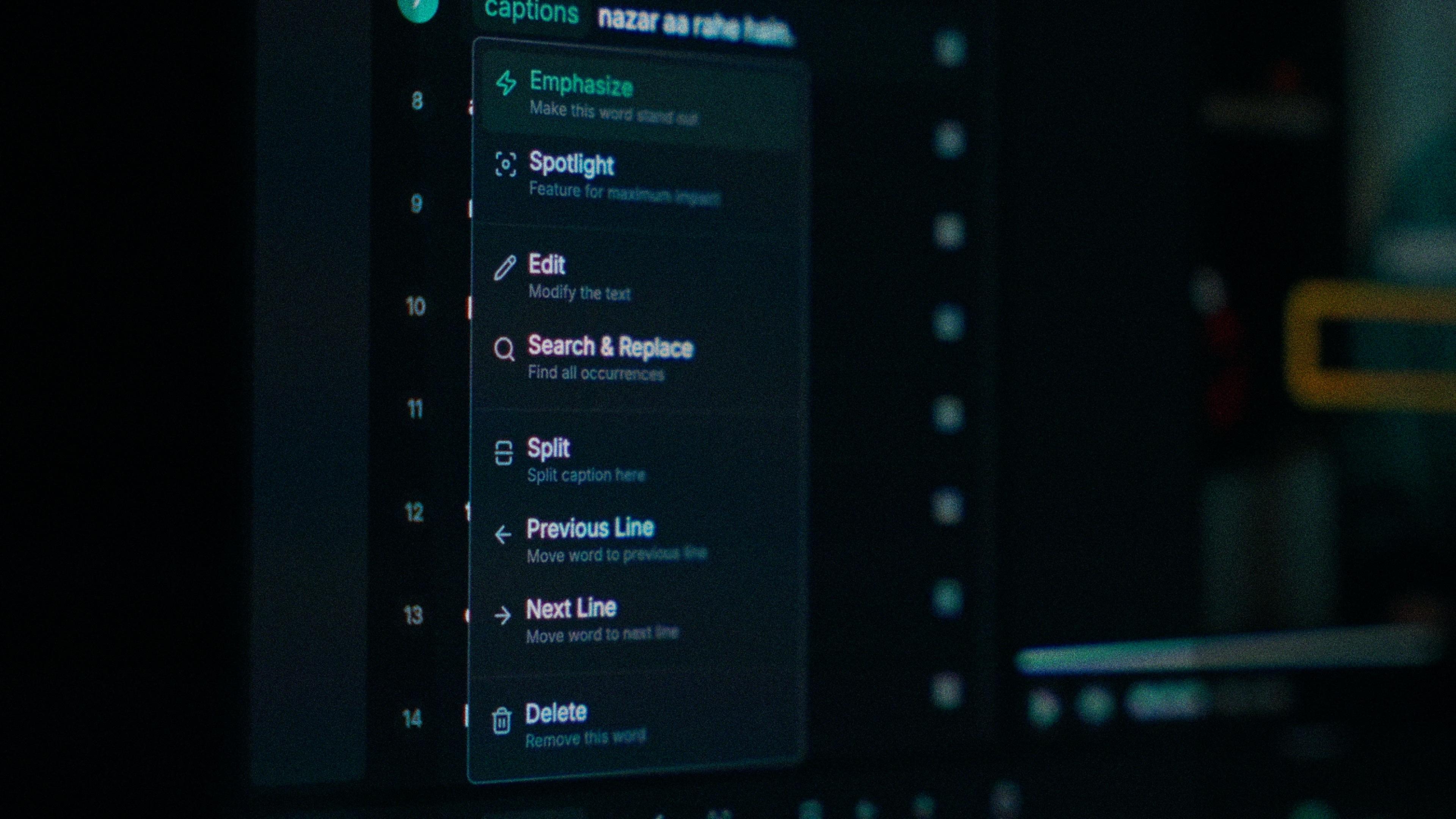
When quality comes back as kaali, you tap that word and type; every word carries its own timing, so nothing around it shifts. Find and replace clears the same slip across the video, which matters for a brand name you say in every scene. And the ప్ప in చెప్పండి stays a proper stacked form after you've edited it, not two full-size letters with a mark hanging off the first.

One word of a caption with its menu open: Emphasize, Spotlight, Edit, Search and Replace, Split, move to the previous or next line, Delete

Noisy room? Clean it before Telugu is transcribed.

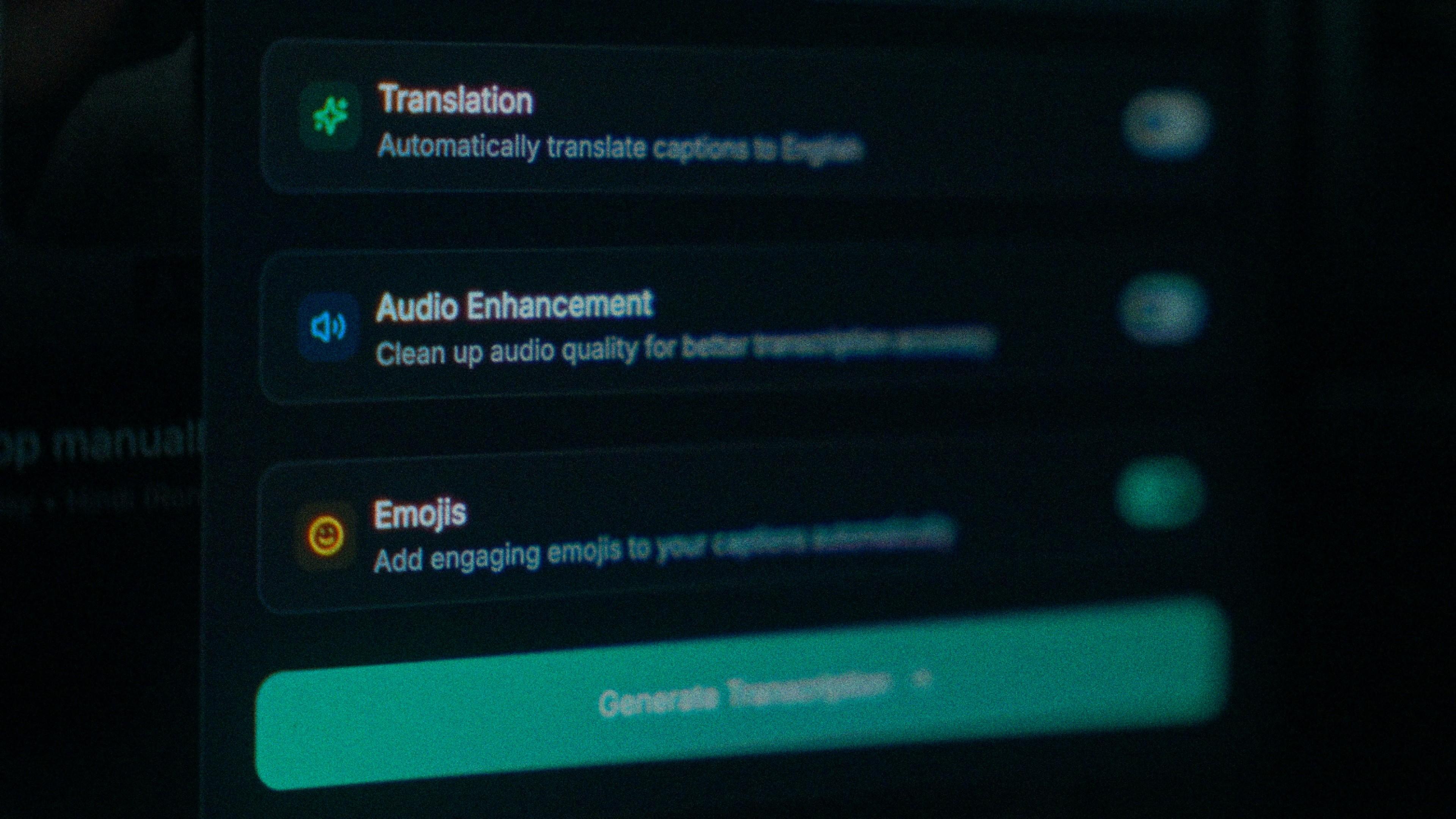
The unboxing in a quiet Hyderabad flat is the easy case. Food and lifestyle reels are shot wherever the food is, and background noise makes a model that's already unsure whether it's hearing Telugu or Tamil guess worse. Turn on audio enhancement and Kalakar runs the pass on the cleaned track. It's the cheapest accuracy gain you'll get, and it happens before a single word is transcribed.

The Translation, Audio Enhancement and Emojis switches

How to caption Telugu in Kalakar

Select Telugu by name and everything else follows from that one choice. Export a burned-in MP4 for Reels and Shorts, SRT or VTT for YouTube, or an alpha render for Premiere Pro and DaVinci Resolve; your diaspora viewers are watching on mute, so the captions are the video.

  1. Upload your video. Drag an MP4 or MOV into app.kalakar.io. Vertical 9:16 for Reels, Shorts and TikTok, or 16:9 for YouTube; both are supported.
  2. Select Telugu as the spoken language. Pick Telugu from the language menu. Turn on audio enhancement first if the recording is noisy.
  3. Choose Roman or Native script. Roman gives you Telugu in English letters. Native gives you Telugu script. Timings are the same either way.
  4. Edit, style and export. Fix any word in a tap, apply a caption template, then export a burned-in MP4, an SRT or VTT file, or an alpha-channel render for Premiere Pro or DaVinci Resolve.
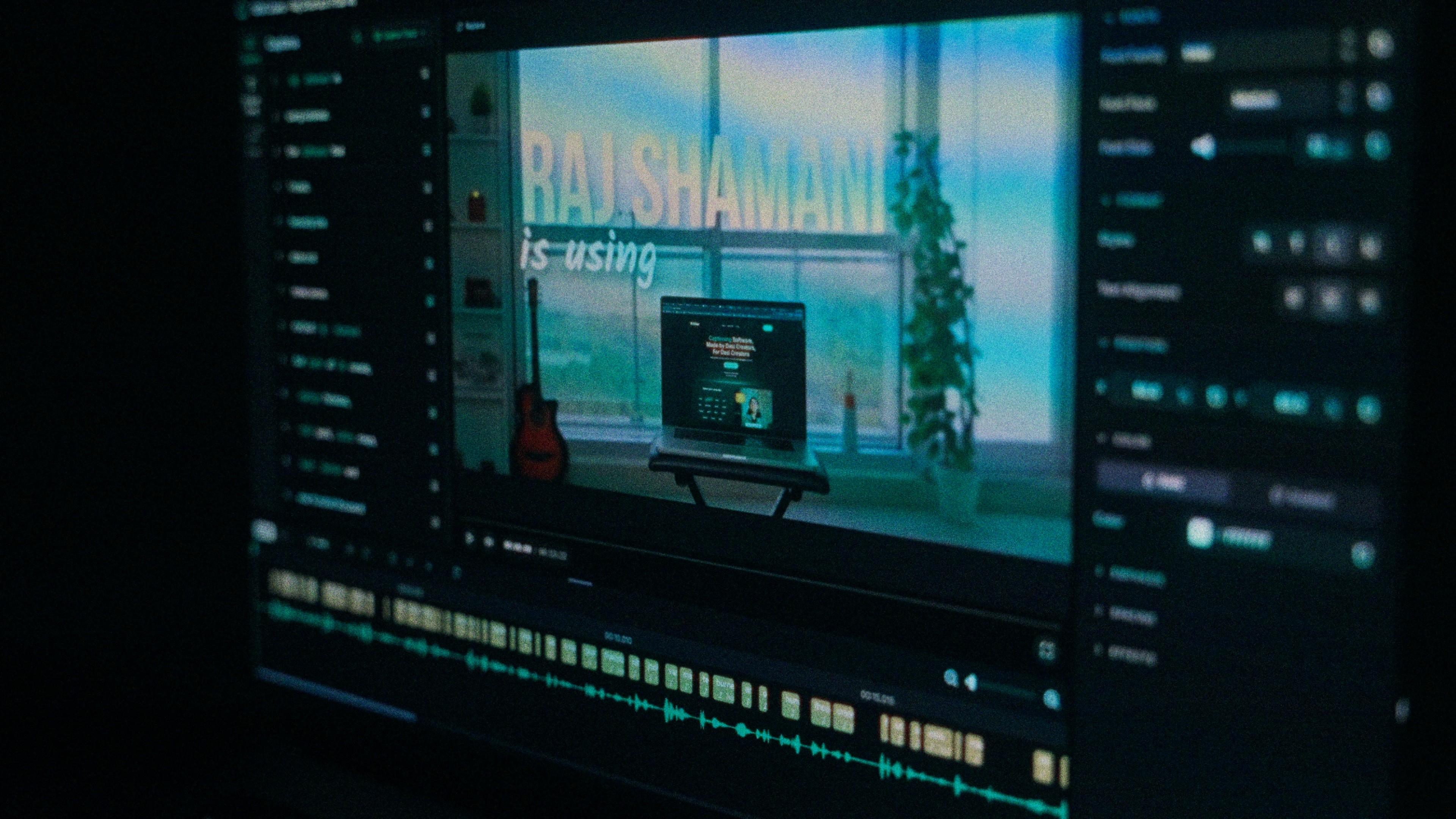
A Kalakar caption render on a Premiere Pro timeline

Telugu captions, answered.

See it done once, then do it yourself.

The team's own walkthrough: upload, language, script, templates and export, in one sitting.

Then upload one Telugu clip and judge the transcript yourself. Free plan, every language, no watermark on the basic templates.

Also captionedTamilKannadaMalayalamHindiAll 21