Pushto Captioning,
Made by Desi Creators,
For Desi Creators

Accurate Pushto captions, native script or Roman, in seconds

Accurate Pushto captions, native script or Roman, in seconds

Trusted by over 200,000+ Users

4.9

Select your Language

Select your Language

Select your Language

Select your Language

Select your Language

Say it in Pushto. Read it back, word for word.

دا ویډیو شیئر کړه

Share this video

Pashto as its own language, not approximate Urdu

Da bohot kha video dayou said der

Most caption tools don't list Pashto. You pick Urdu or Persian instead and the transcript that comes back is that neighbour's language with your rhythm underneath, because Pashto shares a script with them and almost nothing else. Kalakar lists Pashto as its own language, so your words come back as Pashto, and the Urdu and English you mix in stay as you said them.
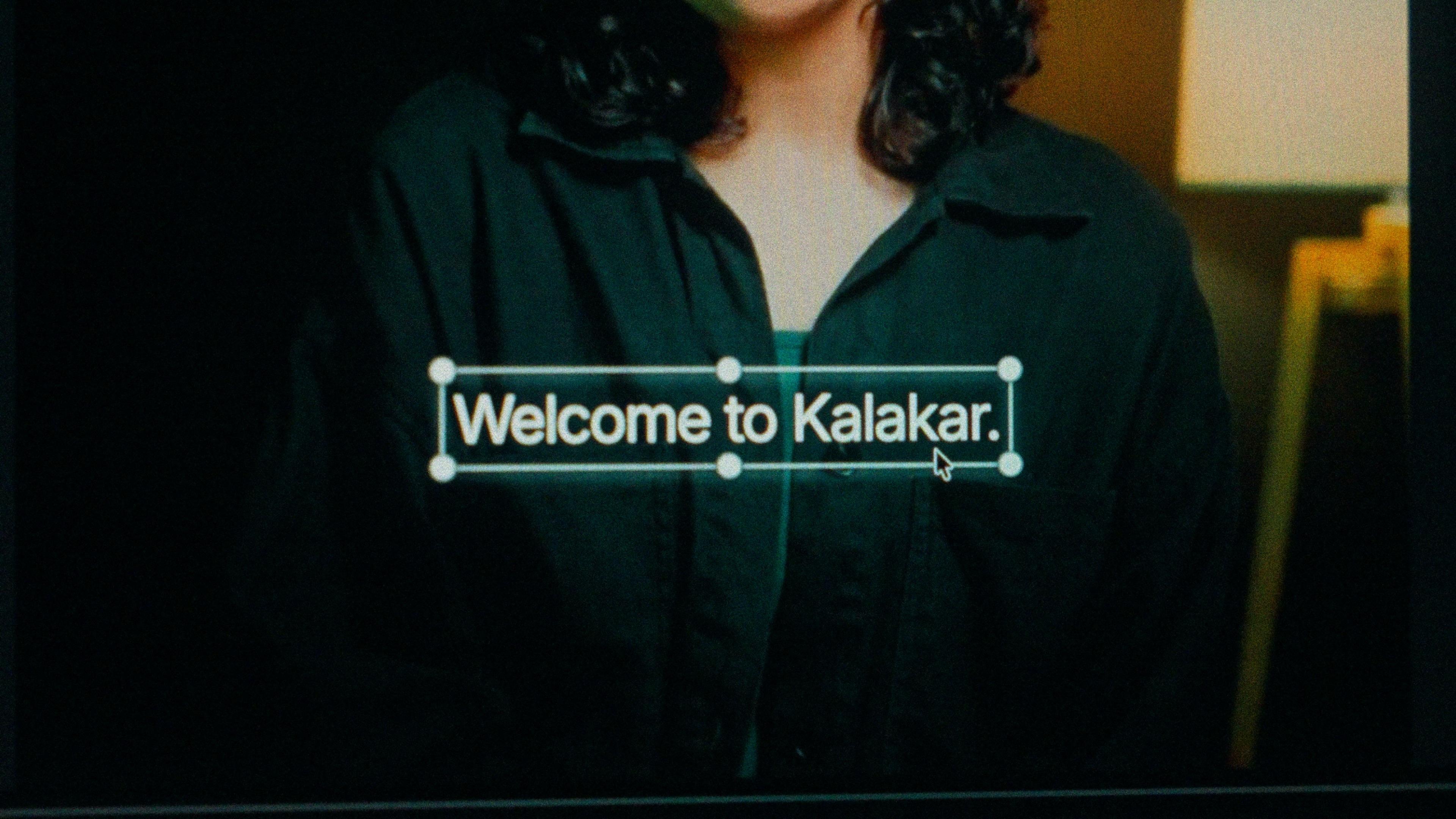
A finished caption selected on the video canvas in Kalakar

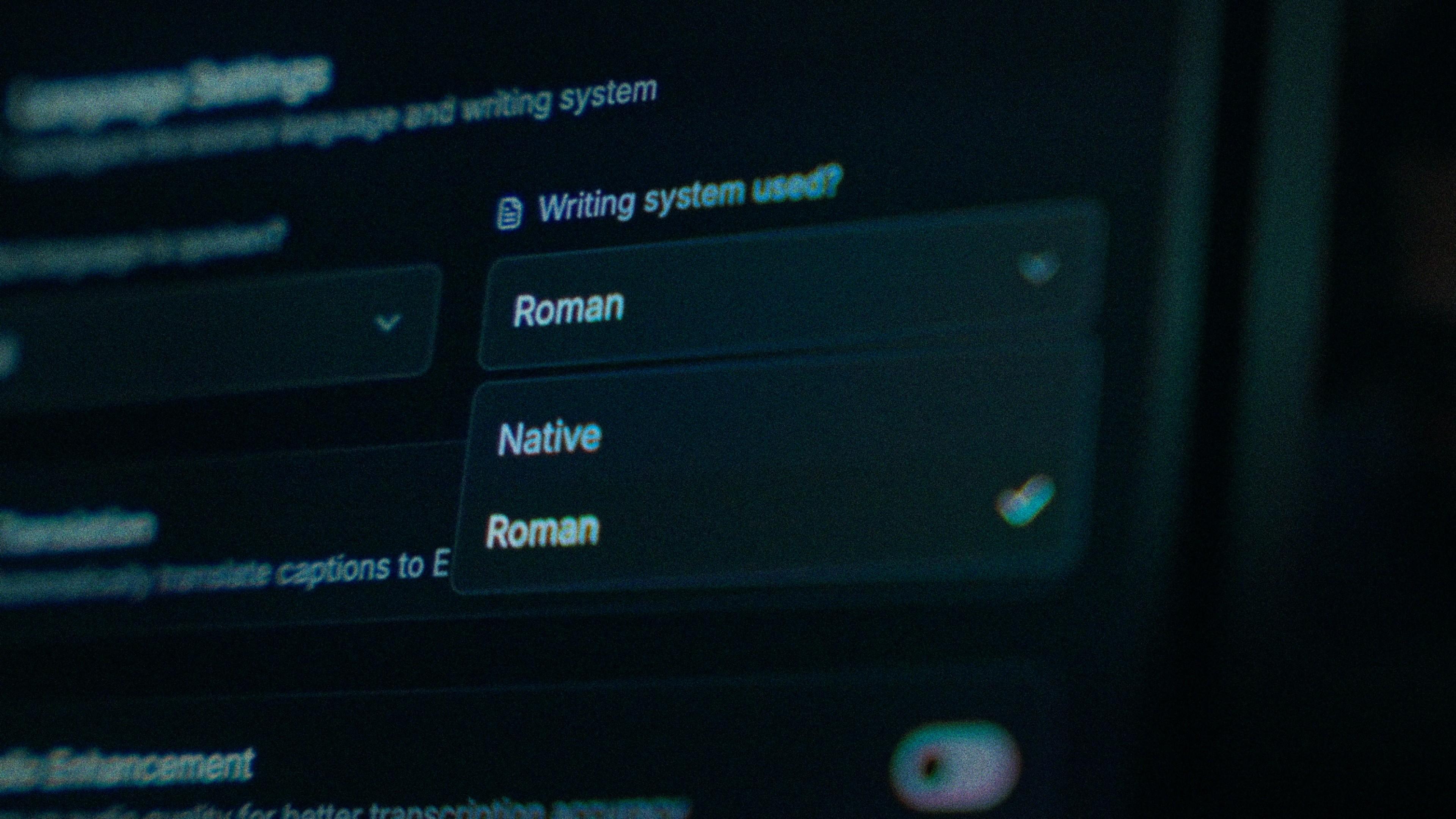
Pashto alphabet or Roman. Select Pushto for either.

Pashto script for tappa, poetry, religious content and anything shared across the border, where Roman conventions differ. Roman Pashto for TikTok, younger viewers and the diaspora who read Urdu script more comfortably than the Pashto extension of it. Native output is drawn right to left with the letters joined, and both come from one transcription. One thing first: the language menu says Pushto. That's the older Pakistani spelling, same language, same model. Select it and carry on.

The Writing System setting, offering Native and Roman

A swapped retroflex is a one-word fix.

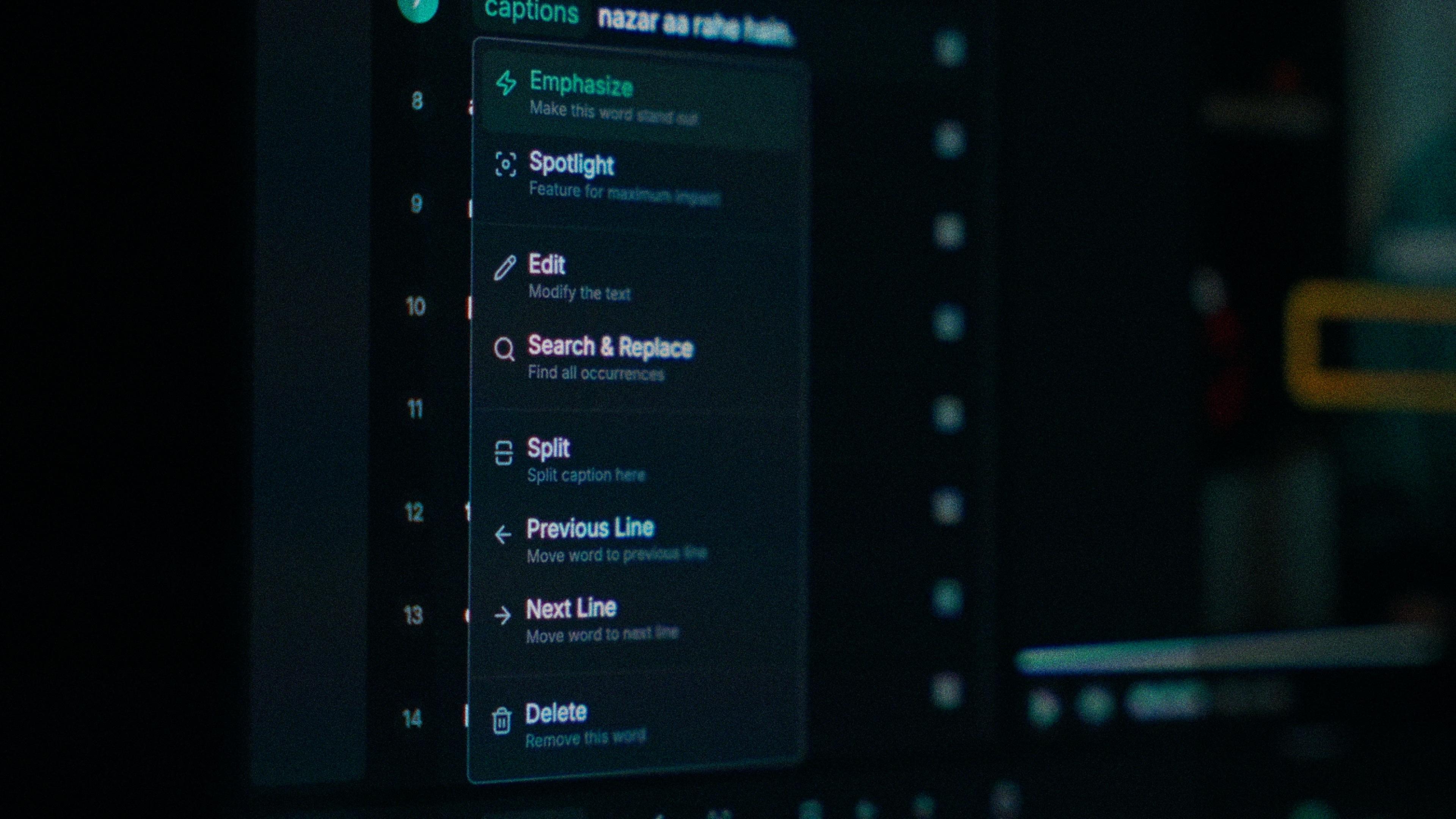
ټ, ډ, ړ and ڼ exist in Pashto and not in Urdu or Persian, and a tool routed through either swaps each one for the nearest letter it has. The word looks almost right, which is worse than wrong. In Kalakar every word has its own timing, so you tap the swapped word, retype it and nothing else moves. A dialect miss gets the same treatment: correct three words rather than re-record a take.

One word of a caption with its menu open: Emphasize, Spotlight, Edit, Search and Replace, Split, move to the previous or next line, Delete

For Pashto, audio enhancement isn't optional.

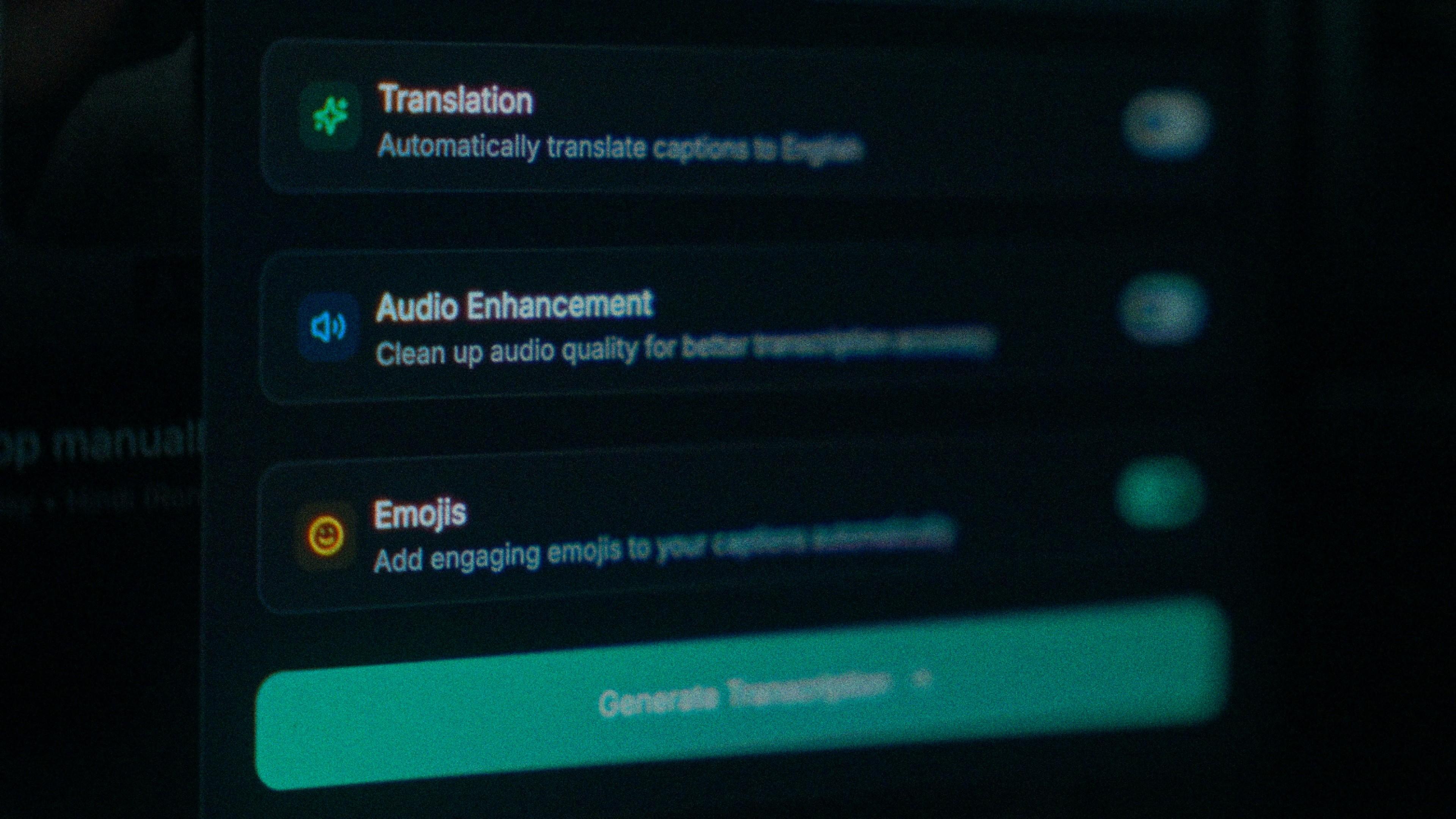
Honest caveat first. Kalakar quotes up to 97% on clear audio for its major desi languages; for Pashto it can be lower in some cases, depending on audio quality. That changes the order you do things in. A vlog with Peshawar traffic behind it should go through audio enhancement before you generate, and you should test on your own clip for free before committing to a plan.

The Translation, Audio Enhancement and Emojis switches

How to caption Pashto in Kalakar

Select Pushto, pick a script, generate, and leave any Urdu or English in; mixed speech is transcribed in one pass. Export a burned-in MP4 for TikTok and Facebook, an SRT or VTT for YouTube, or an alpha render for Premiere Pro and DaVinci Resolve.

  1. Upload your video. Drag an MP4 or MOV into app.kalakar.io. Vertical 9:16 for Reels, Shorts and TikTok, or 16:9 for YouTube; both are supported.
  2. Select Pushto as the spoken language. Pick Pushto from the language menu. Turn on audio enhancement first if the recording is noisy.
  3. Choose Roman or Native script. Roman gives you Pushto in English letters. Native gives you Perso-Arabic (Pashto alphabet). Timings are the same either way.
  4. Edit, style and export. Fix any word in a tap, apply a caption template, then export a burned-in MP4, an SRT or VTT file, or an alpha-channel render for Premiere Pro or DaVinci Resolve.
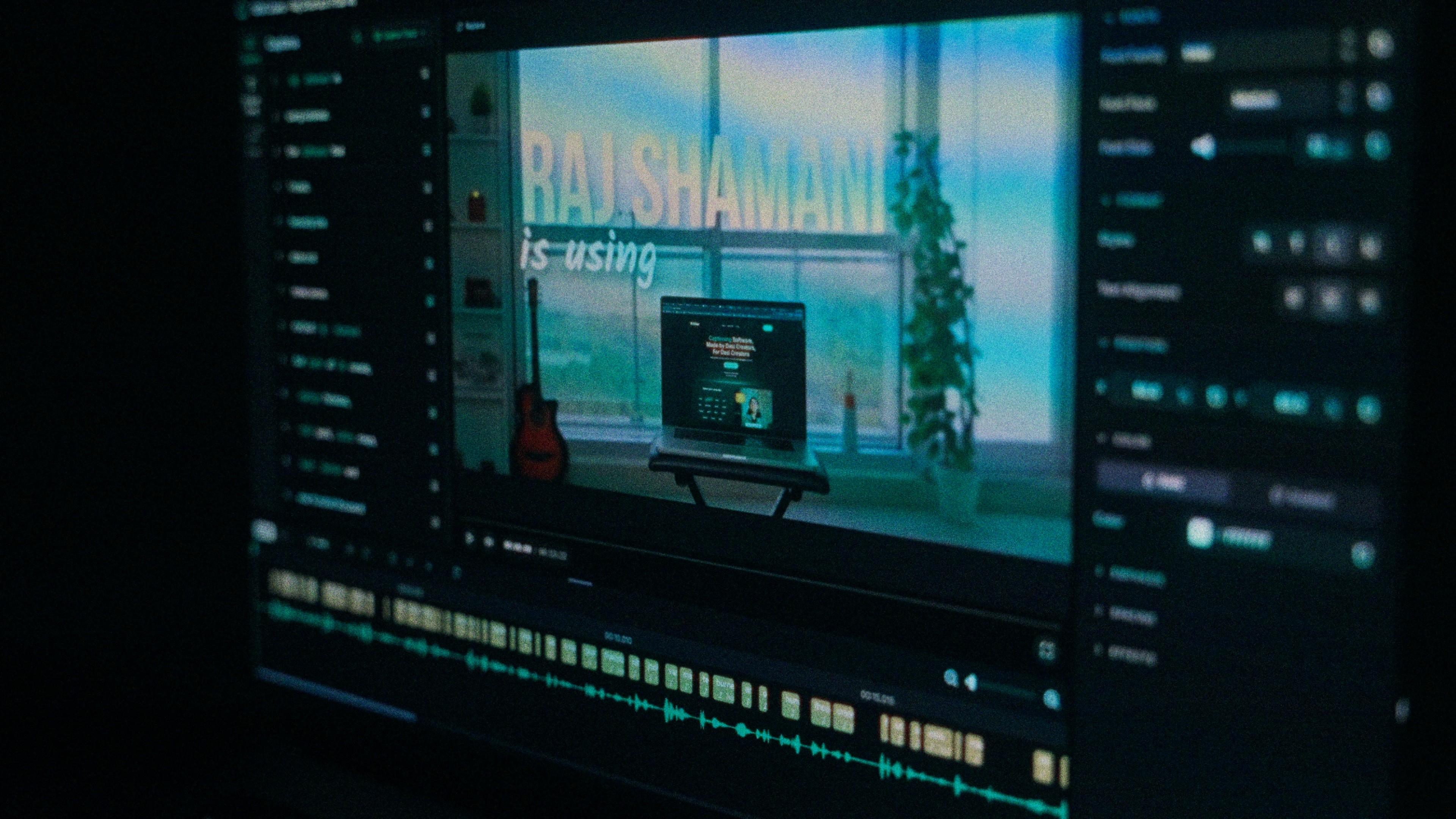
A Kalakar caption render on a Premiere Pro timeline

Pushto captions, answered.

See it done once, then do it yourself.

The team's own walkthrough: upload, language, script, templates and export, in one sitting.

Then upload one Pushto clip and judge the transcript yourself. Free plan, every language, no watermark on the basic templates.

Also captionedUrduPersianSindhiPunjabiAll 21