Persian Captioning,
Made by Desi Creators,
For Desi Creators

Accurate Persian captions, native script or Roman, in seconds

Accurate Persian captions, native script or Roman, in seconds

Trusted by over 200,000+ Users

4.9

Select your Language

Select your Language

Select your Language

Select your Language

Select your Language

Say it in Persian. Read it back, word for word.

این ویدیو رو شیر کن

Share this video

Mikham stays mikham. Spoken Persian, not written Persian.

می‌خواهم این ویدیو را شیر کنمyou said می‌خوام

Persian has a wide gap between how it's spoken and how it's written. You drop sounds, merge syllables, say "ro" for "ra", and a model trained on text hears all that and hands back the formal line it expected. Kalakar returns what was said, in Farsi from Tehran or Dari from Kabul under the one Persian setting, so your caption sounds like you rather than a newsreader.
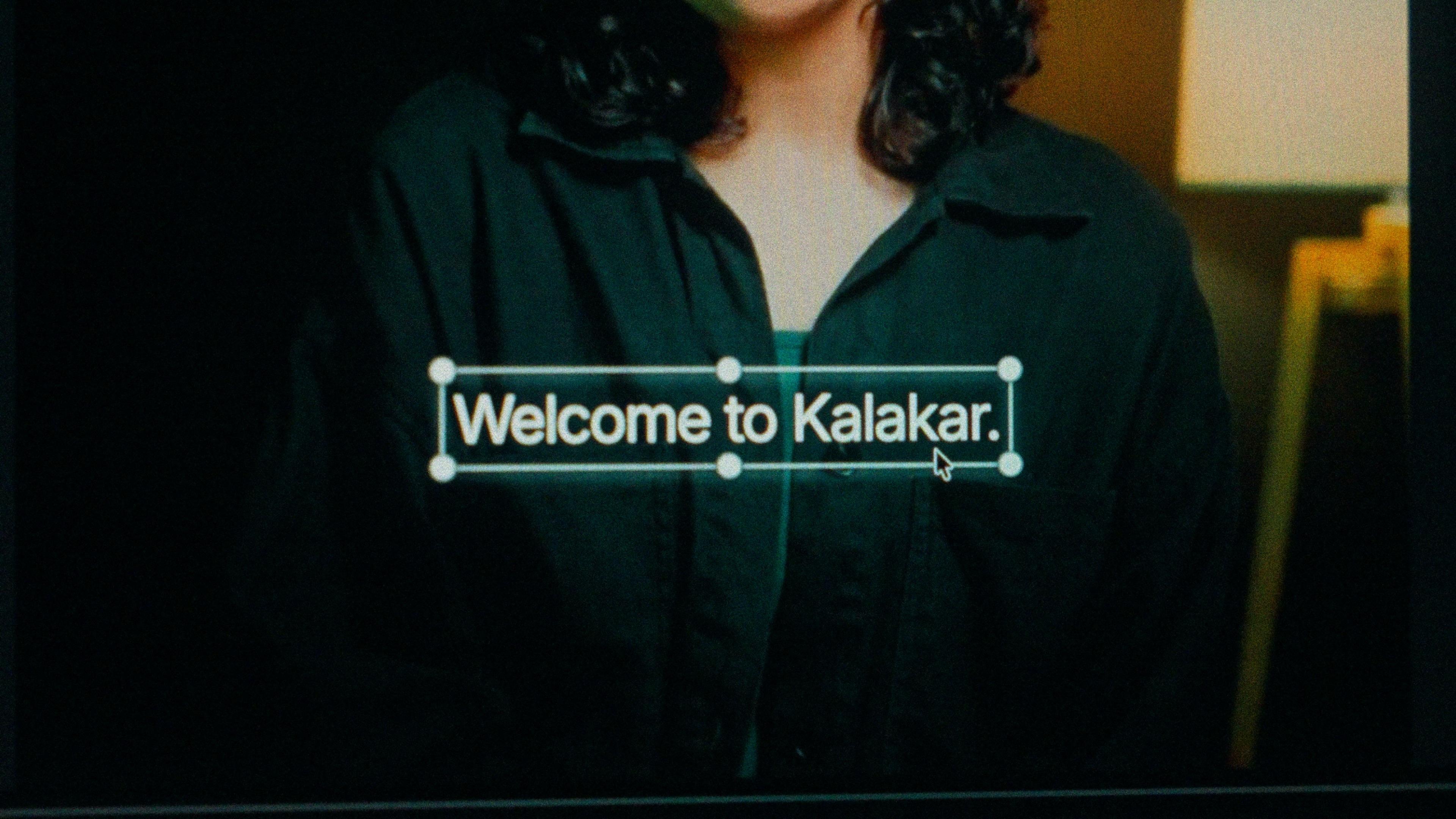
A finished caption selected on the video canvas in Kalakar

Persian script or Pingilish. Same timings either way.

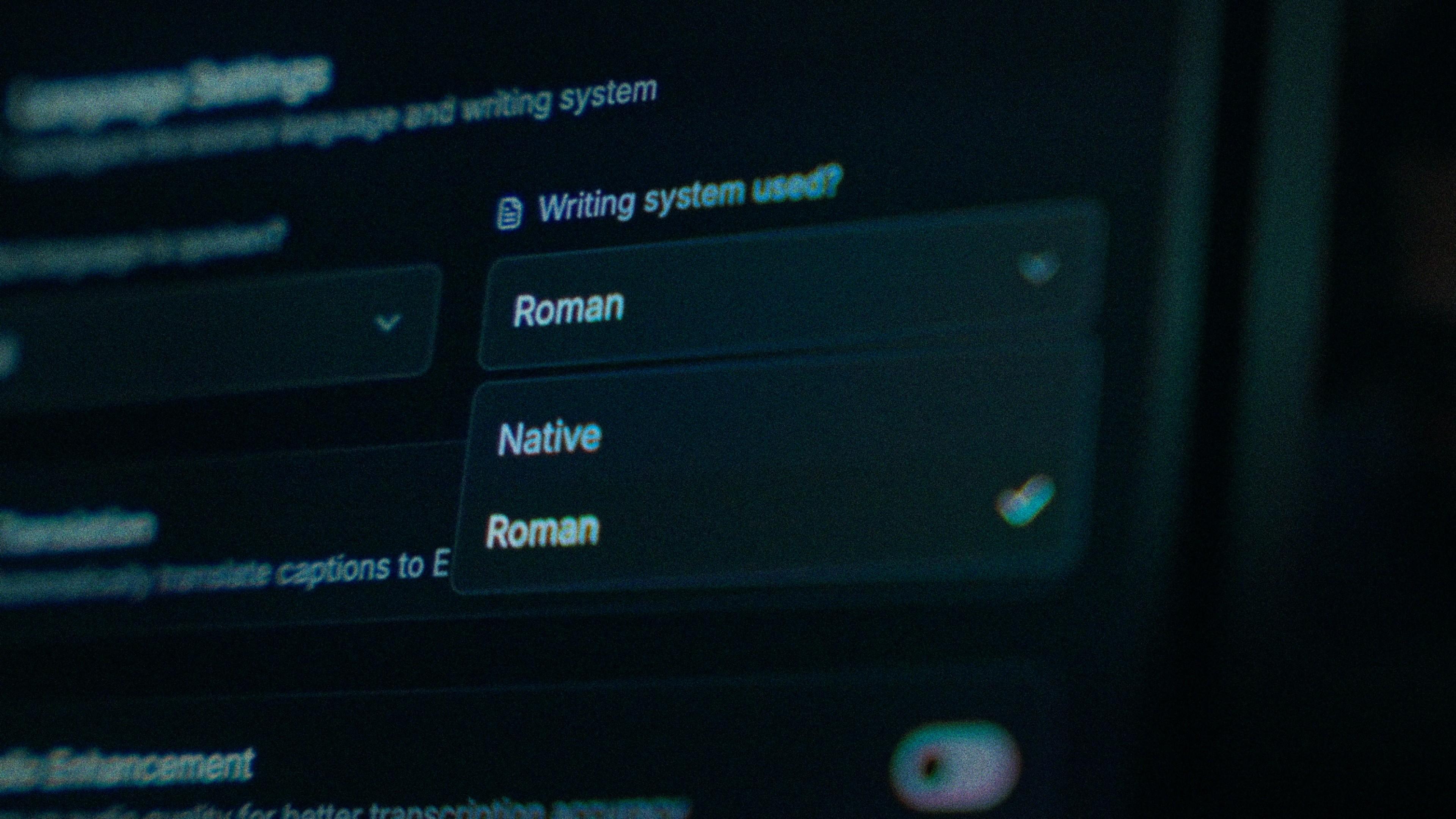
Persian script for poetry, music, film commentary, education and news, and for anyone in Iran or Afghanistan who reads it every day. Roman Persian, the Pingilish of messaging apps, for casual clips aimed at second-generation viewers in North America and Europe who speak fluently but read the script slowly. Native output is rendered right to left with the joins intact. Both scripts share one transcription and one set of timings, so switching is a regenerate, not a re-edit.

The Writing System setting, offering Native and Roman

One formal word slipped in. Change that word.

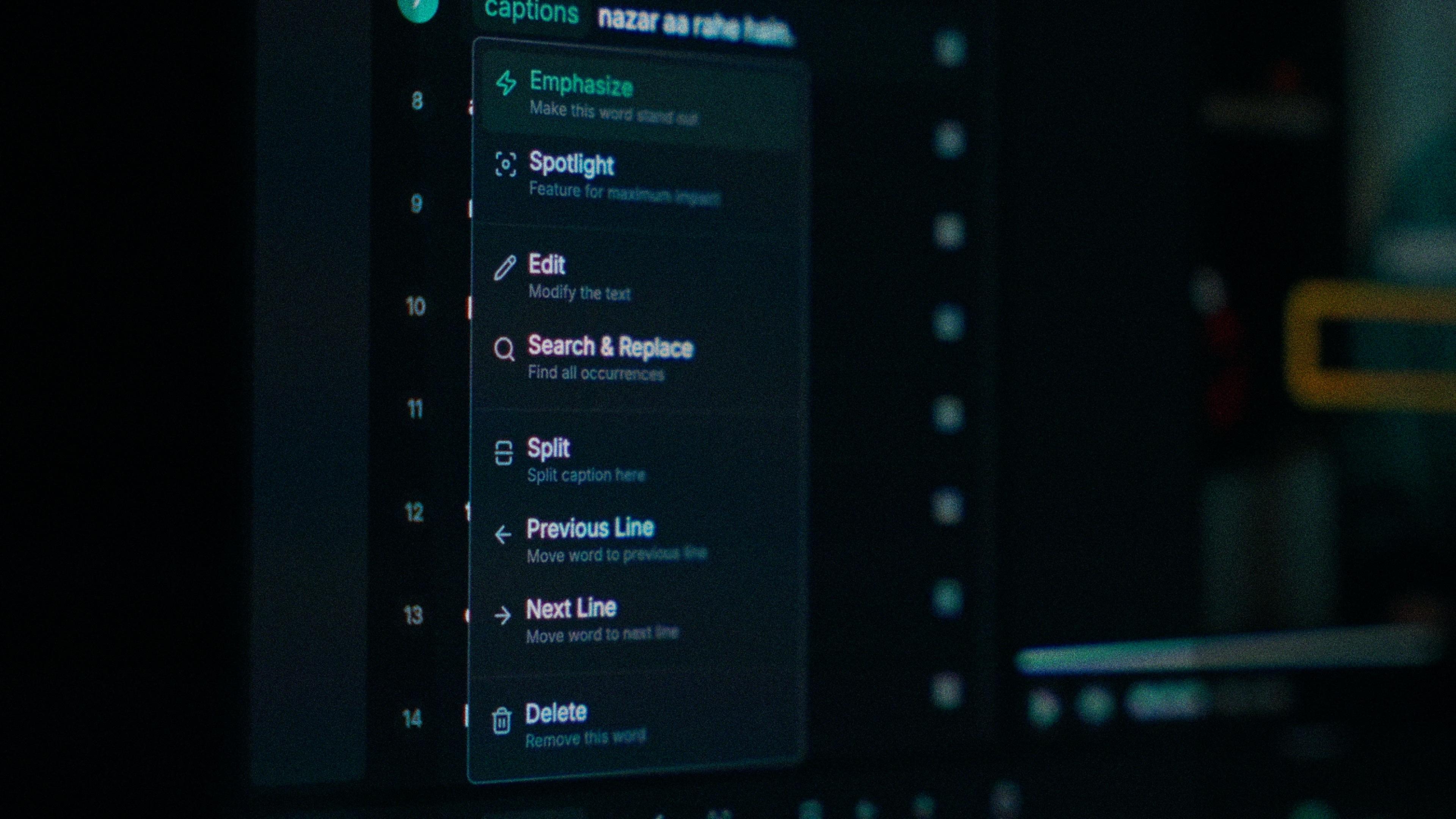
The Persian slip is a written form standing in for a spoken one: "mikhaham" where you said "mikham", or a Tehran pronunciation of a word you said the Afghan way. Every word in Kalakar carries its own timing, so you tap the formal word, type the one you said, and the rest of the line stays put. Find and replace catches the same swap wherever it recurs across the video.

One word of a caption with its menu open: Emphasize, Spotlight, Edit, Search and Replace, Split, move to the previous or next line, Delete

One phone mic in a kitchen. Clean it first.

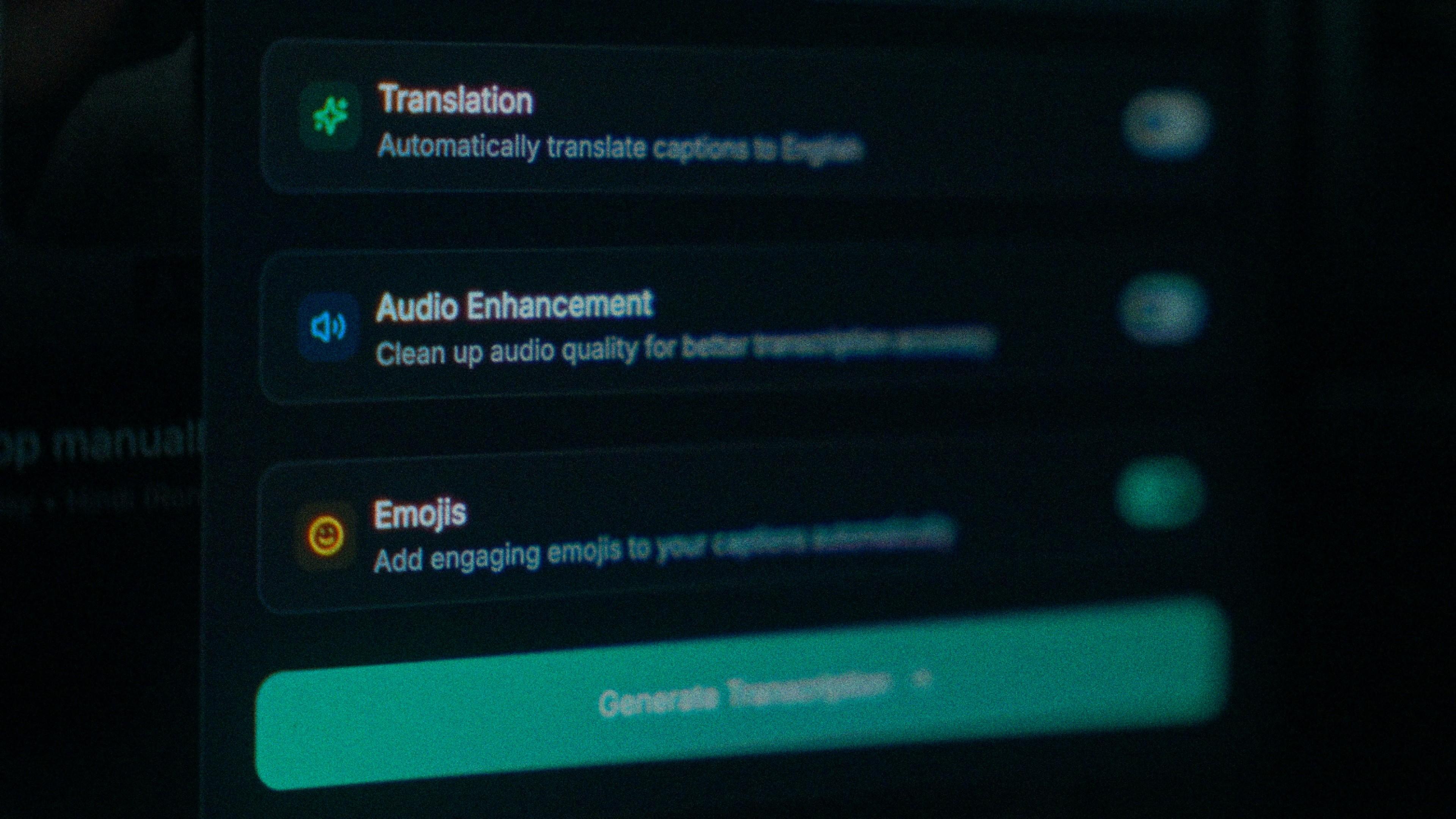
You shot it the way most reels get shot: one mic, a kitchen, no treatment on the room, whether that room is in Tehran, Kabul or a Canadian suburb. Echo pulls accuracy down before a single word is transcribed. Switch on audio enhancement and the transcription runs on cleaned audio instead. On clear audio Kalakar transcribes at up to 97%, and this is the shortest route there from a phone recording.

The Translation, Audio Enhancement and Emojis switches

How to caption Persian in Kalakar

Pick Persian, choose script or Roman, generate, then check the first line long enough to wrap; if that one reads right to left with its joins intact, the rest will. Export a burned-in MP4 for Reels, an SRT or VTT for YouTube, or an alpha render for Premiere Pro and DaVinci Resolve.

  1. Upload your video. Drag an MP4 or MOV into app.kalakar.io. Vertical 9:16 for Reels, Shorts and TikTok, or 16:9 for YouTube; both are supported.
  2. Select Persian as the spoken language. Pick Persian from the language menu. Turn on audio enhancement first if the recording is noisy.
  3. Choose Roman or Native script. Roman gives you Persian in English letters. Native gives you Perso-Arabic. Timings are the same either way.
  4. Edit, style and export. Fix any word in a tap, apply a caption template, then export a burned-in MP4, an SRT or VTT file, or an alpha-channel render for Premiere Pro or DaVinci Resolve.
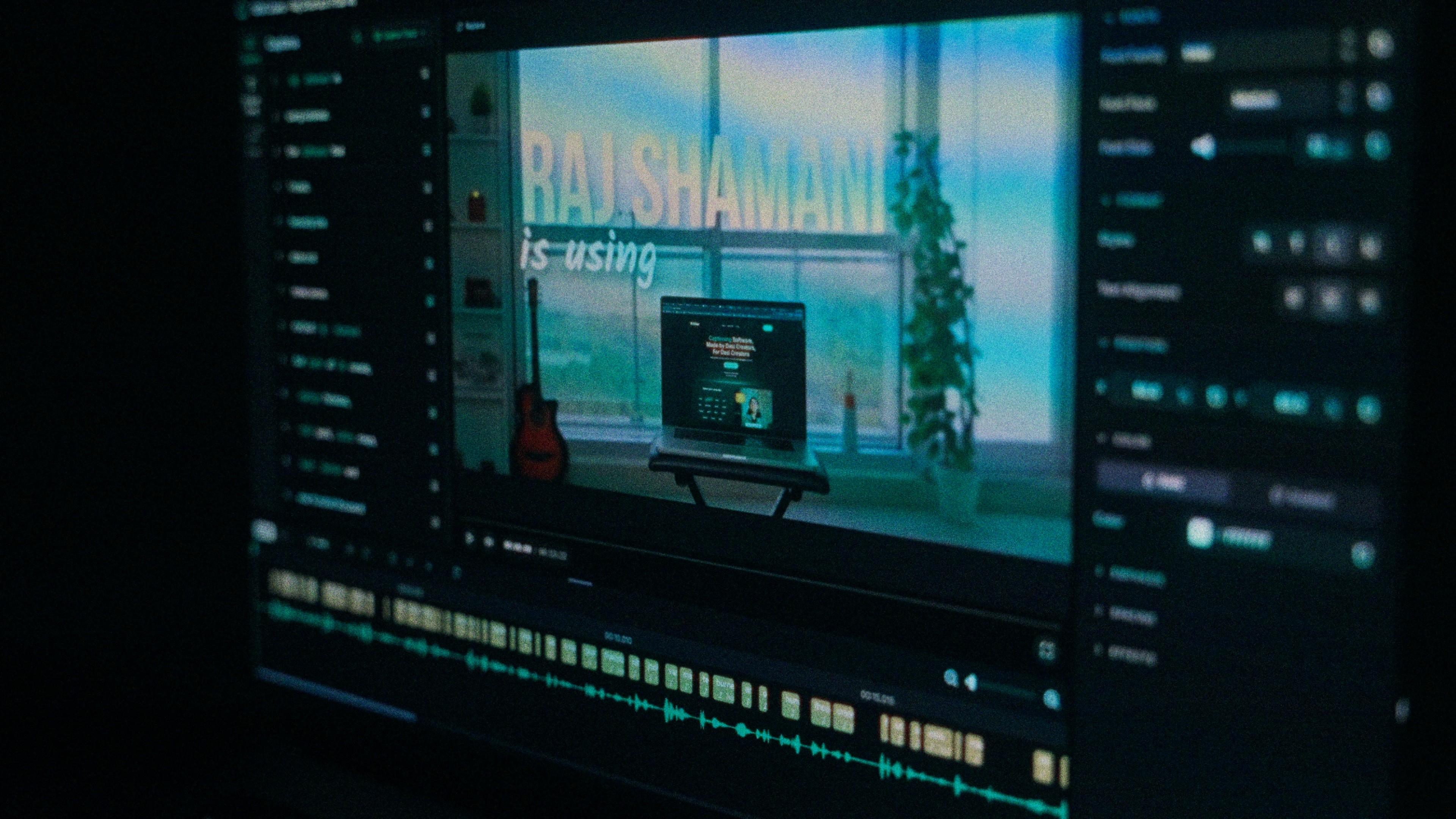
A Kalakar caption render on a Premiere Pro timeline

Persian captions, answered.

See it done once, then do it yourself.

The team's own walkthrough: upload, language, script, templates and export, in one sitting.

Then upload one Persian clip and judge the transcript yourself. Free plan, every language, no watermark on the basic templates.

Also captionedPushtoUrduArabicKashmiriAll 21