Bengali Captioning,
Made by Desi Creators,
For Desi Creators

Accurate Bengali captions, native script or Roman, in seconds

Accurate Bengali captions, native script or Roman, in seconds

Trusted by over 200,000+ Users

4.9

Select your Language

Select your Language

Select your Language

Select your Language

Select your Language

Say it in Bengali. Read it back, word for word.

এই ভিডিওটা শেয়ার করো

Share this video

Dhaka and Kolkata Bengali, both heard properly

Ei product er prize kotoyou said price

Bengali on YouTube and Facebook is full of English: "ei video ta share koro", "link description e ache", product names, prices. Models trained mostly on one side of the border stumble on the other, at exactly its most frequent words. Kalakar's Bengali setting is tuned on speech from both Bangladesh and West Bengal, and it keeps Bengali and Assamese as separate languages instead of guessing from the script.
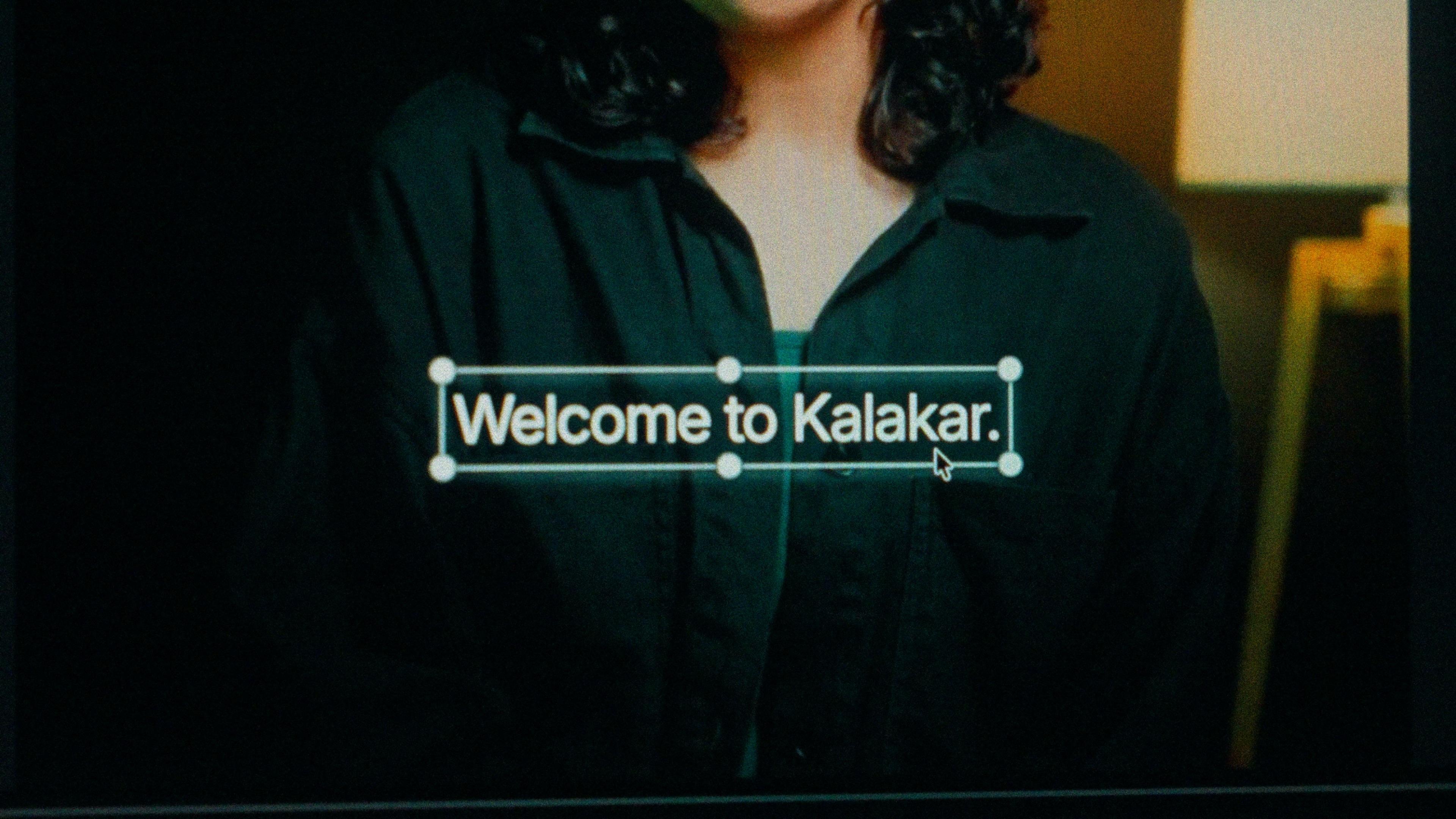
A finished caption selected on the video canvas in Kalakar

Bangla script or Banglish. Your readers already decided.

Bengali readers are loyal to their script, and a large part of your audience, especially in Bangladesh and among older viewers, reads Bangla faster than any transliteration. Pick it for educational content, news commentary, recitation and long-form. Banglish is for fast, casual short-form aimed at under-30 viewers, because it's how they type on Facebook. Both come from one transcription, and the timings carry over untouched.

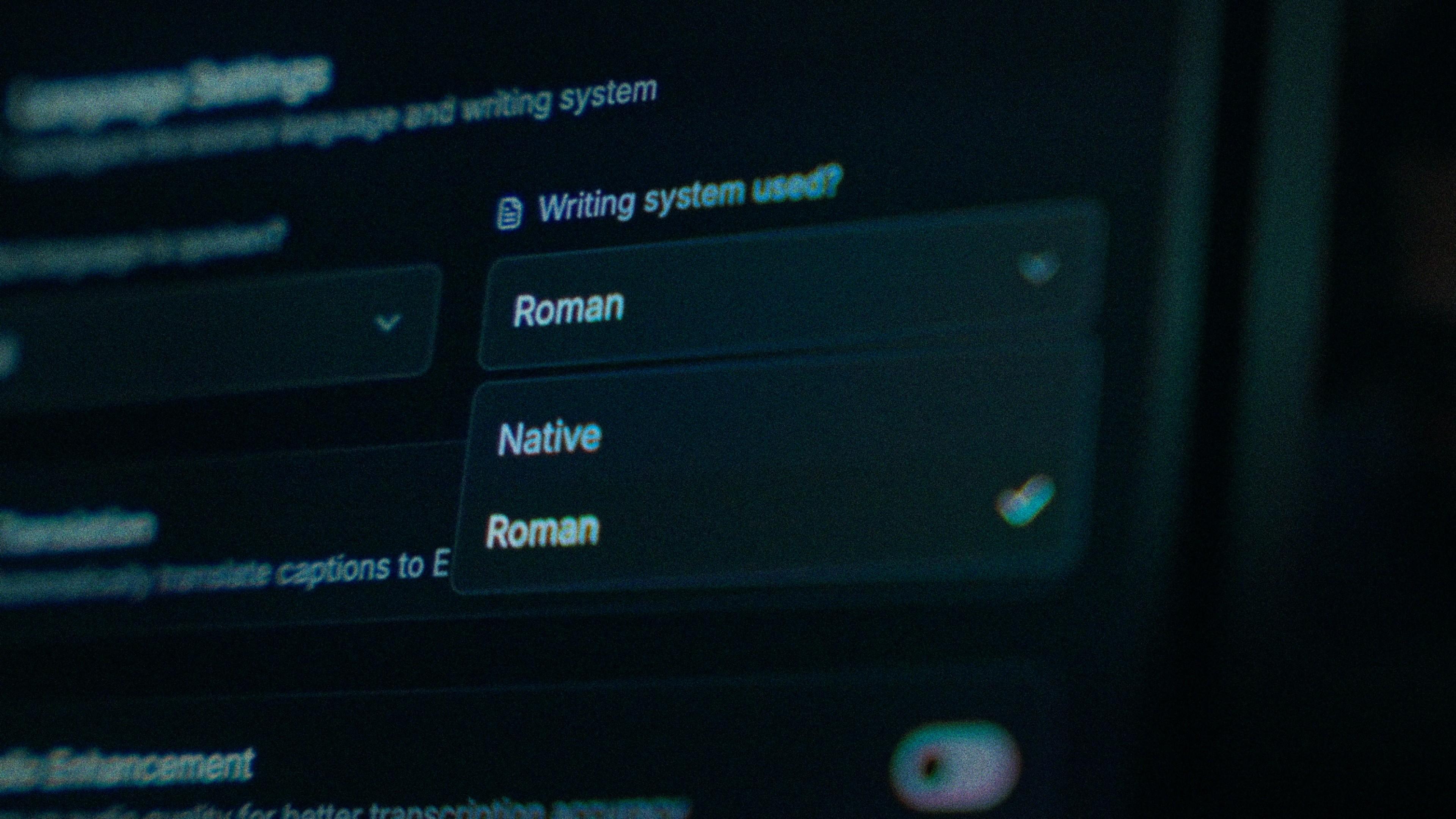
The Writing System setting, offering Native and Roman

Fix the word your side says differently. Once.

Vowel quality shifts across the border and a handful of everyday words are different, so a tool that's excellent on someone else's channel can feel clumsy on yours. When a word slips, tap it and type. Every word in Kalakar carries its own timing, so the correction doesn't shift the line, and the conjuncts stay drawn as single glyphs with no stray hasanta showing.

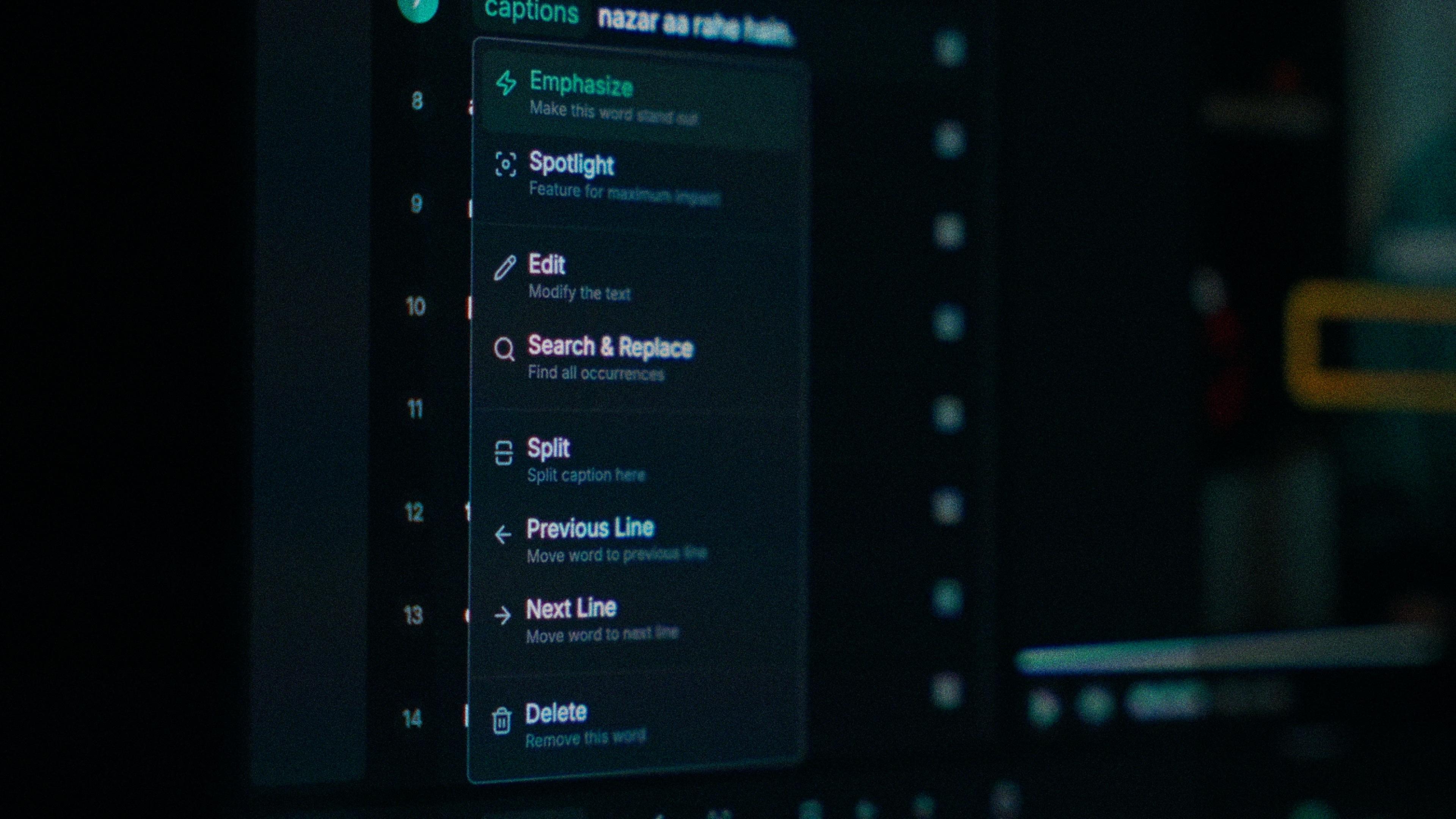
One word of a caption with its menu open: Emphasize, Spotlight, Edit, Search and Replace, Split, move to the previous or next line, Delete

Run enhancement before you generate, not after.

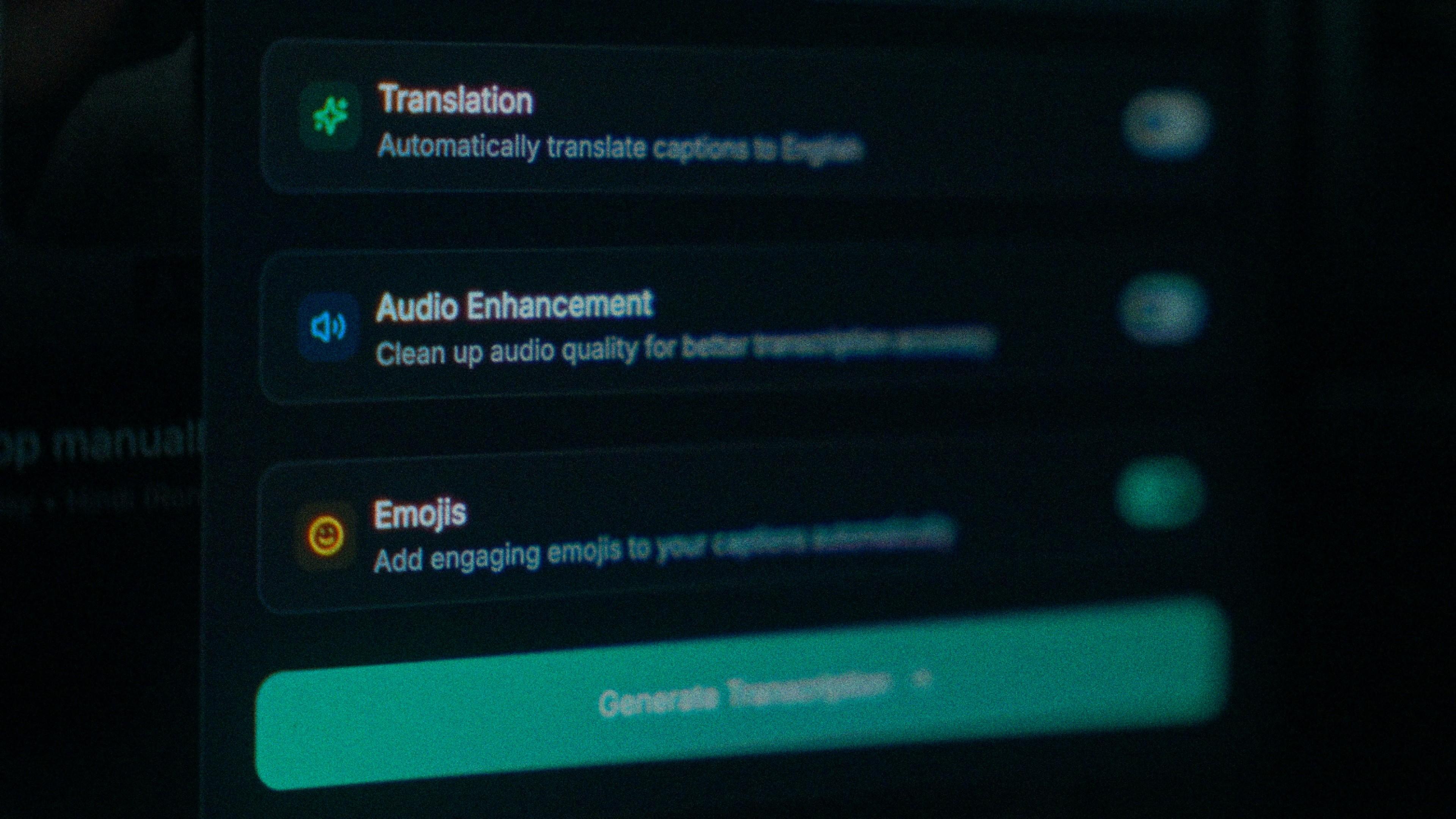
A good mic in a quiet room is the easy case. Most Bengali reviews and commentary aren't recorded that way, and noise costs accuracy before the model hears a word. Turn on audio enhancement first, then generate, so you're not editing a transcript you'll throw away. On clear audio Bengali transcribes at up to 97%, and cleaner audio is how you get nearer to it.

The Translation, Audio Enhancement and Emojis switches

How to caption Bengali in Kalakar

It takes about as long as watching the clip back once, and most of that is the watching. For Facebook, export a burned-in MP4 and upload it, or export an SRT and attach it in the video settings; either way your viewers on mobile data with the sound off get the whole thing.

  1. Upload your video. Drag an MP4 or MOV into app.kalakar.io. Vertical 9:16 for Reels, Shorts and TikTok, or 16:9 for YouTube; both are supported.
  2. Select Bengali as the spoken language. Pick Bengali from the language menu. Turn on audio enhancement first if the recording is noisy.
  3. Choose Roman or Native script. Roman gives you Bengali in English letters. Native gives you Bengali (Bangla) script. Timings are the same either way.
  4. Edit, style and export. Fix any word in a tap, apply a caption template, then export a burned-in MP4, an SRT or VTT file, or an alpha-channel render for Premiere Pro or DaVinci Resolve.
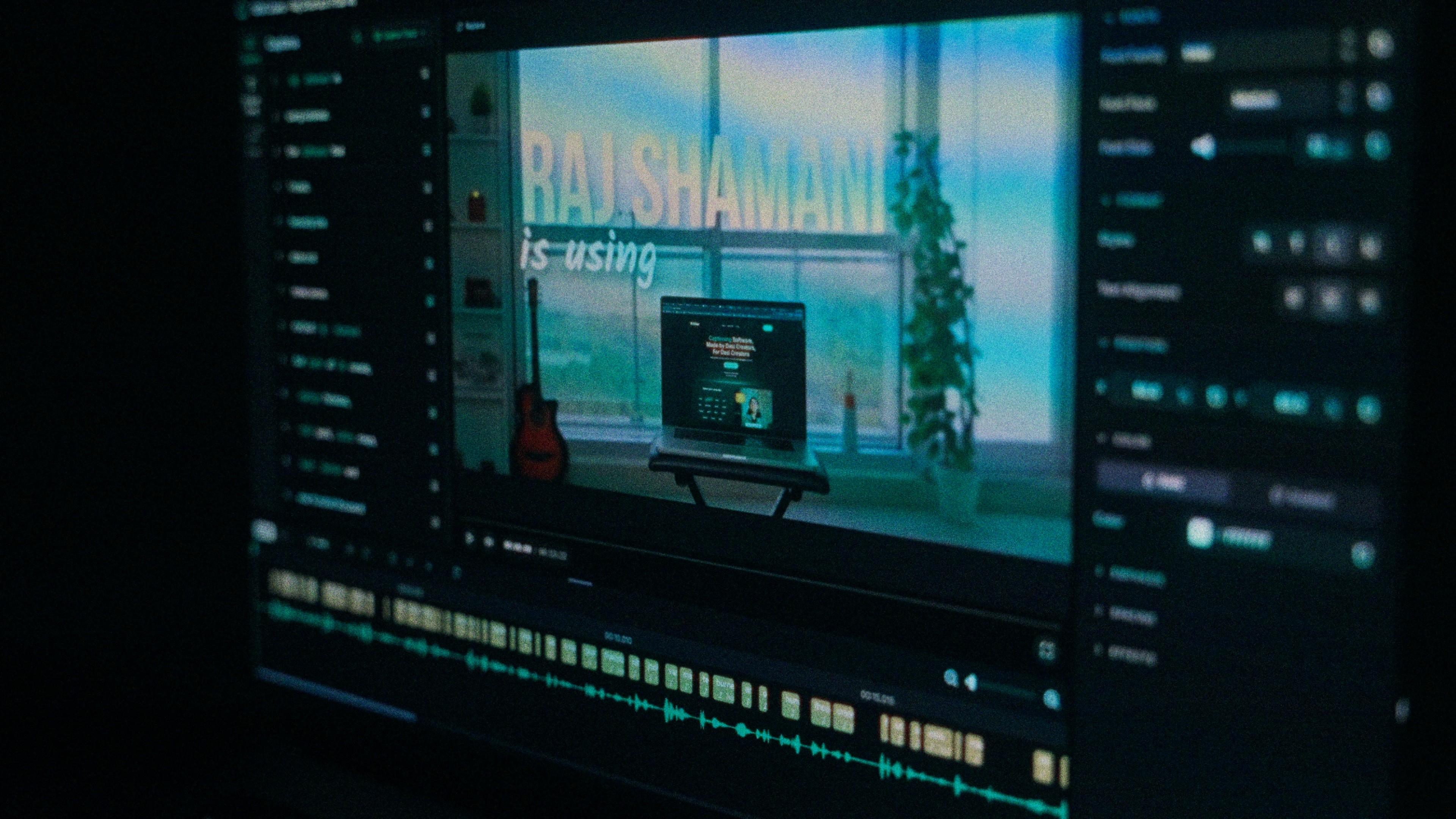
A Kalakar caption render on a Premiere Pro timeline

Bengali captions, answered.

See it done once, then do it yourself.

The team's own walkthrough: upload, language, script, templates and export, in one sitting.

Then upload one Bengali clip and judge the transcript yourself. Free plan, every language, no watermark on the basic templates.

Also captionedAssameseOdiaHindiNepaliAll 21